Most people know to set their profile to private and move on. But the settings that quietly matter most in 2026 usually sit a few menus deeper: who can find you by phone number, whether your posts feed an AI model, what location data rides along with every photo, and which old apps still have access to your account. Default settings on almost every platform are built for engagement, not privacy, and platforms change their menus and policies often, so it’s worth checking these directly rather than assuming they’re set the way you’d want.
Here are the settings people most often miss, and why each one matters.
1. The AI training toggle
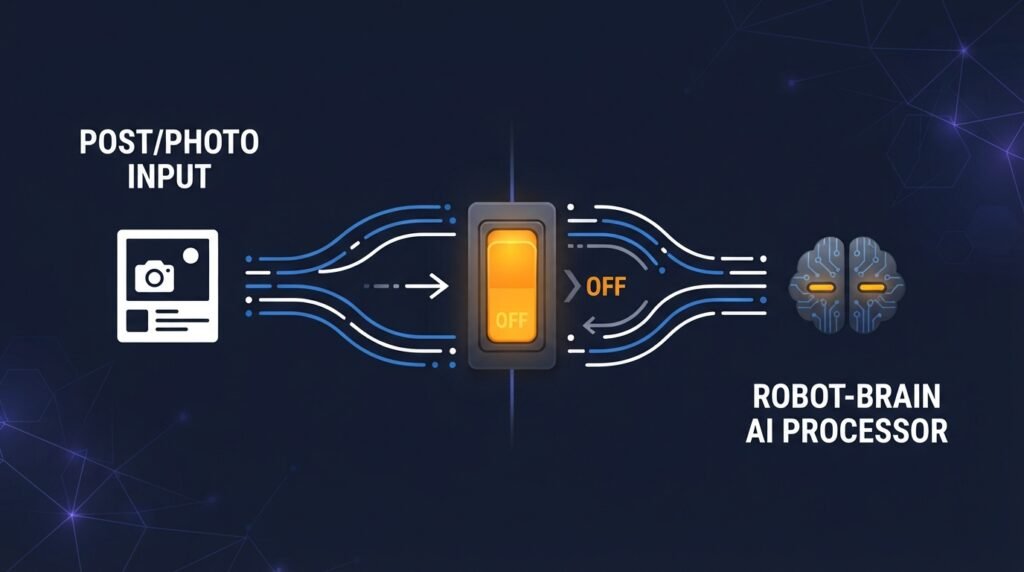
This is the newest and most overlooked setting. Several major platforms use public posts, photos, and comments to train their AI systems, and the controls differ a lot between them:
- LinkedIn has a data-for-AI toggle that, per reporting on its rollout, has been on by default. It’s under Settings & Privacy, then Data privacy, in the section on generative AI improvement.
- X has a setting under Privacy and safety, in the data sharing and personalization section, that covers its Grok chatbot.
- Meta (Facebook and Instagram) offers a formal opt-out mainly to users in the EU and UK. Elsewhere, including the US, the options are more limited, and Meta has said it doesn’t use posts set to private.
- TikTok and Reddit don’t appear to offer an easy opt-out for public posts, so the safest assumption is that public content there may be used.
Two honest caveats. Opting out generally applies going forward and doesn’t undo training that has already happened. And since these policies change, treat any step-by-step guide, including this one, as a starting point and confirm in the app’s current settings.
2. Discoverability by phone number and email
Many platforms let strangers find your account by searching for your phone number or email address, and that’s often turned on by default. It’s how someone who only has your number can connect it to your profile, which is useful for old friends and equally useful for scammers and people doing reconnaissance. Look for a setting called something like “discoverability and contacts” and turn off lookup by phone and email unless you specifically want it.
3. Location data in posts and photos
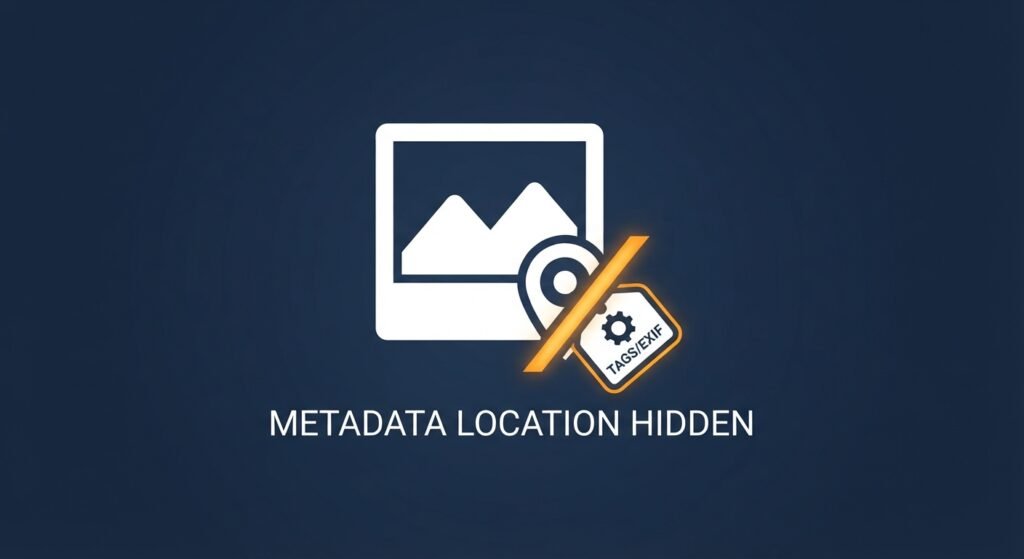
Two separate things are worth checking. First, whether the platform attaches location to your posts (X, for instance, has a setting for location information in posts). Second, whether the photos you upload carry location in their metadata. Some platforms strip it when you upload, but others, and any photo you send directly or post on your own website, may not. As covered in our post on GEOINT, a few visual details plus a location tag are often enough to pin down where a photo was taken, and that works just as well for a stranger as for an investigator. Turn off location tagging for your camera app by default, and post your location after you’ve left, not while you’re there.
4. Your old posts
Changing your default audience only affects future posts on some platforms. Facebook, for example, has an option to limit the audience of past posts in bulk, which many people never touch. If you’ve been on a platform for years, your oldest posts may still be visible to a much wider audience than you’d choose today. Also worth a scroll: tags and photo review settings, which let you approve what appears on your profile when someone else tags you.
5. Ad tracking and off-platform activity
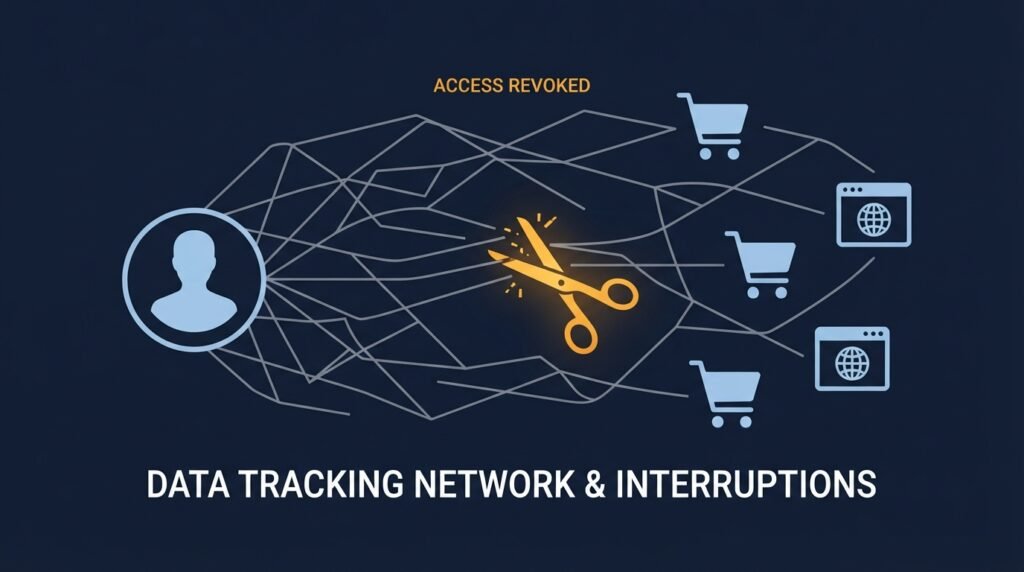
Platforms track more than what you do on them. Facebook, for instance, offers an off-platform activity view showing data that other websites and apps share with it, and lets you clear that history. Ad preference controls let you limit some of the targeting, though not eliminate ads entirely. These settings won’t make you invisible, but they reduce how much of your browsing follows you into your feed.
6. Connected apps and old logins
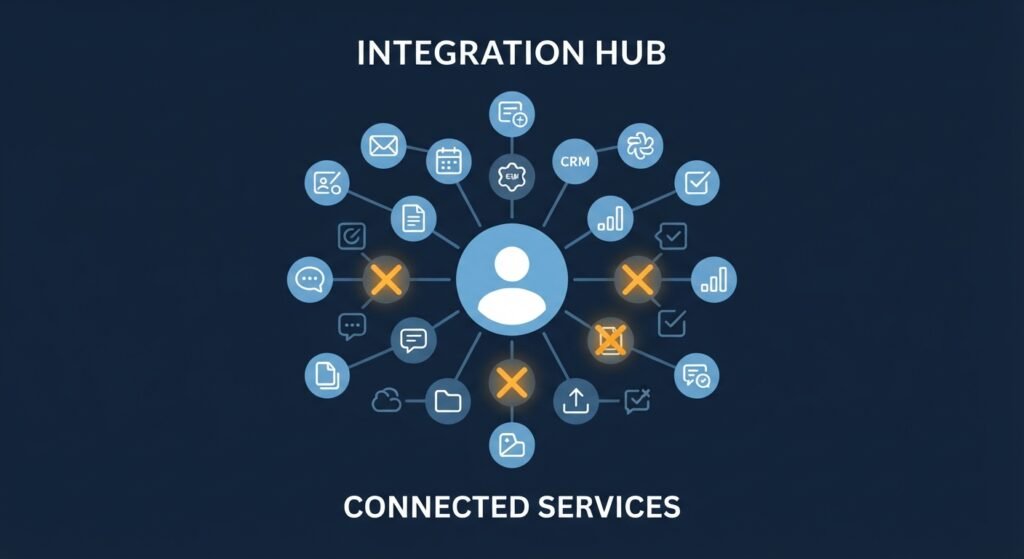
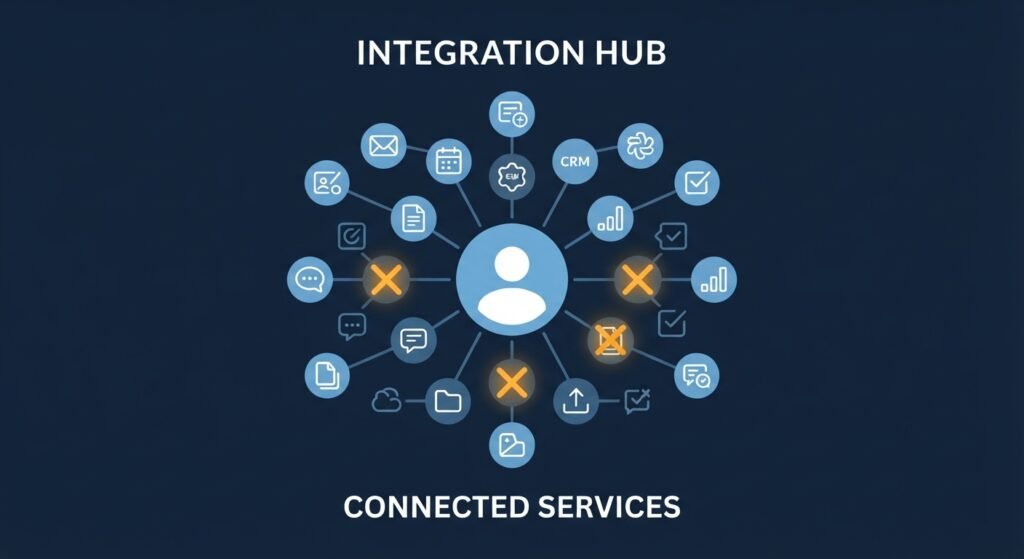
Every time you tapped “log in with Facebook” or “connect your account,” an app may have gained ongoing access to parts of your profile. Most people have a long list of them, many for apps they’ve forgotten. Look for “apps and websites” in your settings and remove anything you don’t recognize or actively use. This overlaps with the account-security habits in our post on signs someone else is using your account, since forgotten connected apps are a common way access outlives your attention.
7. Security settings people skip
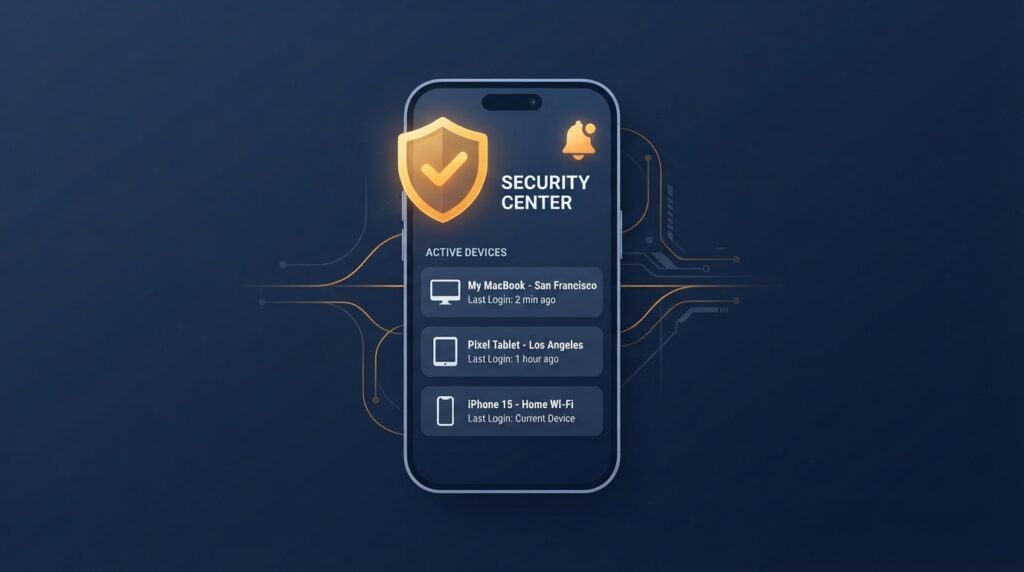
Privacy and security overlap, and a few security settings are worth doing in the same sitting:
- Turn on two-factor authentication, ideally with an authenticator app or a passkey rather than text messages. Our post on passkeys covers why.
- Turn on login alerts so you’re told about sign-ins from new devices.
- Review active sessions and log out of devices you don’t recognize.
8. Download your data to see what’s really there
Most major platforms let you request a copy of your data, and it’s one of the most revealing things you can do. The archive shows what the platform has actually stored, from search history to ad interests to location history, which tends to make the abstract idea of “data collection” concrete very quickly. It’s also the only reliable way to check whether a removal request actually worked.
Why this matters for a business too
Employees’ public profiles are raw material for targeted attacks. Job titles, coworkers, travel plans, and even what tools a company uses often show up on personal and professional profiles, and as covered in our post on how AI is automating OSINT, attackers can research a target and write a convincing phishing message far faster than they used to. A short, shared checklist for staff, covering discoverability, location tagging, and audience settings, is a cheap way to reduce what’s easy to find, and it fits alongside the training items in the Small Business Cybersecurity Risk Checklist.
The bottom line
You don’t need to leave social media to protect your privacy. Spend twenty minutes on the settings above, starting with the AI training toggle, discoverability, location data, and old post audiences, then set a reminder to review them a couple of times a year, since platforms change their defaults and menus regularly. Privacy on these platforms isn’t a setting you flip once, it’s a habit of checking what the defaults have quietly become.
Leave a Reply