
Account takeovers rarely announce themselves. Nobody gets a pop-up saying “someone else is now using your email.” Instead, there’s usually a small trail of clues — a login alert you don’t recognize, a password that suddenly stops working, a friend asking why you sent them a strange link. Most people miss these signs, or explain them away, until the damage is already done.
Here’s what to actually watch for, and what it means when you see it.
Login and access alerts you didn’t trigger
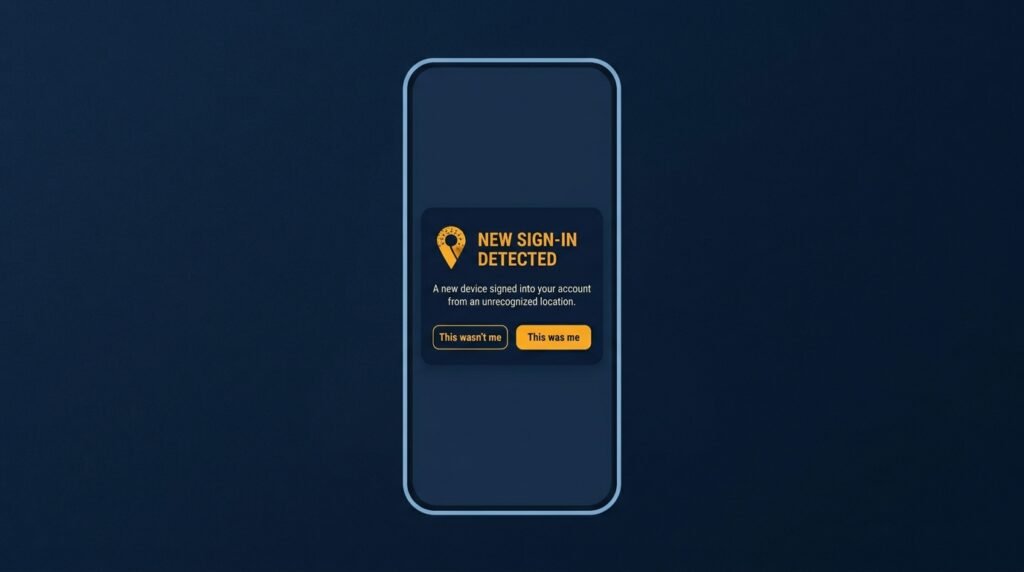
Most major services — email providers, banks, social platforms — send a notification when your account is accessed from a new device, browser, or location. A single alert from a new phone you just bought isn’t unusual. An alert naming a device, browser, or location you don’t recognize at all is one of the clearest signs something is wrong.
What to check: Most platforms have a security or “devices” page (Google’s “Your Devices,” Microsoft’s “My Account,” Apple ID’s device list) showing every session currently signed in. An unfamiliar device on that list, especially in a country you’ve never visited, is not a glitch — it’s a live signal that someone else has access.
A password that suddenly stops working
If a password that worked yesterday is suddenly rejected, and the “forgot password” recovery process doesn’t get you back in either, that’s a strong sign someone else has already changed your credentials. This is one of the clearest markers of a completed account takeover, not just an attempt — it means someone got in and then locked you out on purpose, usually to buy themselves more time before you notice.
What to do: Use the account recovery process immediately, and if the recovery email or phone number has also been changed, most platforms have a separate “account compromised” recovery path specifically for this situation — look for it rather than repeatedly trying the standard reset.
Unrequested two-factor codes or approval prompts
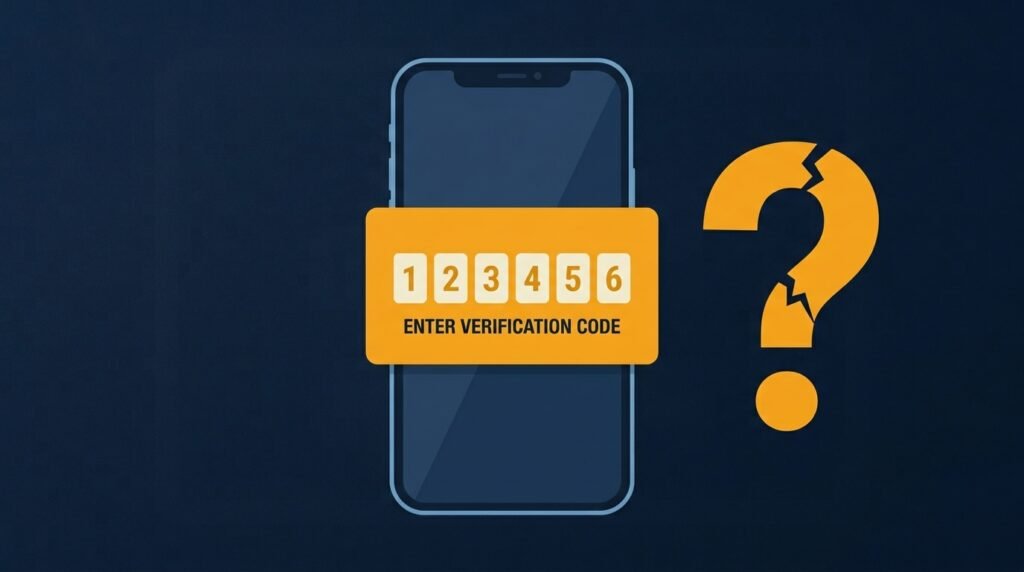
If a two-factor authentication code or a “was this you?” login approval shows up on your phone and you weren’t trying to log in, someone already has your password and is trying to get past the second layer of protection. Some attackers repeatedly send these approval requests hoping you’ll tap “approve” out of habit or annoyance — a tactic sometimes called push-bombing.
What to do: Deny or ignore the request, then immediately change the password for that account from a device you trust. Never approve a login prompt you didn’t initiate, no matter how many times it repeats.
Activity you didn’t do
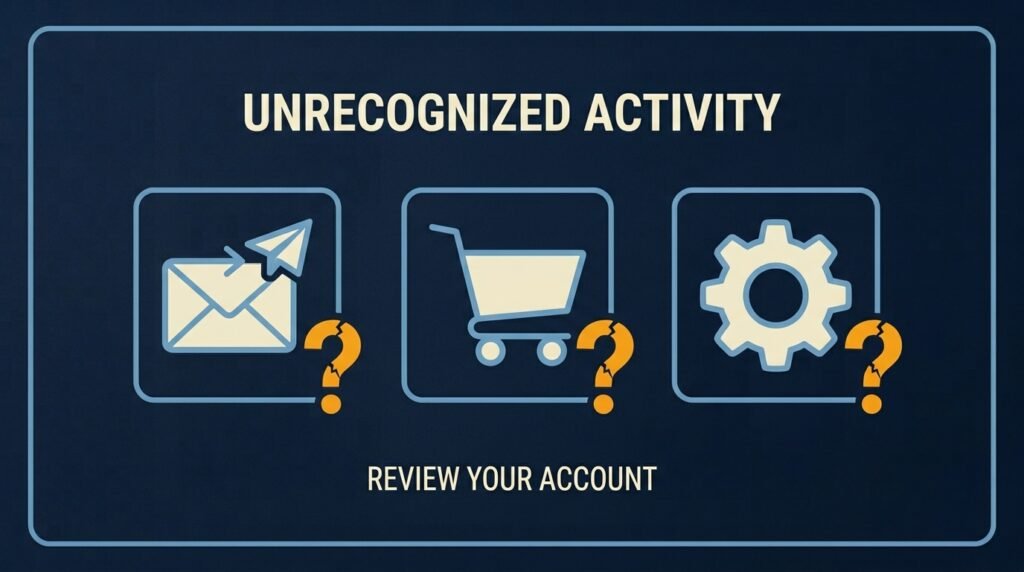
This is often the most reliable evidence of all, because it’s not a warning — it’s proof. Things to look for:
- Sent messages you didn’t write, especially ones asking contacts to click a link or send money.
- Unfamiliar transactions in banking, shopping, or payment apps.
- Emails or messages missing from your inbox, or moved into folders you didn’t create — some attackers hide their tracks by archiving or deleting security alerts.
- New filters, forwarding rules, or auto-replies in your email that you didn’t set up, often used to quietly redirect or copy your incoming mail.
- Security settings changed without your input — two-factor authentication turned off, a new recovery email added, or account permissions altered.
- Installed apps, browser extensions, or connected third-party apps you don’t remember adding.
What to do: Review your sent folder, recent transactions, active sessions, and connected apps directly through each platform’s dashboard — not through a link in an email, in case that email itself isn’t legitimate.
Friends or contacts reporting strange messages “from you”
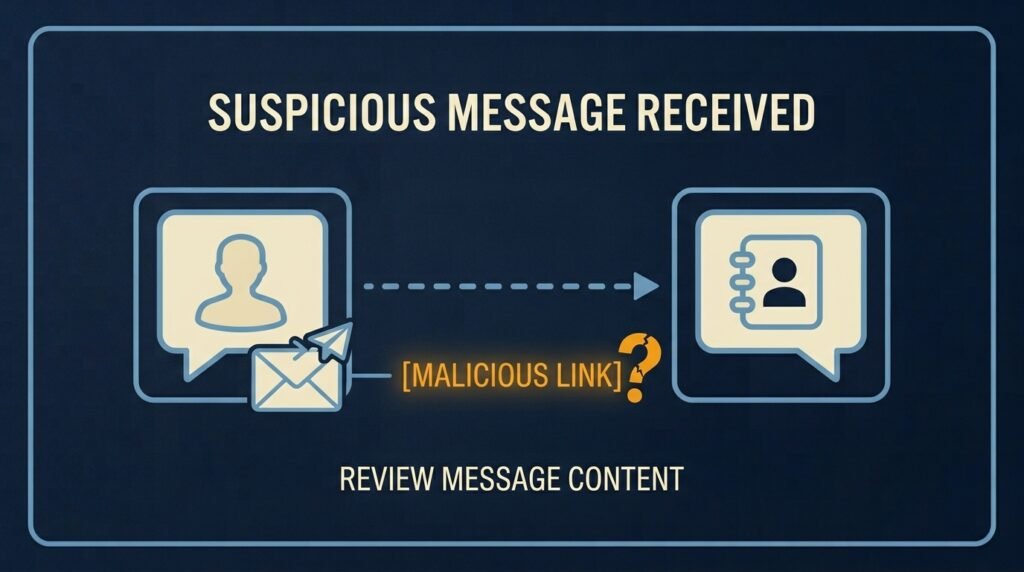
If someone tells you they received a strange message, unexpected link, or an odd request for money from your account, take it seriously even if you can’t see anything wrong yourself. A hacked email or messaging account is frequently used to send phishing attempts to your own contacts, since people are far more likely to trust — and click — something that appears to come from someone they know.
What to do: Check your sent messages and login activity right away, and if you find activity you didn’t do, change your password and warn your contacts not to click anything sent from your account recently.
Unexplained device or performance issues
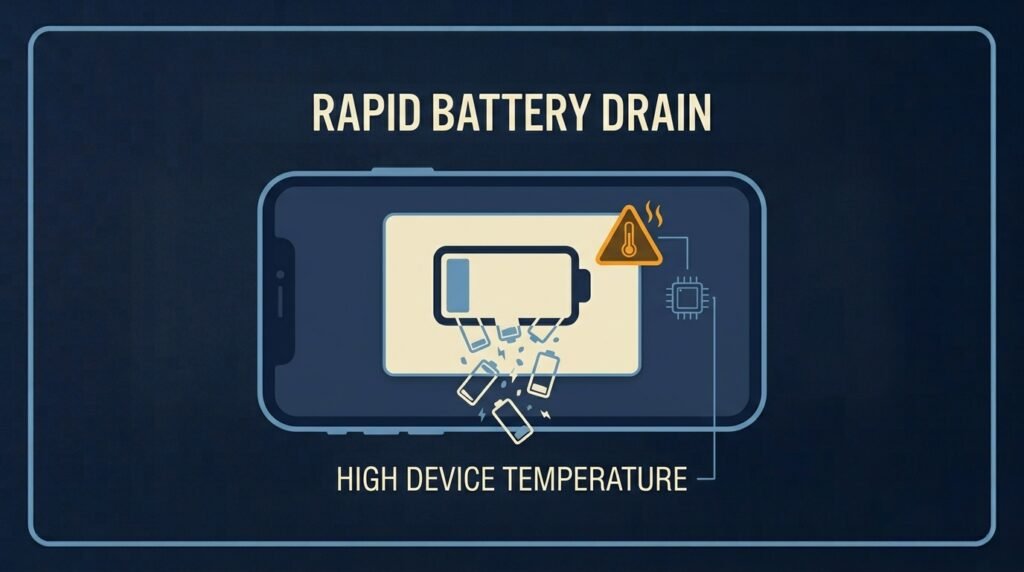
On their own, a slow computer or a phone battery that drains faster than usual doesn’t prove a hack — there are plenty of ordinary explanations. But combined with other signs on this list, unusual device behavior is worth paying attention to: unexpected pop-ups, unfamiliar apps that appeared on their own, higher-than-normal data or phone bills, or a device that seems to be working even when you’re not using it.
What to do: Treat performance issues as a secondary signal, not primary proof. Look for concrete evidence — unfamiliar logins, changed settings, activity you didn’t perform — before assuming a device itself is compromised.
What to do the moment you spot a real sign
- Change the password immediately, from a device you trust, and make it unique to that account.
- Enable multi-factor authentication if it isn’t already on — this is consistently the single control that prevents stolen credentials from turning into a full takeover.
- Review and end unfamiliar active sessions through the platform’s security or devices page.
- Check and remove unfamiliar recovery emails, phone numbers, forwarding rules, or connected apps.
- Warn contacts if the compromised account could have been used to message or email them.
Why this matters for your business
A compromised employee account rarely stays contained to that one person. A hacked email is commonly used to send convincing phishing messages to coworkers or clients, and stolen credentials are frequently reused to try logging into other business systems, since so many people reuse passwords across accounts. Verizon’s ongoing breach research continues to find stolen credentials as one of the most common ways attackers get into business systems in the first place — which is exactly why a single unnoticed account takeover can quietly become a much bigger incident.
The bottom line
Account takeovers leave a trail — a login alert, a password that stopped working, an unrequested code, activity that isn’t yours. None of these signs are dramatic on their own, which is exactly why they’re easy to dismiss. Trusting that instinct and checking your account’s activity directly, rather than assuming it’s nothing, is usually what separates a quickly contained incident from a much bigger one.
Strong, unique passwords and multi-factor authentication remain the two controls that prevent most of this in the first place — both covered in the Small Business Cybersecurity Risk Checklist, if you haven’t already locked those down across your team.
Leave a Reply