
Some of the most damaging data breaches of the last decade didn’t involve a clever exploit, a zero-day vulnerability, or a sophisticated attacker. They involved someone leaving a storage bucket open to the public. Amazon S3 is one of the most widely used cloud storage services in the world, and a misconfigured S3 bucket is still one of the most common, and most preventable, causes of cloud data breaches nearly a decade after the problem first made headlines.
Here’s how these breaches actually happen, what real cases look like, and the specific settings that prevent almost all of them.
What an S3 bucket misconfiguration actually is
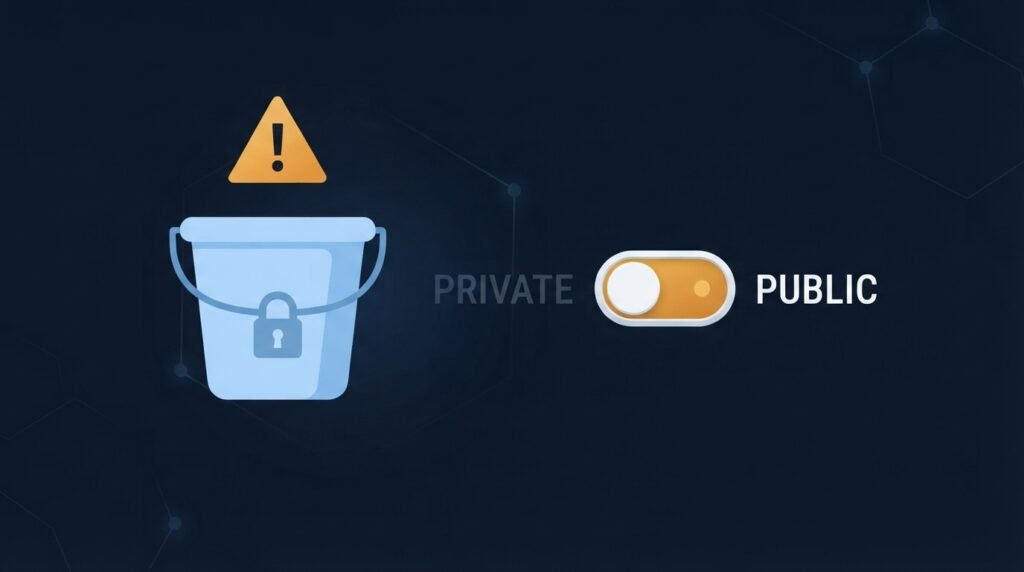
An S3 bucket is a container for files in Amazon’s cloud — customer records, backups, documents, images, application data. A bucket is “misconfigured” when its access settings drift from what was actually intended: a permission set too broadly, a policy that grants access to anyone rather than specific users, or a “public” setting left on for a bucket that was never meant to be public in the first place. Nothing about this requires an attacker to break in. If the bucket is open, the data is simply there for anyone who finds it.
A public bucket isn’t automatically a breach — plenty of buckets legitimately host public website images or downloads. The problem is when a bucket holding sensitive data ends up with the same openness, usually by accident.
Real cases that show the pattern
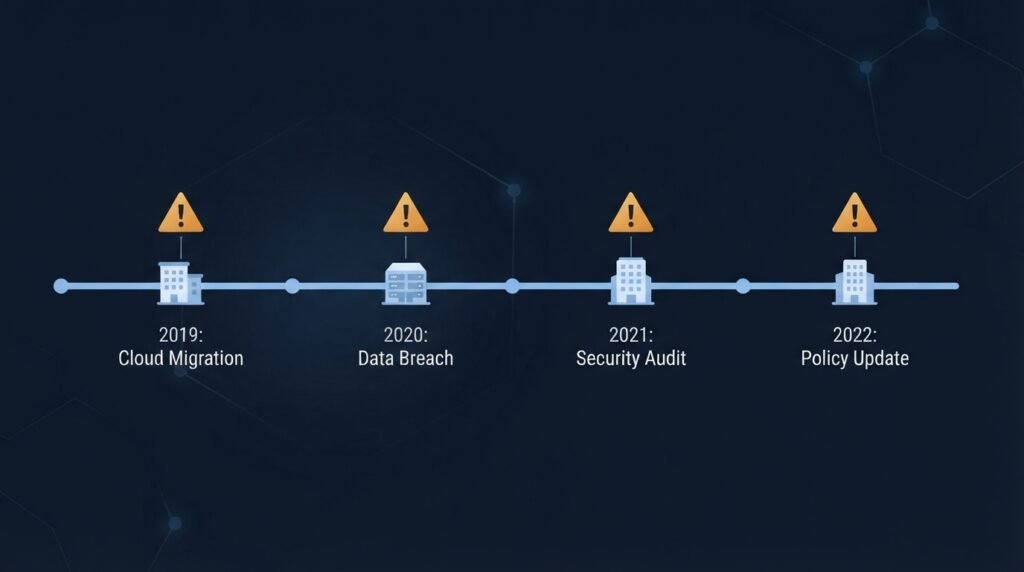
The list of organizations affected spans industries and sizes, which is exactly the point:
- A logistics company and an airline each had storage left accessible without authorization controls, in the airline’s case exposing around 1.5 million files of employee personal information, including photos of ID cards showing full names, occupations, and national ID numbers.
- A now-defunct digital marketing firm, Reindeer, left a bucket public and leaked roughly 50,000 files (32 GB), affecting about 306,000 individuals.
- Attunity, a data-integration company, exposed internal data belonging to Netflix, TD Bank, and Ford in 2019, and the exposure continued for at least a week after a security researcher’s attempt to notify them went unanswered.
- A US healthcare provider in 2025 saw a single misconfigured cloud storage bucket expose millions of patient records — and the exposure reportedly went undetected for weeks, long enough for automated scanners to copy and index the data before the organization was even alerted.
A related but slightly different case worth understanding is the 2019 Capital One breach, which exposed data on roughly 106 million customers. That one traced back to an over-permissioned identity role connected to a misconfigured web application firewall, which an attacker used to reach data stored in S3. It’s a useful reminder that “misconfiguration” isn’t only about a bucket set to public — overly broad permissions on the accounts and roles that can reach a bucket create the same exposure through a side door.
Why this keeps happening

If this is such a well-known problem, why does it persist? A few consistent patterns explain most cases:
- The “shared responsibility” gap. Cloud providers secure the underlying infrastructure, but what you put on it, and how you configure access to it, is entirely the customer’s responsibility. Most people know this in theory and underestimate it in practice.
- Convenience creep. A common pattern: a developer creates a bucket for static website assets and makes it public so a content delivery network can serve it, then reuses that same bucket or configuration pattern later for internal data.
- Configuration drift. A bucket that was secure on the day it was created can become exposed later through a policy change, a new integration, or a well-meaning permission tweak — sometimes the very day after a security audit.
- No detection layer. Every major S3 breach of the last decade shares three ingredients: a bucket that was public, no logging or monitoring to catch it, and a delay of weeks to years before anyone noticed. If an exposed bucket can be found by an automated scanner, the real failure is often that nothing on the inside noticed first.
- Speed of discovery. Automated scanning of the internet for open cloud storage runs constantly. Security researchers describe exposed buckets being discovered and copied within hours of being opened, not weeks.
The settings that actually prevent this
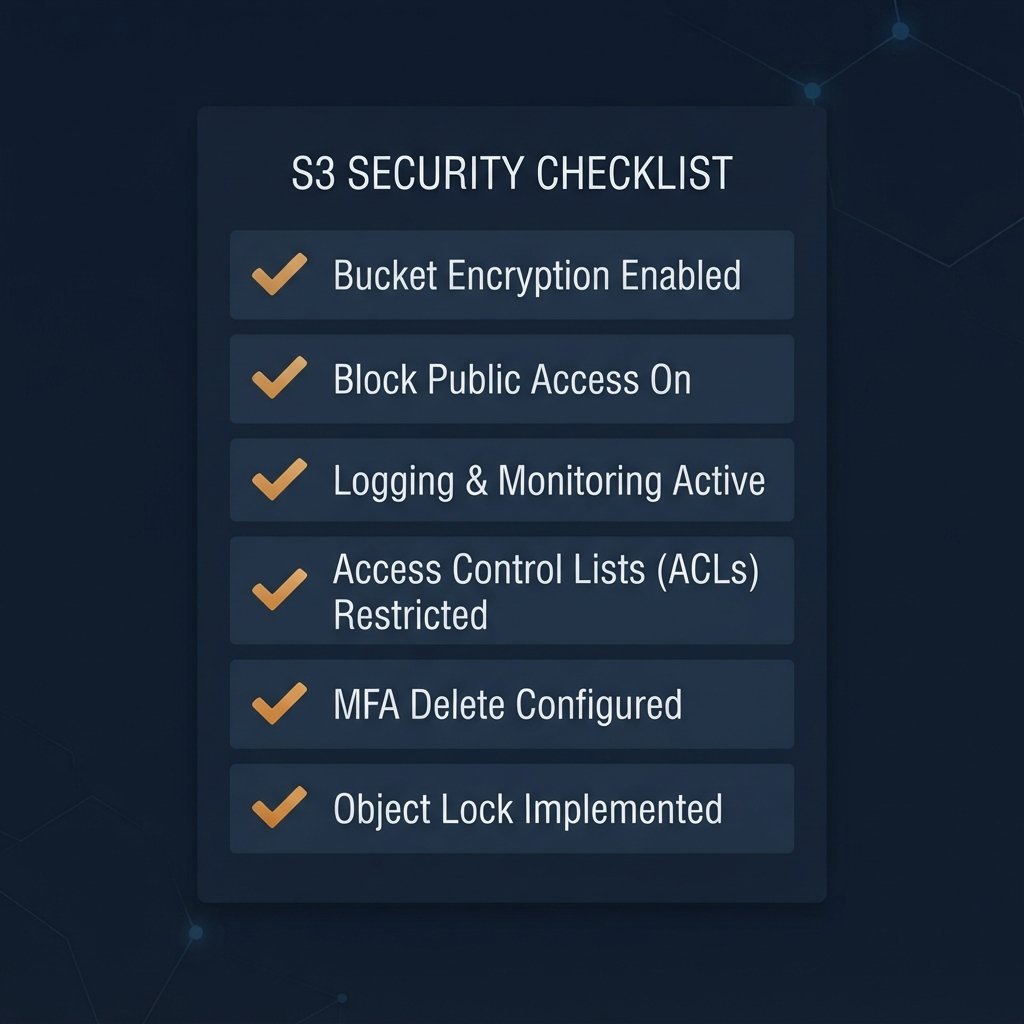
The good news is that prevention is well understood, and most of it is a matter of turning on protections AWS already provides:
- Enable Block Public Access at the account level, not just per bucket. This acts as a safety net that overrides individual bucket settings, so a mistake on one bucket can’t accidentally make it public.
- Apply least privilege everywhere. Give each user, application, and role access only to the specific buckets and actions it actually needs, and avoid wildcard permissions that grant far more than intended.
- Separate public and private data. Keep public website assets in different buckets from anything sensitive, so a permission mistake on one can’t expose the other.
- Turn on logging and versioning. Server access logs and activity logging give you a record of who accessed what, and versioning lets you recover from accidental changes or deletions.
- Encrypt data at rest and in transit. Encryption is a useful layer, but it isn’t a substitute for access control: if an identity has both access to the data and the permission to decrypt it, encryption alone won’t stop misuse.
- Monitor continuously, not just at audit time. Automated configuration checks that flag a bucket turning public shortly after the change, and ideally flip it back automatically, close the gap between a mistake happening and someone finding out.
- Document a business reason for every public bucket, and limit who is allowed to change bucket permissions in the first place.
What this means if you’re a small business, not an enterprise
You don’t need to run a large cloud environment for this to matter. Plenty of small businesses use S3 indirectly — through a website builder, a backup tool, or an app a contractor set up — without ever opening the AWS console themselves. A few practical questions are worth asking whoever manages your systems:
- Do we have any cloud storage that holds customer data or business records, and who set it up?
- Is anything in it publicly accessible, and if so, is there a documented reason?
- Is there logging or an alert that would tell us if that changed?
- Who has permission to change these settings?
If nobody can answer those questions, that’s the finding — and it’s a cheap one to fix compared with what an exposure costs. As covered in our post on the real cost of a data breach, even a small incident can run into tens of thousands of dollars, and regulated data like health or payment information adds breach notification requirements and potential fines on top.
The bottom line
S3 misconfiguration breaches aren’t a story about sophisticated attackers. They’re a story about a setting left open, no alarm to notice it, and a scanner that found it first. The fix is largely unglamorous: block public access by default, grant the minimum permissions needed, separate public from private data, and monitor for drift so a mistake gets caught in minutes rather than months.
This connects directly to the least-privilege thinking behind Zero Trust, covered in our post on the 5 pillars of a Zero Trust framework (the Data and Applications pillars especially), and to the access-control and network-security fundamentals in the Small Business Cybersecurity Risk Checklist.
Leave a Reply