If you’ve ever hesitated before connecting to the Wi-Fi at a coffee shop, hotel, or airport, you’ve probably heard some version of the same warning: don’t do it, someone could see everything you’re doing. That advice made a lot of sense a decade ago. Today, it’s mostly outdated — but “mostly” is doing real work in that sentence, and the risks that remain are worth understanding, especially if you’re checking work email or logging into business accounts while you’re out.
Here’s what’s actually true about public Wi-Fi in 2026, and what’s just an old scare story that’s stuck around.
Why the old warning is mostly outdated
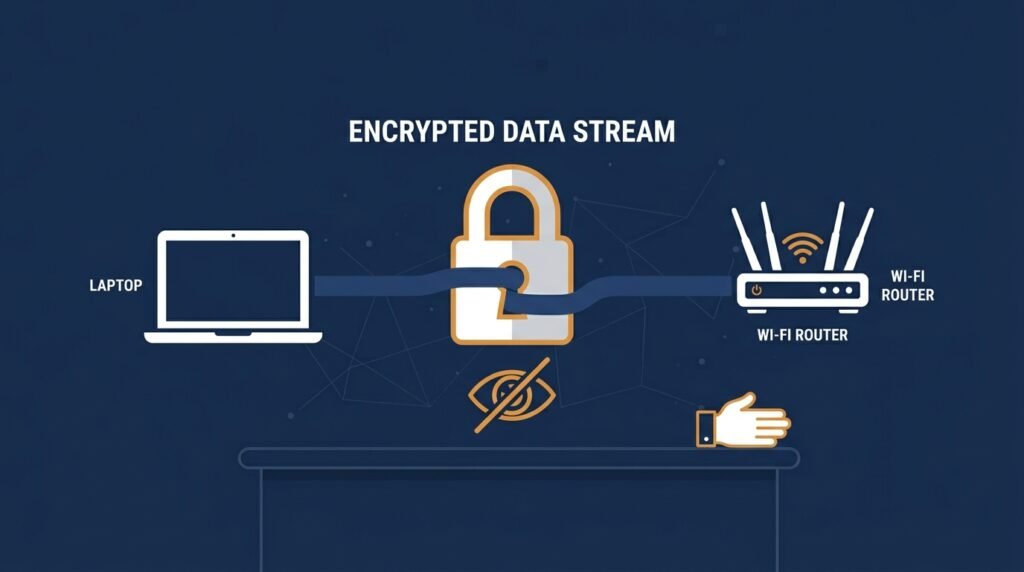
The classic fear — that someone sitting nearby could casually “sniff” your password or read your email over public Wi-Fi — was genuinely true in the early 2010s, when most websites didn’t encrypt their traffic. Back then, a person with basic tools and no special skill could watch what you typed on the same network.
That era is largely over. The vast majority of web traffic today is encrypted with HTTPS, meaning the content of what you send and receive — your password, your bank balance, your messages — is protected in transit, even on an open network. A stranger on the same coffee shop Wi-Fi generally can’t just read your Gmail or see your card number by sitting nearby anymore. That’s real, meaningful progress, and it’s worth knowing so you’re not making decisions based on a threat that mostly doesn’t exist in its old form.
What’s actually still risky
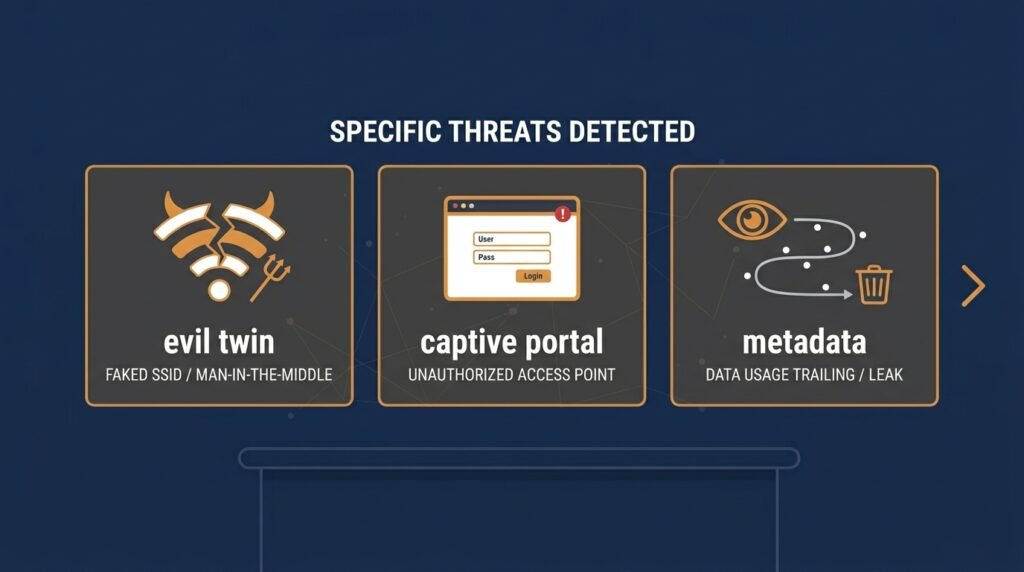
The risks didn’t disappear, they moved. A few specific threats remain very real on public networks:
- Evil twin networks. An attacker sets up a fake hotspot with a name nearly identical to the real one — “Airport_Free_WiFi” instead of “Airport-WiFi,” for example — often with a stronger signal, so your device connects to it instead of the legitimate network. Once you’re on their network, they control what you see.
- Malicious captive portals. That login page asking you to “accept terms” or enter your email to get online isn’t always legitimate. A fake version can be used to harvest credentials or push malware, especially if it asks for something a real captive portal wouldn’t, like a password to an actual account.
- Metadata and activity exposure. Even with encrypted content, someone on the same network can often still see which sites and services you’re connecting to, how often, and for how long — not what you typed, but a surprisingly revealing outline of your activity.
- Auto-reconnect behavior. Phones and laptops that automatically reconnect to previously used network names can be tricked into joining a fake network that simply copies a name your device has seen before.
- Unpatched devices. None of the above requires much sophistication if the device itself is running outdated software with known vulnerabilities that can be exploited over any shared network.
Should you use a VPN?
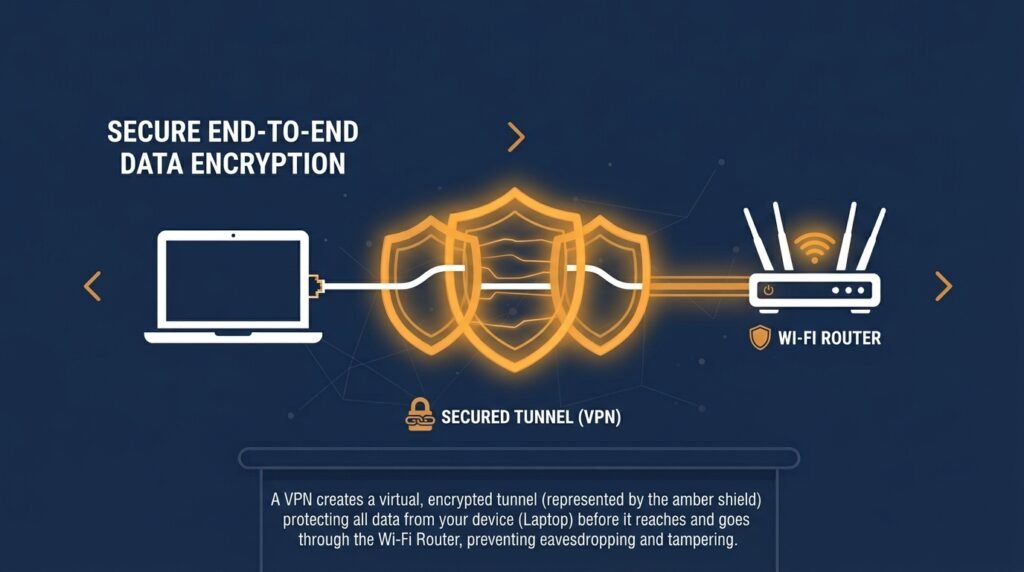
This is genuinely more nuanced than most advice makes it sound. A VPN encrypts your connection before it leaves your device, which protects you from evil twin attacks, hides your activity from others on the network, and adds a layer of protection captive portals can’t easily bypass. For anything sensitive — business email, financial accounts, client data — that’s a meaningful benefit, especially on hotel networks, which security researchers have flagged for years as a target for more sophisticated, targeted attacks against business travelers.
That said, a VPN isn’t magic, and a bad one can be worse than none at all. A free VPN often makes money by logging and selling your browsing activity — the exact thing you were trying to avoid. If you use one, choose a reputable, paid provider with an independently audited no-logging policy, rather than the first free option in an app store.
Practical habits that actually help
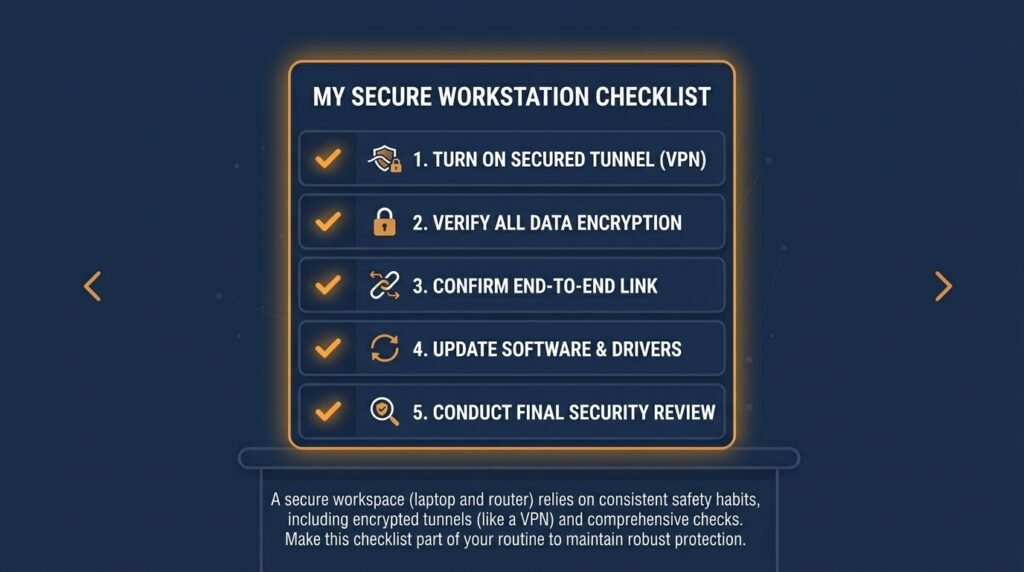
- Confirm the network name with staff before connecting, rather than picking whichever option looks closest to correct.
- Choose the secured (WPA2/WPA3) network over an open one, if a venue offers both — an authenticated network is meaningfully harder to passively attack than a fully open one.
- Turn off auto-connect for Wi-Fi so your device isn’t silently joining networks on your behalf.
- Watch for certificate warnings. If your browser warns that a site’s certificate is invalid or the connection isn’t private, don’t click through — that’s one of the clearest signs something is wrong.
- Avoid entering account passwords into a captive portal page. Legitimate ones typically use a room number or access code, not your actual account credentials.
- Hold off on software updates and app downloads until you’re on a trusted network, since installers are a common way to slip in malware.
- For anything sensitive, use your phone’s mobile hotspot instead of unfamiliar public Wi-Fi — it sidesteps most of these risks entirely.
What this means for your business
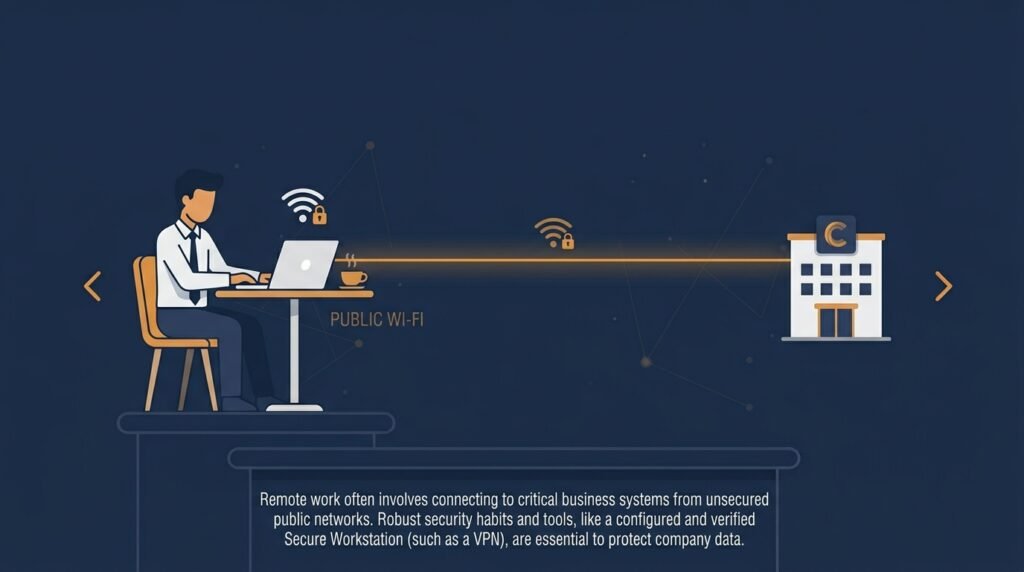
If employees ever check work email, log into business tools, or access client data from airports, hotels, or cafés, it’s worth setting a simple expectation rather than leaving it to individual judgment: use a reputable VPN for business-related activity on any network you don’t control, avoid entering business credentials into unfamiliar login pages, and keep work devices updated so they’re not carrying old vulnerabilities into public spaces.
The bottom line
Public Wi-Fi in 2026 isn’t the wide-open risk it was a decade ago — HTTPS closed the most dramatic version of that threat. But it isn’t risk-free either. Evil twin networks, fake login pages, and activity tracking are real, current threats that specifically target people who assume the old warnings no longer apply at all. A few basic habits, and a VPN for anything sensitive, cover almost all of what’s left.
This kind of network awareness is part of the same territory covered in the Small Business Cybersecurity Risk Checklist — worth a look if you haven’t yet set clear expectations for how your team connects when they’re working outside the office.
Leave a Reply