Business email compromise, or BEC, doesn’t look like the phishing attempts most people picture. There’s no obvious virus, no scary pop-up, no broken English. It’s an email that looks completely normal — from your CEO, your vendor, or your title company — asking you to do something you’d do anyway: pay an invoice, update a payment account, send a wire. That’s what makes it one of the most financially damaging scams a small business can face.
The FBI’s Internet Crime Complaint Center has tracked more than $55 billion in global losses from BEC scams over the past decade, and the average loss per incident has climbed sharply — from roughly $75,000 in 2019 to well over $130,000 today. This isn’t a scam that only targets large corporations, either; small businesses are frequent targets specifically because they tend to have fewer controls in place to catch it.
How a BEC scam actually works
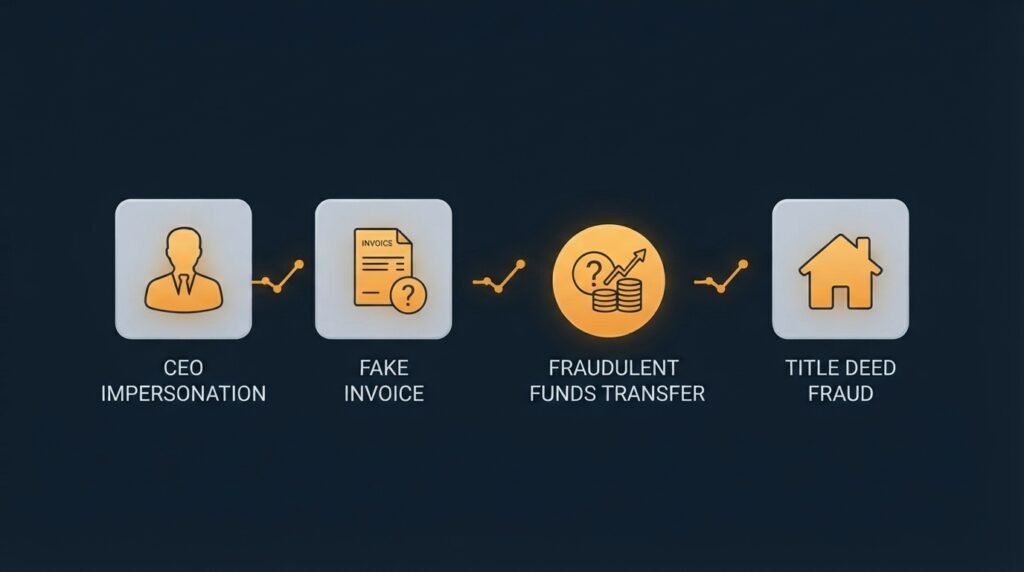
There’s no single script, but most BEC scams fall into a handful of recognizable scenarios, closely mirroring examples the FBI itself has documented:
- Executive impersonation. An email appears to come from your CEO or a senior leader, often marked urgent, asking someone in finance or operations to make a payment, buy gift cards, or share sensitive information quickly.
- Vendor or invoice fraud. An email claims to be from a supplier you already work with, informing you that their payment details have changed and asking you to update your records before the next payment.
- Real estate and title fraud. A homebuyer or business receives what looks like a message from their title company or attorney, with new wiring instructions for a transaction already in progress.
- Payroll diversion. An email impersonating an employee asks HR to redirect their direct deposit to a new bank account.
Why these emails are so convincing
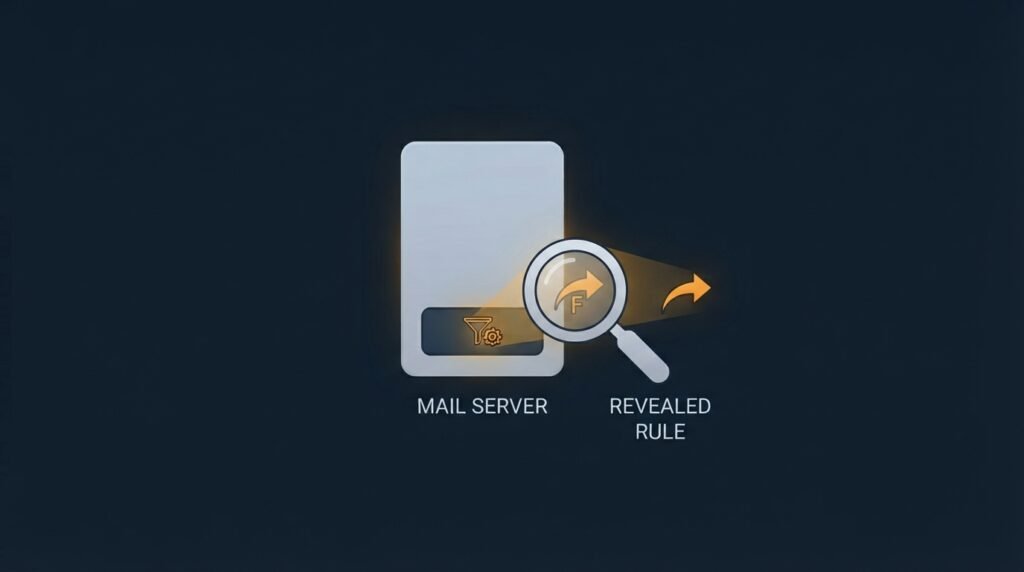
The most dangerous version of BEC isn’t a spoofed email at all — it’s a genuinely compromised mailbox. Once an attacker gains access to a real inbox, often through a phishing link or stolen password, they don’t need to fake anything. They can read past conversations, match the real tone and formatting, and reply from the actual account. Security researchers have documented attackers using this access to quietly set up forwarding rules, delete security alerts, and even register their own two-factor authentication method on the account — all specifically to maintain access and avoid detection while they wait for the right moment to strike.
This is also why BEC has become harder to catch with normal security tools: from the recipient’s perspective, the email genuinely is coming from the real sender, not an impersonation of one.
The warning signs to watch for
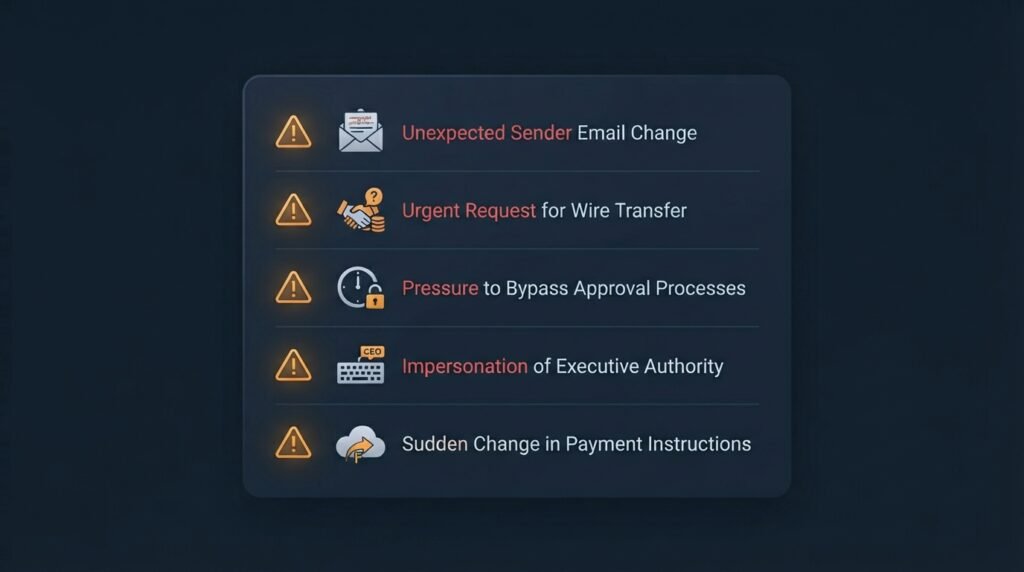
- Urgency and pressure to bypass normal process. Requests to act “immediately,” “quietly,” or “before end of day,” especially ones asking you to skip a usual approval step, are a deliberate tactic to prevent you from stopping to verify.
- A request to change payment details. Any message asking you to update a vendor’s, employee’s, or partner’s banking information should be treated as suspicious by default, not convenient.
- A slightly off email address or reply-to. Look closely — attackers often use a domain that’s one letter different, or set a reply-to address that doesn’t match the sender shown.
- Unusual requests from a familiar name. A CEO asking an employee they rarely interact with directly to buy gift cards, or a vendor suddenly asking for payment through an unfamiliar method, breaks from normal patterns worth questioning.
- Secrecy. Legitimate financial requests rarely need to be kept confidential from colleagues who would normally be looped in.
- New forwarding rules or missing messages, if you have access to check — a common sign an account itself has been compromised rather than just impersonated.
What to actually do
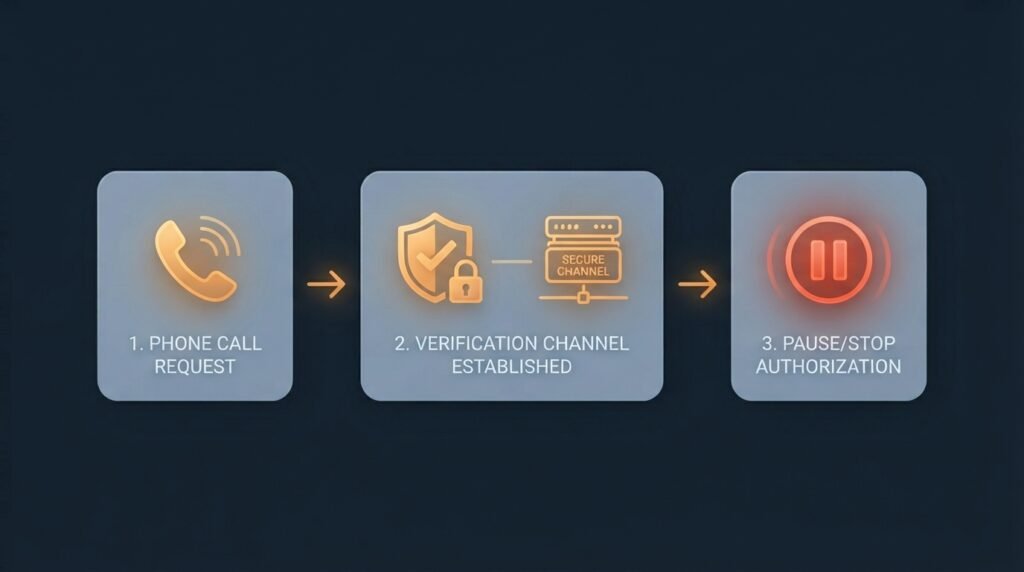
- Verify through a separate channel, every time. Call the person or vendor using a phone number you already have on file — never one provided in the email itself — before acting on any payment or account change request.
- Slow down on urgency. A legitimate request can wait for a phone call. Treat pressure to move fast as a signal to double-check, not a reason to skip it.
- Confirm payment changes verbally. Any change to banking details for an existing vendor or employee should be confirmed by phone before it’s updated anywhere.
- Report it immediately if you’ve already sent a payment. Contact your bank right away to request a wire recall, then file a report with the FBI’s IC3 (ic3.gov) — funds have a real chance of being frozen if reported within the first 24 hours.
- Check for account compromise, not just impersonation, if the email came from a real internal or partner account — that means changing the password, enabling multi-factor authentication, and reviewing for unfamiliar forwarding rules or new MFA devices.
The bottom line
BEC scams succeed by exploiting trust and normal business process, not technical weaknesses — which is exactly why they slip past spam filters and antivirus software that catch other threats. A verification habit that doesn’t bend under urgency — a phone call to a known number before any payment or account change goes through — stops the vast majority of these attempts, no matter how convincing the email looks.
This same “verify before you act” discipline is part of the employee training and access-control fundamentals covered in the Small Business Cybersecurity Risk Checklist, worth revisiting if your team hasn’t set a clear process for confirming payment and account-change requests.\
Leave a Reply