For years, “change your password every 90 days” was treated as gospel. Plenty of businesses still enforce it, plenty of IT policies still require it, and plenty of people still quietly dread the calendar reminder that means updating a dozen logins all over again.
Here’s the twist: the organization that originally popularized that advice — the National Institute of Standards and Technology (NIST) — now says it was a mistake. Its current guidance explicitly recommends against forced periodic password changes. That’s not a fringe opinion; it’s the official, updated position from the body that most password policies are built on.
Why forced rotation backfired
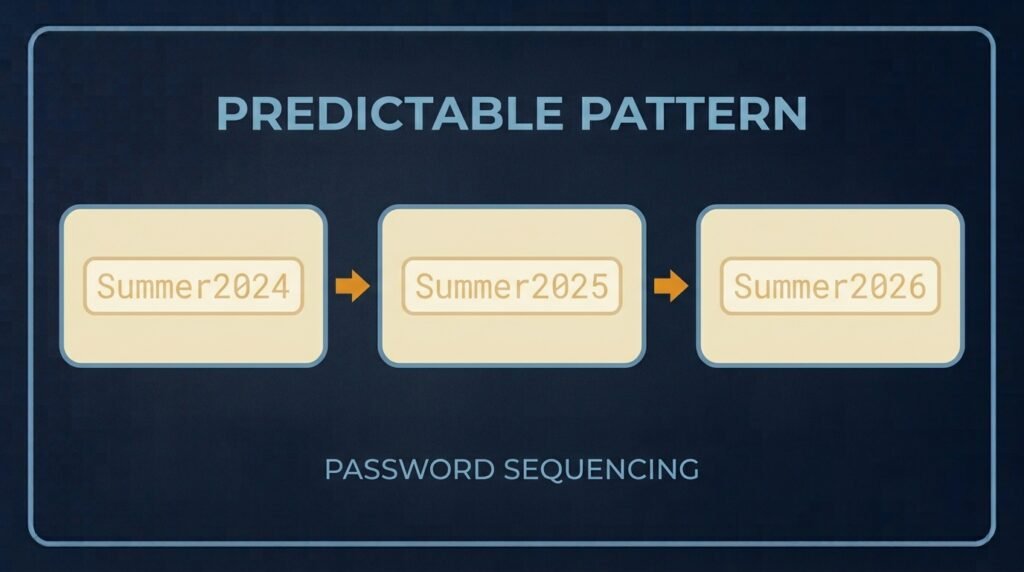
The theory behind mandatory rotation made sense on paper: if passwords change regularly, a stolen one becomes useless sooner. In practice, it didn’t work out that way. When people are forced to create a new password every 60 or 90 days, they don’t usually invent something genuinely new — they make a small, predictable tweak to what they already had. “Summer2025” becomes “Summer2026.” “Password1” becomes “Password2.” These patterns are so common that automated cracking tools are built to guess them specifically.
NIST’s research recognized this directly: mandatory rotation was producing weaker passwords, more frustration, and more risky workarounds like sticky notes and reused logins — without the security benefit it was supposed to provide.
What NIST actually recommends now
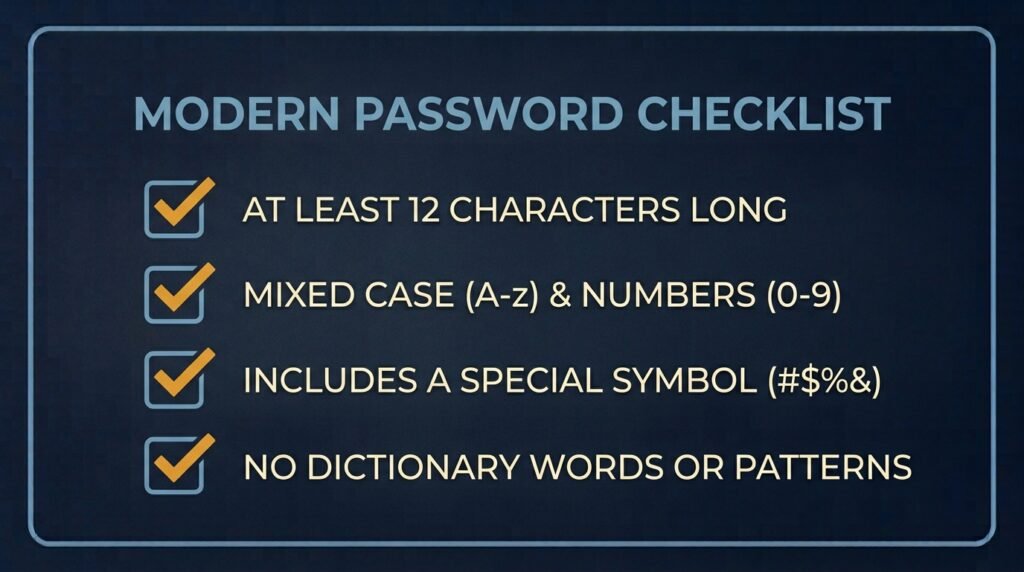
The current guidance (NIST Special Publication 800-63B, most recently revised) centers on a few clear principles:
- Change a password only when there’s a real reason to — evidence of compromise, a breach notification, or suspicious account activity. Not because a certain number of days has passed.
- Prioritize length over complexity. A long passphrase is harder to crack than a short password stuffed with symbols and swapped characters. NIST now recommends passwords of at least 15 characters when a password is your only layer of protection, with no upper limit that forces you to shorten it.
- Drop the arbitrary complexity rules. Requiring one uppercase letter, one number, and one symbol pushes people toward predictable patterns like “P@ssw0rd1” rather than actually strengthening the password.
- Screen against known breached passwords. Checking new passwords against lists of previously exposed credentials does more to prevent weak choices than complexity rules ever did.
- Use a password manager. NIST’s updated stance formally acknowledges what security professionals have said for years: no one can memorize dozens of long, unique passwords without help, and a password manager solves that problem directly.
So when should you actually change a password?
Event-based, not calendar-based. Change a password immediately when:
- You’re notified of a data breach involving a service you use, even if you’re told your specific account “wasn’t confirmed” affected.
- You see a login alert, device, or session you don’t recognize.
- A password stops working and you didn’t change it — a sign someone else may have already gotten in.
- You receive an unrequested two-factor code or approval prompt, meaning someone already has your password and is trying to get past the next layer.
- You’ve been reusing a password across multiple accounts and one of those accounts is compromised — every account sharing that password needs a new, unique one.
- You typed a password into a site you later suspect was fake, such as a phishing page or a fraudulent login screen.
Outside of these triggers, a strong, unique password that hasn’t shown any sign of compromise doesn’t need to be changed on a schedule. Changing it anyway isn’t harmful, but it isn’t the priority it was once treated as.
The exception: high-privilege accounts
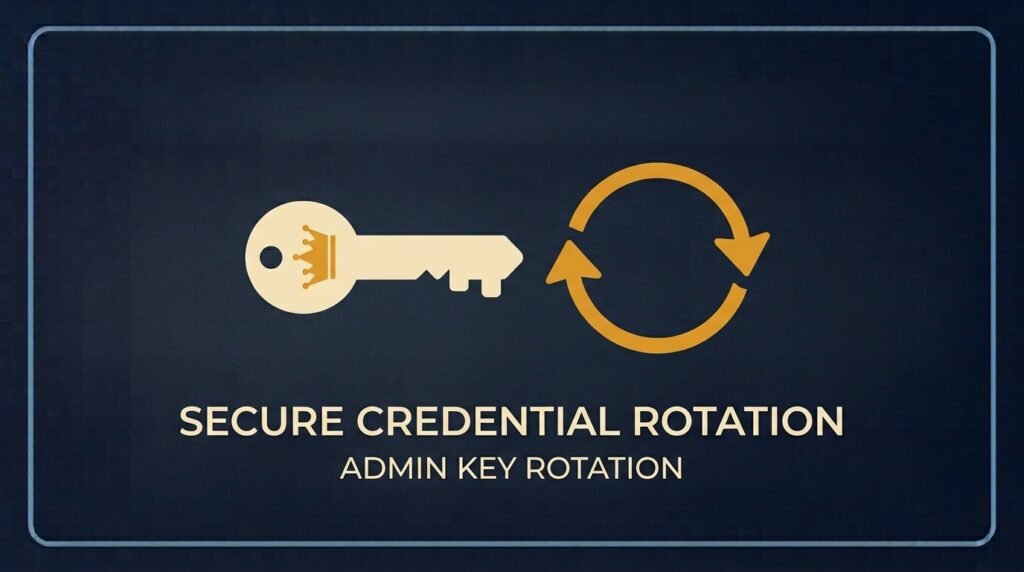
Individual user accounts and admin, root, or financial-system accounts aren’t quite the same risk category. For accounts with broad access — your accounting software’s admin login, a domain administrator account, anything that could do serious damage if compromised — some added caution is still reasonable. Many organizations continue rotating these higher-privilege credentials on a set schedule (often every 30 to 90 days) or automatically after each use, precisely because the blast radius of a compromise is so much larger.
For everyday employee and personal accounts, though, that same level of caution isn’t necessary, and forcing it tends to backfire the way NIST’s research described.
What matters more than rotation
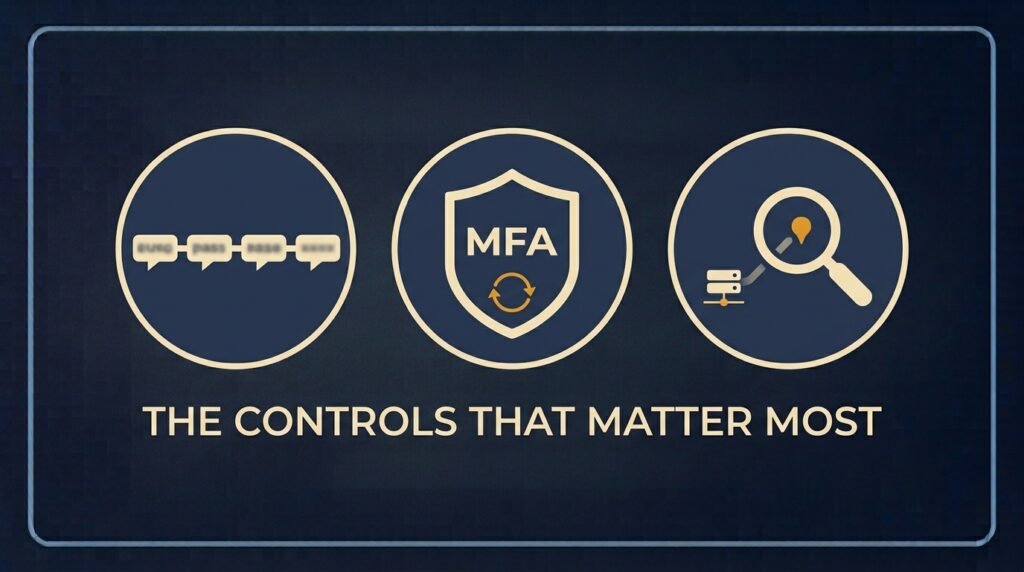
If you’re updating a password policy, these three things do far more for actual security than a rotation schedule ever did:
- Length and uniqueness. A long, unique password (or passphrase) per account, managed through a password manager, closes off both guessing attacks and the risk of one stolen password unlocking multiple accounts.
- Multi-factor authentication. Even a compromised password is far less useful to an attacker if a second factor is required to actually log in.
- Breach monitoring. Knowing quickly when a password has been exposed in a breach — through your password manager’s built-in alerts or a service like Have I Been Pwned — lets you react to real events instead of guessing on a calendar.
The bottom line
The 90-day password reset is officially retired advice, not just an annoying habit you can quietly ignore. Change a password when there’s an actual reason — a breach, a suspicious login, reused credentials, a suspected phishing attempt — and otherwise focus your effort on making that password long, unique, and backed by multi-factor authentication. That combination protects your accounts far better than a forced reset ever did, without the frustration that made people write passwords on sticky notes in the first place.
If you’re updating your business’s password policy to reflect this, it pairs naturally with the password and access items in the Small Business Cybersecurity Risk Checklist.
Leave a Reply