
When someone leaves your business, the exit interview and final paycheck get all the attention. What quietly gets missed is what happens to everything that person had access to — email, shared drives, banking tools, customer records, physical keys. If nobody closes those doors deliberately, they tend to just stay open.
That’s not a hypothetical risk. Research on this specific problem is remarkably consistent: multiple independent studies have found that somewhere around 89% of former employees retain access to at least one work application after they leave, and separate research from the Ponemon Institute found 59% of organizations have experienced a data breach they trace directly to former-employee access. This is one of the most common, and most preventable, security gaps in a small business.
Why offboarding is a security control, not just an HR task
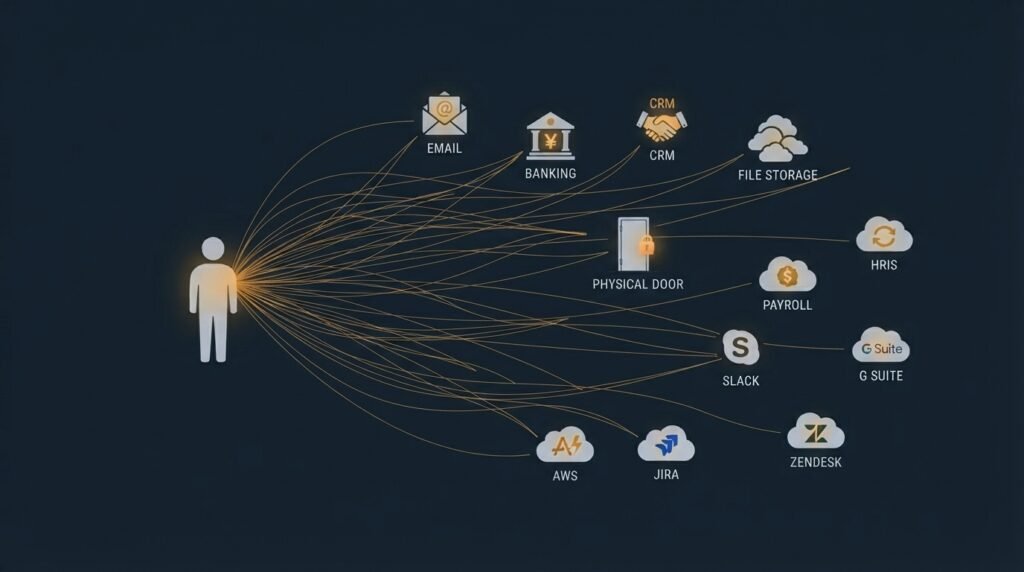
A departing employee is a unique kind of risk. Their credentials are legitimate, so security tools generally won’t flag their access as suspicious. They know where sensitive data lives and how your systems work. And in a small business without a formal offboarding process, closing all of that access often depends on someone simply remembering to do it — across whatever mix of email, cloud apps, banking software, and shared logins your team actually uses. The more separate tools your business runs, the more places that access can quietly linger.
The core offboarding checklist
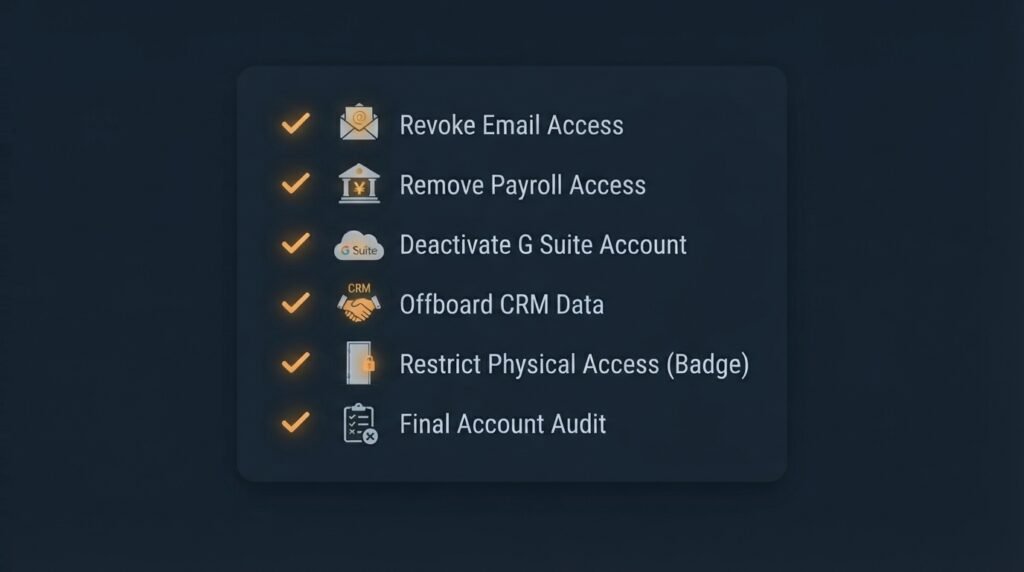
Before or on their last day:
- Disable, don’t just password-change, their accounts across email, file storage, and business applications — a changed password can sometimes still be recovered or bypassed if the account itself stays active.
- Revoke access to shared logins and reset any shared passwords they knew.
- Remove them from VPN access lists, and revoke any VPN certificates tied to their device specifically.
- Collect company devices — laptop, phone, badge, keys — and confirm what personal devices, if any, had business email or apps installed.
- Transfer ownership of any files, shared drives, or recurring meetings they controlled, so nothing becomes orphaned when their account is disabled.
Within the first few days after departure:
- Remove their name from every SaaS application your business uses, not just the main email and file system — a full inventory matters here, since access tends to hide in the tools nobody thinks to check.
- Revoke API keys, integrations, or automation tools they set up or had credentials for.
- Update multi-factor authentication and recovery settings tied to their old accounts, including any recovery email or phone number that pointed to them personally.
- Remove them from any zero-trust or network access policies, not just the general directory.
- Check for and preserve anything under legal hold before deleting or wiping any account.
Don’t forget:
- Physical access — building keys, alarm codes, and any door codes shared verbally rather than through a badge system.
- Financial access — banking logins, payment platforms, expense software, and anyone they could authorize as a payee or approver.
- Any AI or automation agents they created. This is a newer blind spot worth naming specifically: workflow bots or AI assistants set up by an employee can keep running and accessing company data after the account itself is disabled, often with no clear owner left to notice.
Voluntary vs. involuntary departures
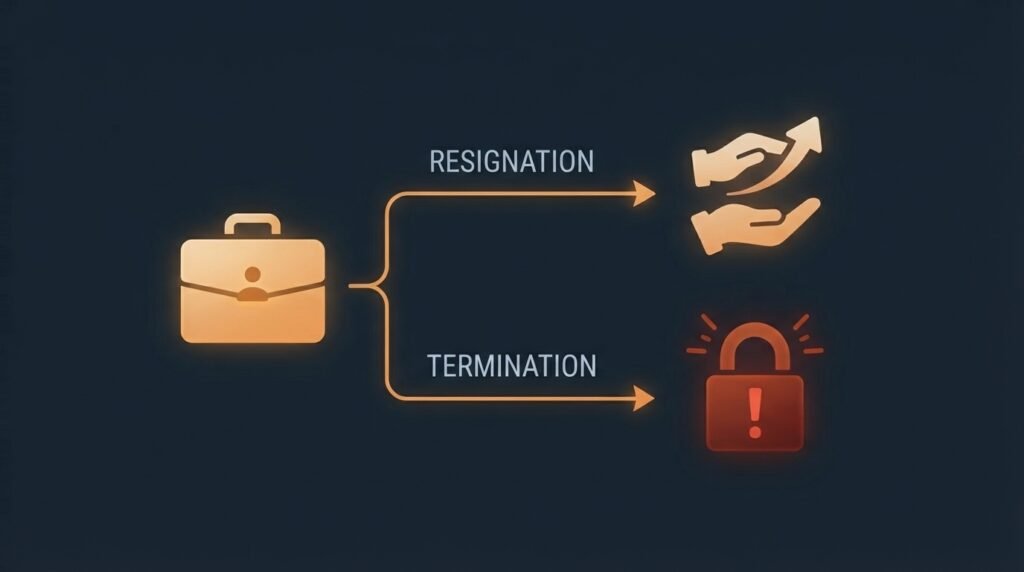
The steps above apply either way, but the timing changes. For a planned resignation with notice, offboarding can happen gradually, with time for a proper handoff. For a termination or an unexpected departure, access should be cut at the same time the person is notified, or as close to it as possible — not at the end of the day, and not “when IT gets to it.” The highest-risk moment for a disgruntled departure is the gap between someone learning they’re being let go and their access actually being revoked.
Building a repeatable process
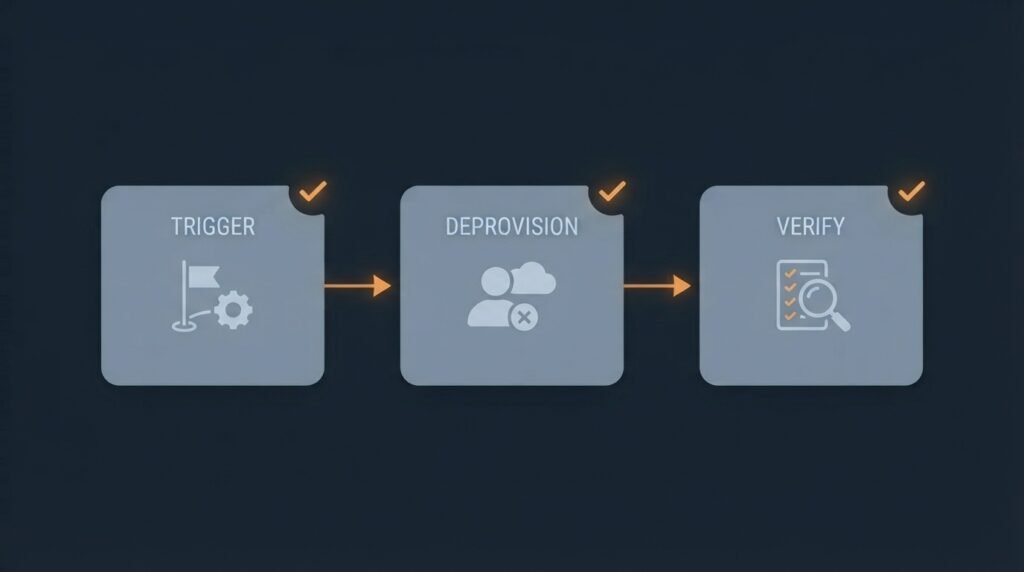
For a small business, this doesn’t need dedicated software — it needs a written checklist that doesn’t rely on memory. A simple approach that works well:
- Trigger. As soon as a departure is known, someone specific — not “whoever notices” — is responsible for starting the offboarding process.
- Deprovision. Work through a standing list of every system your business uses, checking each one off as access is removed. Keeping this list current as you add new tools is what actually prevents the gaps research keeps finding.
- Verify. A second look, ideally by someone other than whoever did the deprovisioning, confirming nothing was missed — especially shared logins, physical access, and financial systems, which are the categories most often overlooked.
The bottom line
Offboarding gaps aren’t usually caused by malice — they’re caused by a process that depended on someone remembering a dozen scattered steps under time pressure. A written checklist, a single owner for the process, and a second check before calling it done closes most of the gap between “we think we covered it” and actually having covered it.
This same discipline — knowing exactly who has access to what, and being able to revoke it cleanly — is the backbone of the access-control items in the Small Business Cybersecurity Risk Checklist, worth pairing with your own offboarding process if you haven’t reviewed it recently.
Leave a Reply