
Our last post covered why OSINT is shifting from search to stream — continuous monitoring instead of one-off queries. This one is the practical follow-up: how to actually build a first monitoring dashboard, using free tools, without needing an enterprise budget or a dedicated intelligence team.
This guide is written for the defensive, organizational use case — monitoring your own business’s exposure, brand, and infrastructure — which covers the vast majority of what a small team or solo analyst actually needs a dashboard for.
Start with a legitimate purpose and a clear scope
Before touching any tool, write down what you’re actually trying to monitor and why. Current best practice in this field is explicit about this: document the legitimate business purpose before beginning any OSINT collection, respect the terms of service of every platform involved, and set a clear data retention schedule for anything collected — especially if it could include personal information. If your scope ever extends to monitoring specific individuals rather than your own organization’s exposure, consult legal counsel first, since requirements vary significantly by jurisdiction.
For a first dashboard, keep the scope focused on your own organization: your domains, your brand, your public-facing infrastructure, and your industry.
The four categories worth monitoring first
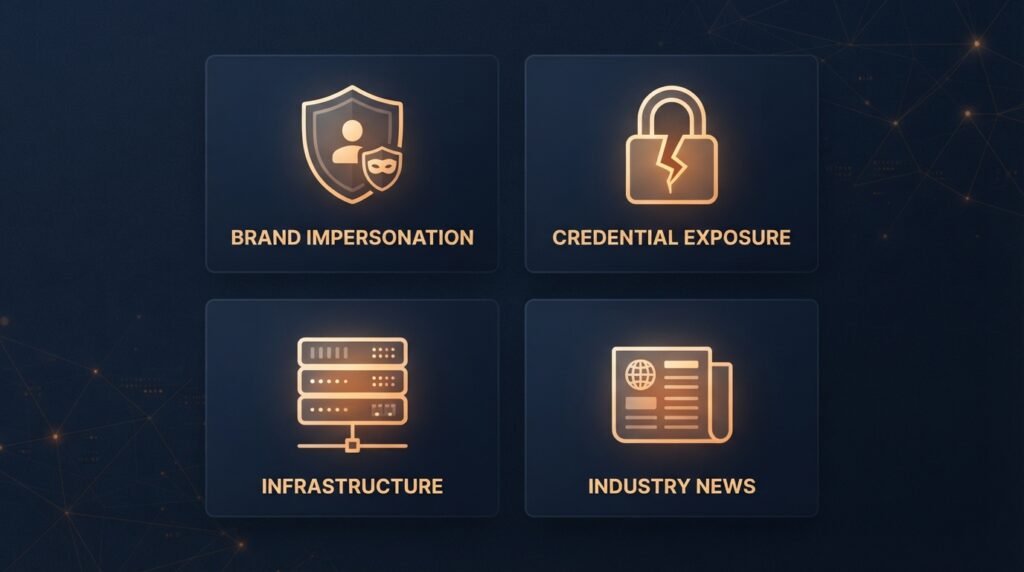
1. Brand and domain monitoring. Watch for lookalike domains, fake social profiles, and unauthorized use of your company name or logo — the same phishing infrastructure covered in our post on smishing and phishing often starts with a domain registered to impersonate a real business.
2. Credential and breach exposure. Track whether your company’s email addresses or employee credentials have shown up in known data breaches. This is one of the most actionable categories, because a leaked password is a concrete, fixable risk the moment you know about it.
3. Infrastructure and attack surface. Keep an eye on what your organization actually has exposed to the public internet — forgotten subdomains, open ports, misconfigured servers — the things an attacker would find first if they went looking.
4. Industry and competitor context. Broader monitoring of news, vulnerability disclosures, and activity relevant to your industry helps you catch emerging threats before they specifically target you.
A realistic free tool stack
You don’t need a paid platform to start. A commonly recommended free starting stack for exactly this kind of monitoring includes:
- Have I Been Pwned — check whether your business’s email addresses or domain appear in known data breaches, with free domain-wide monitoring available for verified owners.
- Shodan — search for your own organization’s internet-facing devices and infrastructure the way an attacker would, spotting exposure before someone else does.
- SpiderFoot — an open-source automation tool that pulls together domain, IP, and infrastructure reconnaissance from dozens of sources in one pass.
- VirusTotal — check suspicious domains, files, or URLs against a large set of antivirus and threat-intelligence engines at once.
- DNSDumpster — map your organization’s domain and subdomain footprint, useful for spotting forgotten or unmanaged assets.
- Google Alerts or RSS-based news monitoring — a genuinely free way to get notified when your brand, company name, or key executives are mentioned publicly.
For a single consolidated view without juggling separate tabs, several vendors now offer free tiers that combine breach monitoring, IP reputation, and basic threat feeds in one dashboard — worth evaluating once the manual stack above starts to feel like too many places to check.
Structuring the dashboard itself
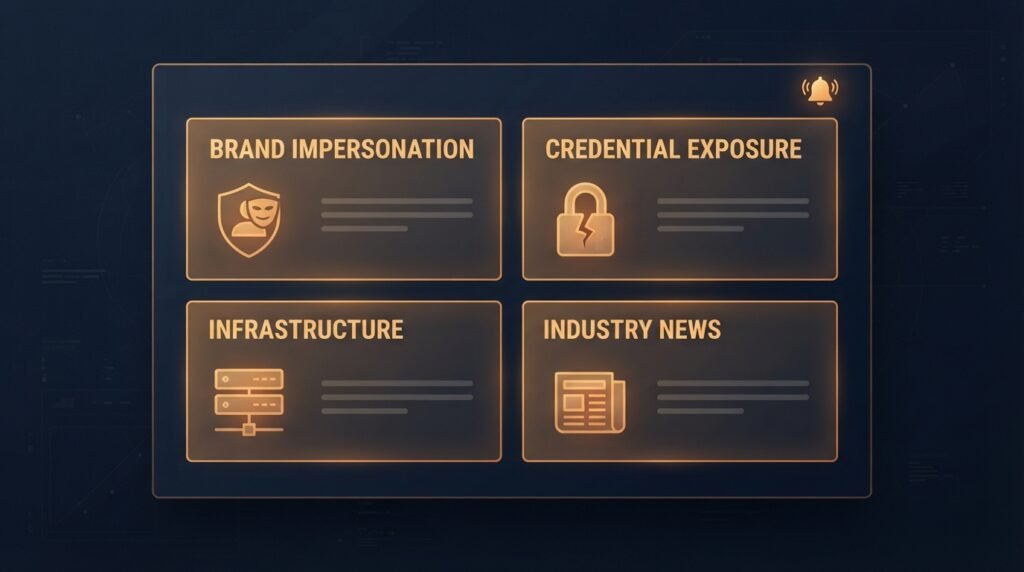
You don’t need custom software for a first version. A genuinely workable starting point is a single spreadsheet or a free dashboarding tool (even a simple kanban or note-taking app) organized around:
- One row or card per monitored asset — a domain, an email address, an executive name, a brand term — with the source tool, check frequency, and last-reviewed date.
- A status column — clear, flagged, or needs review — so nothing quietly falls through the cracks.
- A simple alert log, recording what was found, when, and what action was taken, which doubles as documentation if you ever need to show your monitoring process was actually being followed.
As your needs grow, this can evolve into an automated dashboard pulling data via each tool’s API, but starting manual is genuinely fine — the discipline of the process matters more early on than the sophistication of the tooling.
Building a repeatable workflow, not just a tool list
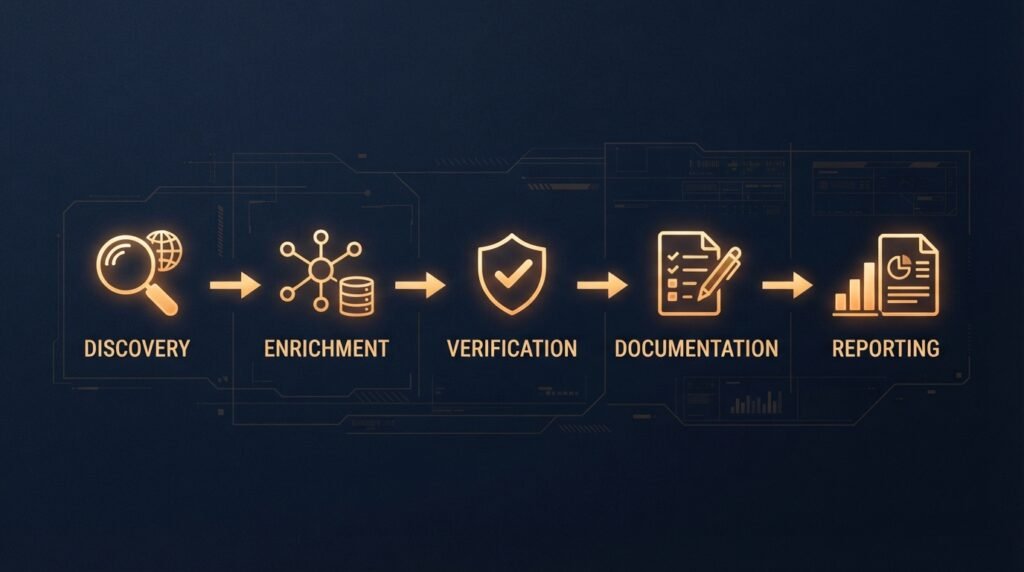
A strong OSINT monitoring practice generally runs through five consistent stages, regardless of which tools sit behind it:
- Discovery — the initial pass identifying what’s out there relevant to your scope.
- Enrichment — adding context to raw findings, cross-referencing across sources.
- Verification — confirming a finding is real and accurately understood before acting on it. As covered in our post on the human-in-the-loop problem, this step matters more, not less, as more of the discovery stage gets automated.
- Documentation — recording what was found and how it was verified, not just the conclusion.
- Reporting — turning verified findings into something actionable, whether that’s a fixed misconfiguration, a takedown request for a fake domain, or a password reset.
A useful verification habit worth adopting from the start: the “Rule of Two,” confirming any significant finding through at least two independent sources before treating it as reliable enough to act on.
The bottom line
A first OSINT monitoring dashboard doesn’t need to be expensive or complicated. A clear scope, a handful of genuinely free tools covering brand, credentials, infrastructure, and industry context, and a simple repeatable workflow will catch the vast majority of what a small organization actually needs to know about its own exposure. The discipline of consistent, documented monitoring matters more than any single tool on the list — that’s what turns a one-time search into the kind of ongoing situational awareness our post on real-time OSINT described.
This builds directly on our earlier posts on the shift from searching to streaming in OSINT and the human-in-the-loop problem — worth reading alongside this one if you’re setting up your first monitoring practice.
Leave a Reply