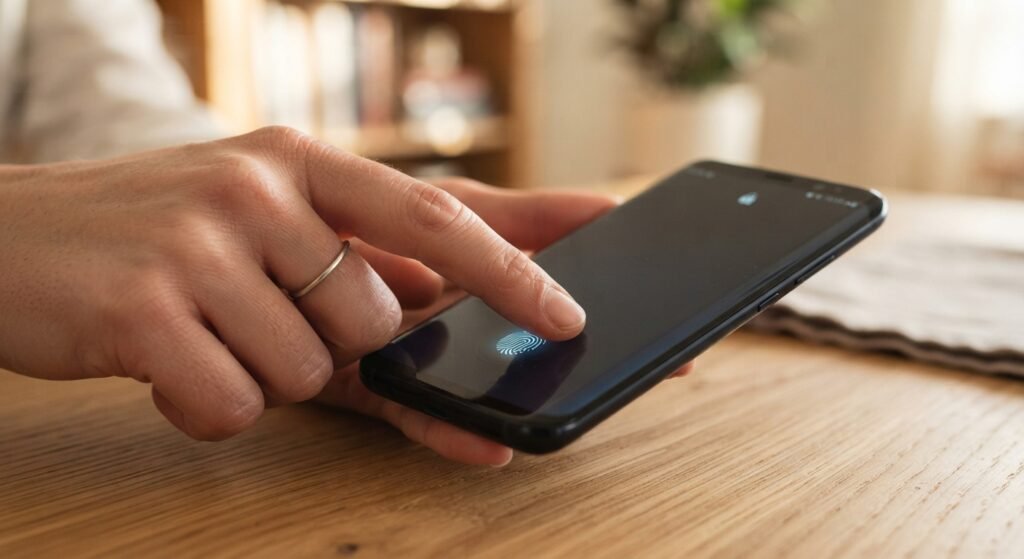
Unlocking your phone with a glance or a touch feels almost magical compared to typing a passcode. It’s also become the default on nearly every phone sold today. But “convenient” and “secure” aren’t always the same thing, and biometric login raises a genuinely different set of questions than a password does — starting with the fact that you can change a password, but you can’t change your fingerprint.
Here’s how fingerprint and face unlock actually work, where they’re genuinely strong, and where the real trade-offs are.
How Biometric Login Actually Works
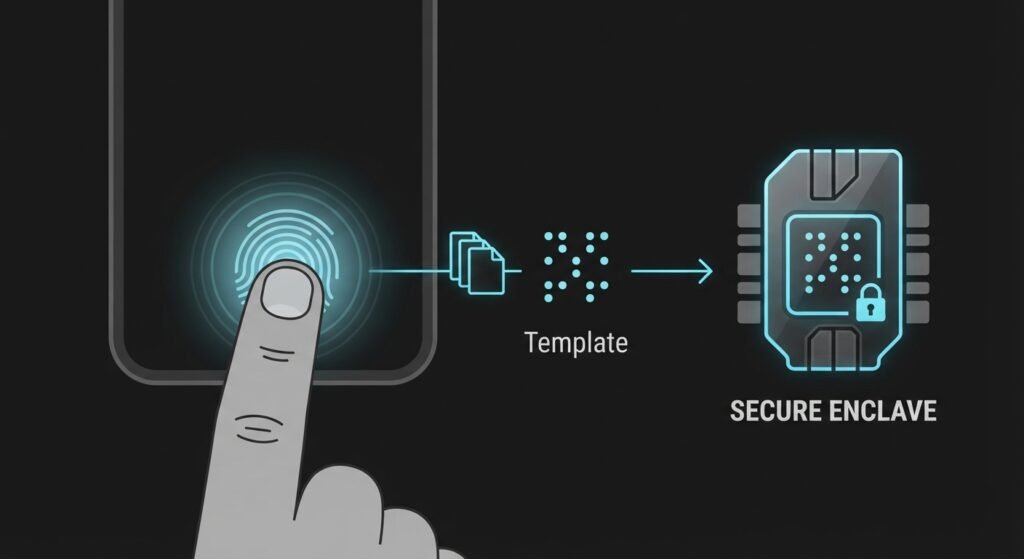
Your phone does not store an image of your fingerprint or face. Instead, sensors capture specific measurable points — ridge patterns on a finger, or the geometry and depth map of a face — and convert them into a mathematical template. That template is encrypted and stored in a dedicated, isolated piece of hardware (Apple calls it the Secure Enclave; Android devices use similar dedicated security chips), separate from the phone’s main operating system and separate from any app, including the phone’s own software.
When you unlock your phone, the sensor takes a new reading, generates a new template from it, and checks whether it’s a close enough match to the one stored in that secure hardware. If it matches, the hardware releases a cryptographic key that unlocks the device — your actual biometric data never leaves that isolated chip, and it’s never sent to Apple, Google, or any app you use.
Where Biometric Login Is Genuinely Stronger Than a Password
It resists the attacks that break most passwords. Credential stuffing, phishing pages, password reuse, and brute-force guessing are the primary way accounts actually get compromised at scale — and none of them work against a fingerprint or face scan, because there’s no credential to steal or guess in the first place.
It removes the “weak password” problem entirely. A short PIN or a reused password is a human habit that biometrics simply routes around. You can’t set your fingerprint to “123456.”
It’s faster to use correctly. Security measures people find annoying tend to get bypassed or weakened over time. A method that takes under a second and works reliably gets used consistently, which matters more in practice than a theoretically stronger method nobody bothers with.
Where the Real Trade-Offs Are

You can’t change a compromised fingerprint. If a password database leaks, you reset the password. If a biometric database leaks — which has happened to large-scale fingerprint systems before — there’s no equivalent reset. This is why reputable implementations never send biometric templates off-device to a central server in the first place; the risk is concentrated in systems that do.
Legal protections differ from passwords in some jurisdictions. In parts of the world, law enforcement can compel someone to unlock a device with a fingerprint or face scan under legal frameworks that don’t apply the same way to a memorized password, since a password can be treated as protected knowledge while a physical characteristic often is not. This varies significantly by country and even by court, so it’s worth knowing the specifics where you live if it’s a concern.
Spoofing is possible, but harder than people assume. Early fingerprint sensors were sometimes fooled by high-quality fake fingerprints, and some face unlock systems could be tricked with a photo. Modern implementations have largely closed these gaps — depth-sensing face scanners can’t be fooled by a flat photo, and capacitive fingerprint sensors check for the electrical properties of living skin, not just a matching pattern. Older or budget hardware is where this risk is highest.
A twin, close relative, or a very good mask can occasionally cause false matches, particularly with face unlock on less sophisticated camera systems. This is a narrow, low-probability risk for most people, but worth knowing if it applies to your situation.
How to Use Biometric Login Securely
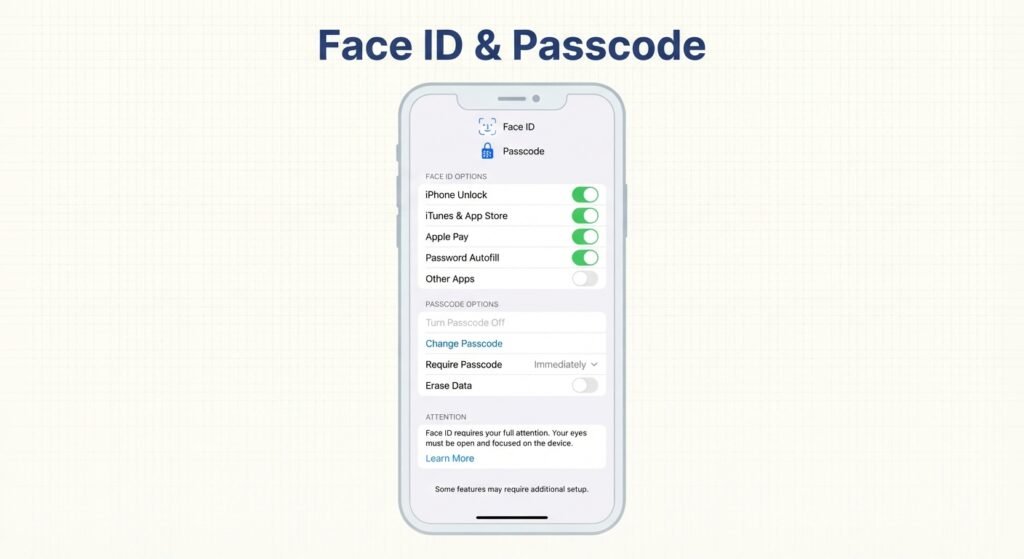
- Always set a strong backup passcode, not a 4-digit PIN. Biometric unlock typically falls back to a passcode after too many failed attempts, a restart, or an extended period of inactivity — so that passcode is your real security floor, not the fingerprint itself.
- Enable auto-lock with a short timeout. Biometric convenience means people leave phones unlocked longer without noticing; a short auto-lock timer keeps the security benefit intact.
- Know your device’s “panic” shortcut. Most modern phones let you quickly disable biometric unlock and force a passcode requirement (for example, by holding the power button, or pressing it five times quickly) — worth knowing before you actually need it.
- Don’t rely on biometrics alone for your most sensitive accounts. Use it as one factor alongside app-level protections (like a separate PIN for a banking app) rather than as the only thing standing between someone and your most sensitive data.
- Register only your own biometrics on a shared or family device, and remove any biometric enrollment that isn’t yours before repurposing a device for someone else.
So, Is It Secure Enough?
For the overwhelming majority of everyday use — unlocking your phone, approving a payment, logging into an app — fingerprint and face unlock are meaningfully more secure than the password habits most people actually practice. The realistic threat isn’t a sophisticated attacker defeating your sensor; it’s the same as it’s always been: a lost or unlocked device, or a weak fallback passcode undermining an otherwise strong system.
Treat biometric login as a genuinely strong front door, but make sure the backup lock behind it — your passcode — is just as strong. That combination, not the fingerprint sensor alone, is what actually keeps a device secure.
Leave a Reply