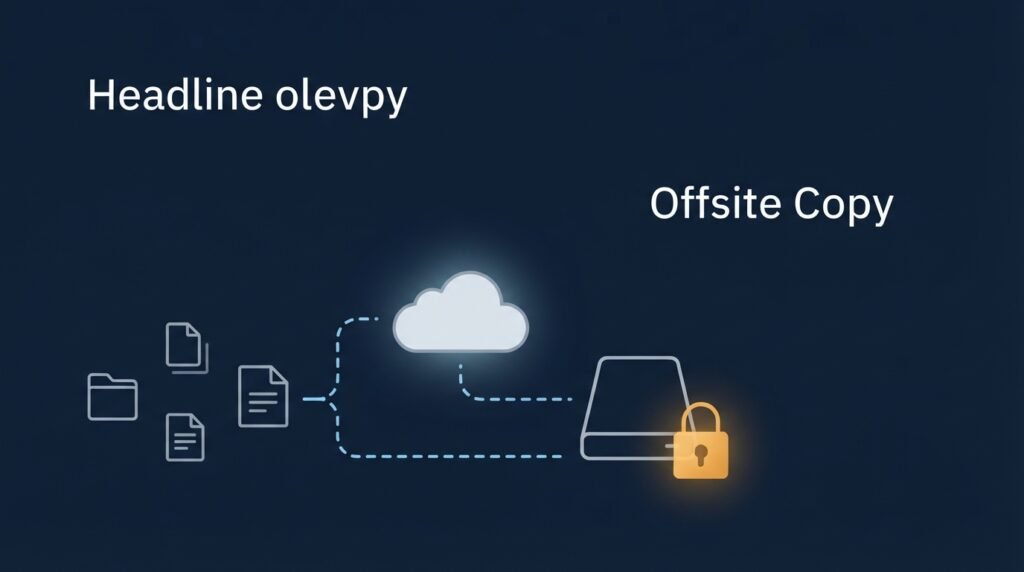
Most small business owners think they have a backup strategy. What they usually have is a folder that syncs to the cloud — which protects against a spilled coffee or a dead hard drive, but does almost nothing against the threat actually most likely to hit a small business today: ransomware that specifically hunts down and destroys backups before it touches anything else.
Here’s what an actual backup strategy looks like in 2026, why the old advice needs an upgrade, and how to build one affordably.
Why “it’s in the cloud” isn’t the same as “it’s backed up”
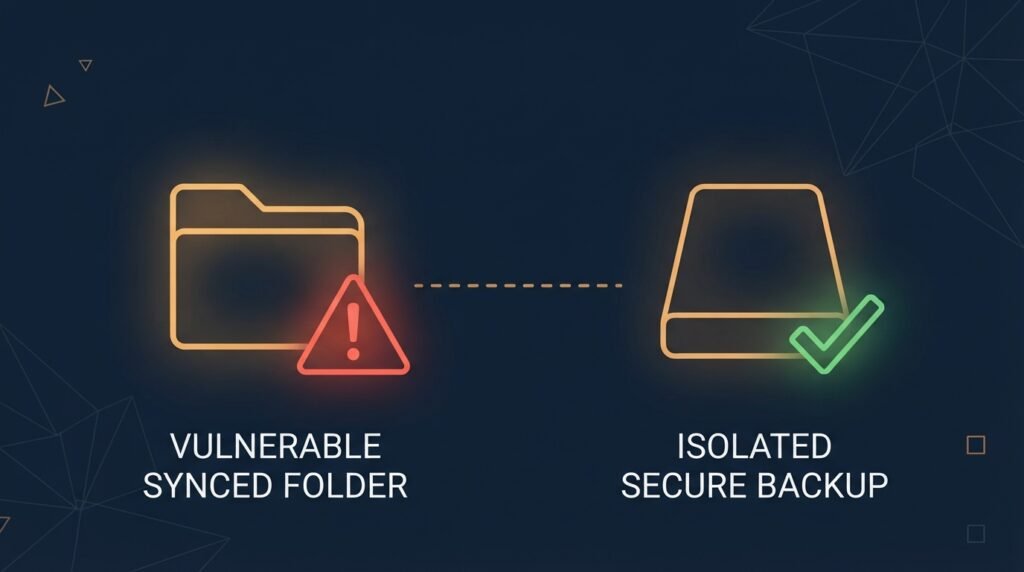
This is the single most common misunderstanding small business owners have about their own data protection. A synced folder — Google Drive, OneDrive, Dropbox — keeps your files accessible across devices, but it isn’t an independent backup: if ransomware encrypts your local files, that encryption syncs right along with everything else, and if your cloud account itself gets compromised, an attacker can delete or encrypt what’s stored there too. Real backup requires a copy that’s genuinely separate from your day-to-day working files — different storage, different credentials, and ideally, no ability for anyone (including an attacker with your admin password) to reach in and delete it.
The foundation: the 3-2-1 rule
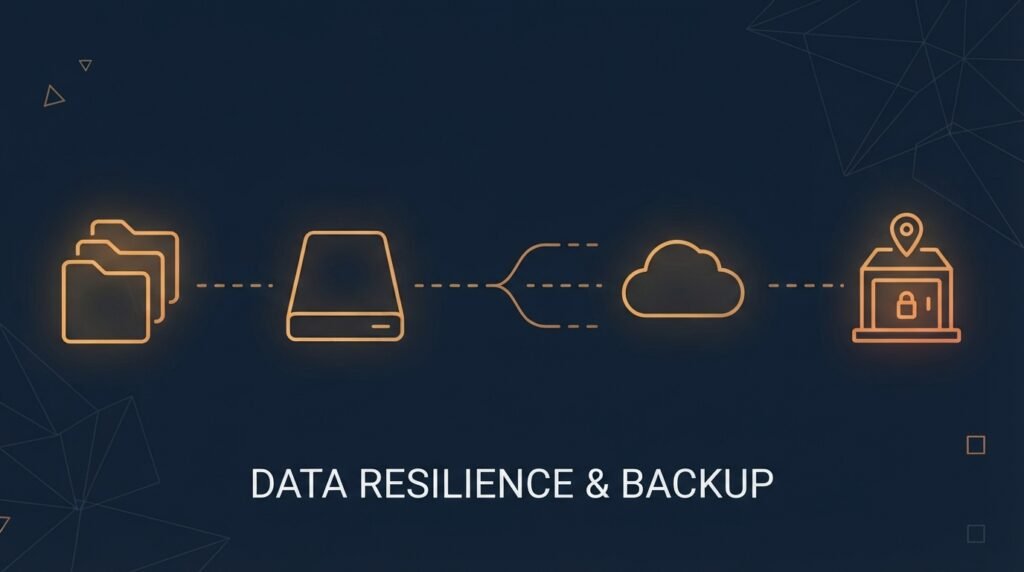
The 3-2-1 rule has been the standard for backup strategy for over a decade, and it remains the right foundation to build from:
- 3 copies of your data — your live, working copy, plus two backups.
- 2 different media types — never store both backups on the same kind of storage. A cloud backup and an external drive, for example, rather than two cloud accounts that could both be compromised the same way.
- 1 copy stored off-site — physically or logically separate from your main location, so a fire, flood, or theft at your office doesn’t take out every copy at once.
The logic is simple: no single failure — hardware, human error, or an attacker — can take out every copy at the same time, because each copy sits somewhere genuinely different from the others.
The 2026 upgrade: 3-2-1-1-0
The original 3-2-1 rule was built for an era when the main threats were hardware failure and accidental deletion. Today’s threat looks different: ransomware increased roughly 37% year-over-year in 2025, and well-documented ransomware families actively search for and destroy connected backups as a deliberate first step, before they ever encrypt your production systems. CISA has been direct about this: backups are useless against ransomware if an attacker can reach them using the same stolen credentials that got them into everything else.
That’s what 3-2-1-1-0 adds on top of the original rule:
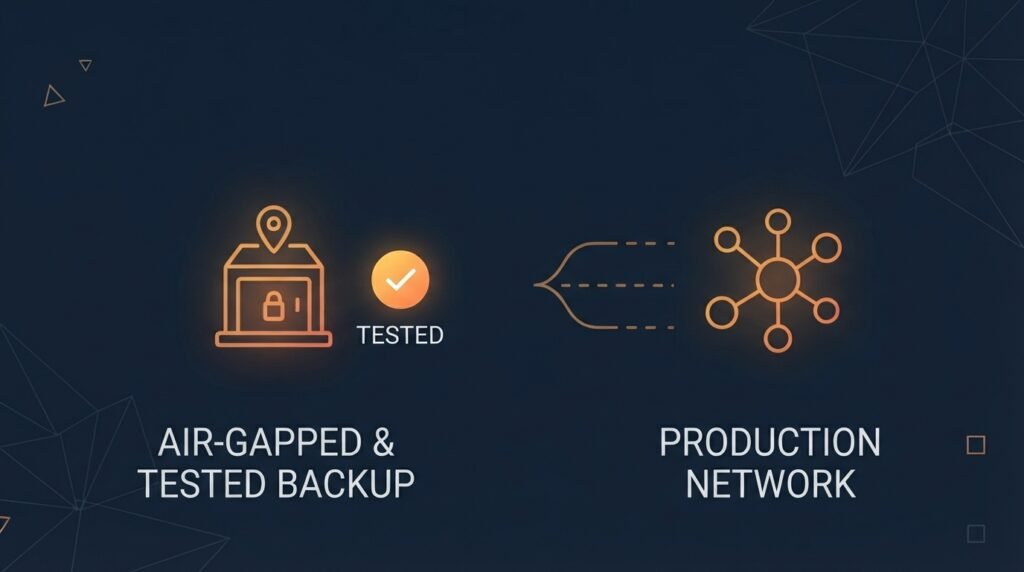
- 1 immutable or air-gapped copy — a backup that literally cannot be modified or deleted, even by someone with admin access, or one that’s physically disconnected from your network entirely. This is the single most reliable defense against ransomware that specifically targets backups.
- 0 errors, verified through testing — a backup you’ve never actually tried to restore from is a backup you’re only assuming works. Regular restore testing is what turns “we have backups” into “we know our backups work.”
A realistic setup for a small business
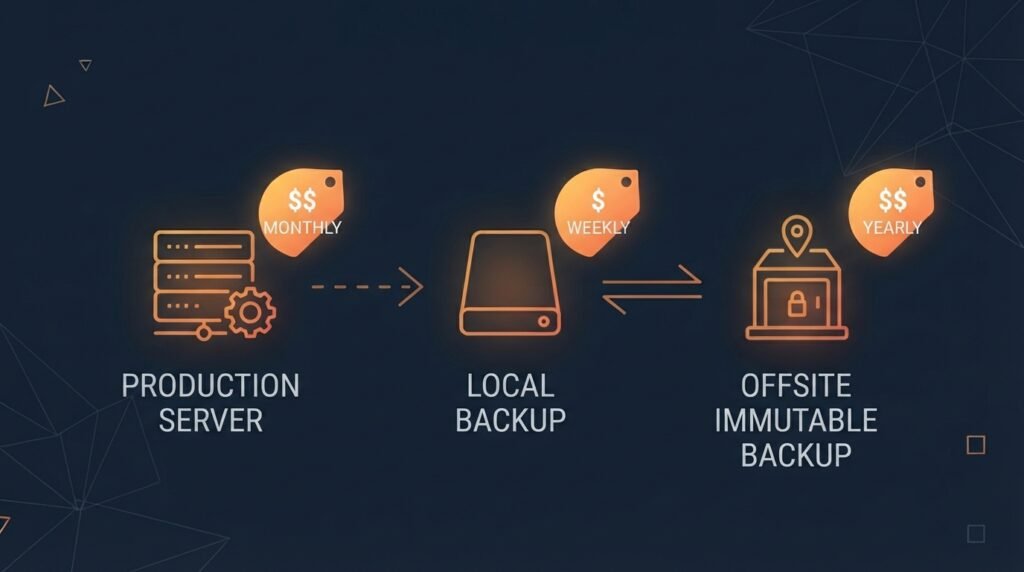
This doesn’t require an enterprise IT budget. A workable setup looks something like:
- Copy 1: your live production data — whatever your team actually works from day to day, whether that’s a local server or cloud-based files.
- Copy 2: an automated local or on-site backup — a network-attached drive or backup appliance, giving you a fast recovery option for routine issues like accidental deletion or hardware failure.
- Copy 3: an automated, immutable off-site backup — a cloud backup service (not the same as your everyday file sync) with immutability enabled, so it’s isolated from your network and can’t be altered even if your main systems are compromised.
Cloud backup services with immutable storage commonly start under $10 per month per device, and external drives for a local backup copy run under $100 as a one-time cost — genuinely affordable relative to what recovery from an unprotected ransomware attack actually costs.
What actually goes wrong
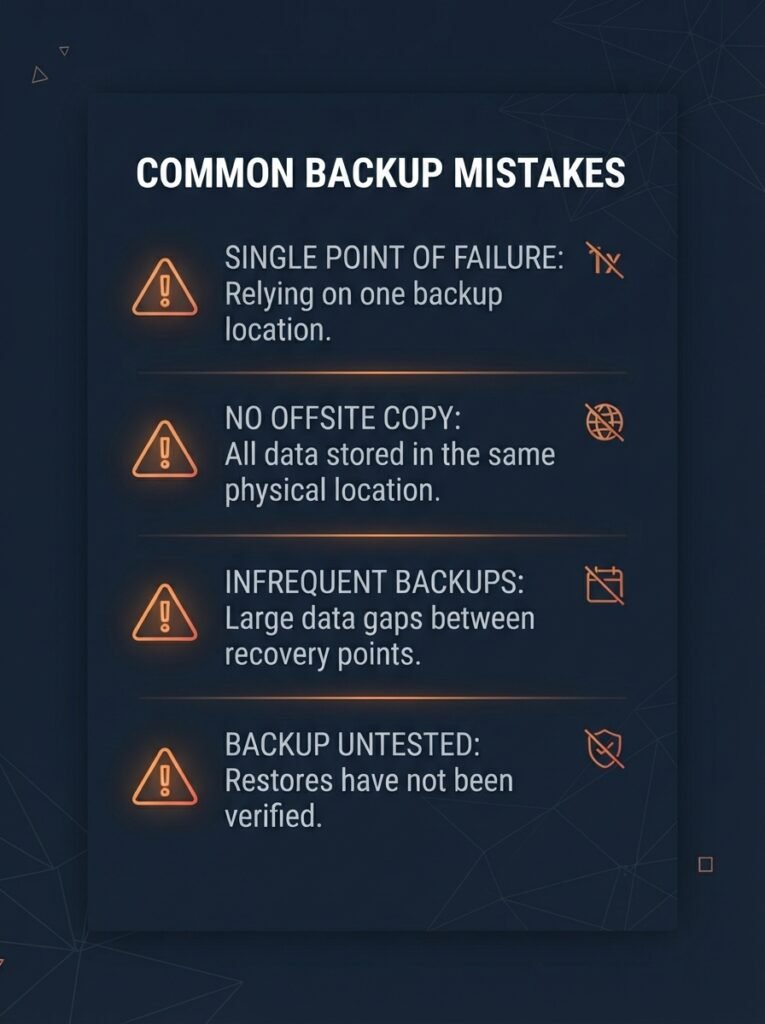
A few mistakes account for most of the backup failures that surface during an actual emergency:
- Backups stored on the same network, with the same credentials, as production data. If an attacker who compromises your main systems can also reach your backup with the same login, that backup offers far less protection than it appears to.
- Never actually testing a restore. Many small businesses only discover their backups are corrupted or incomplete during a real crisis — exactly the moment you can’t afford that discovery. Testing quarterly, at minimum, is the difference between assuming and knowing.
- Treating manual backups as reliable. A backup that depends on someone remembering to run it eventually gets missed. Automate it so it happens whether or not anyone thinks about it that day.
- Confusing file sync with backup. As covered above, a synced folder is convenient, but it isn’t an independent copy — treat it as a third thing entirely, not a substitute for either backup copy.
Why this is worth getting right
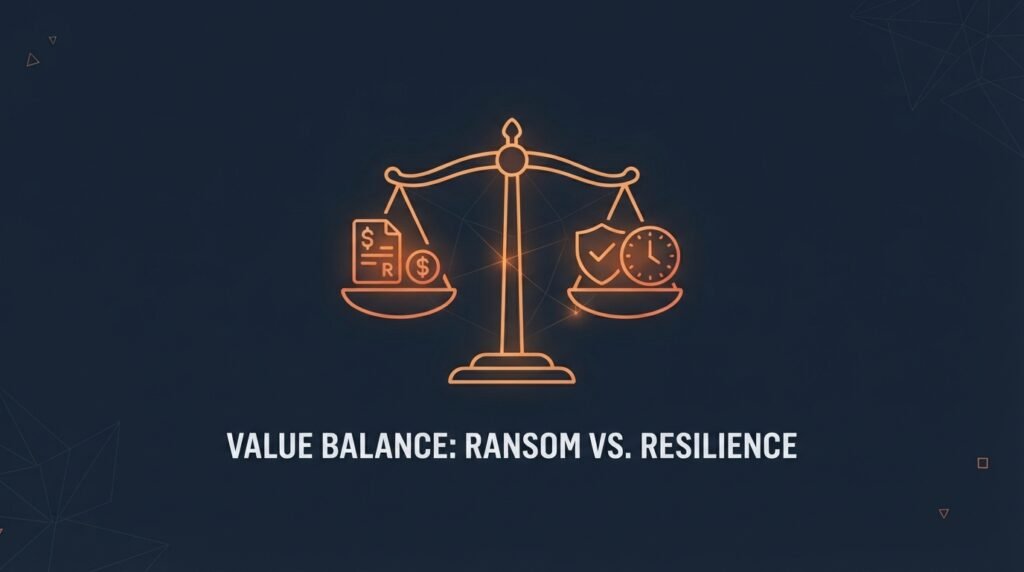
The financial case for a real backup strategy is stark. Recent industry data puts the average total cost of a ransomware incident — including downtime, recovery, and reputational damage — between $1.8 million and $5 million, and a recent survey of small business owners found that roughly one in five who experienced a cyberattack ultimately went bankrupt or closed entirely. Even businesses that pay a ransom commonly spend one to six months recovering, since payment doesn’t guarantee clean, complete data back. A working backup strategy isn’t just cheaper than that outcome — it’s dramatically faster, because recovery doesn’t depend on negotiating with an attacker at all.
The bottom line
A backup strategy built for 2026 isn’t about counting how many copies you have — it’s about making sure at least one of those copies is genuinely out of reach if everything else gets compromised. Start with the 3-2-1 foundation, add an immutable or offline copy specifically to defend against ransomware, and test your restores on a real schedule instead of assuming they’ll work when you need them. None of this requires an enterprise budget — it requires treating backup as infrastructure, not an afterthought.
This pairs directly with the backup and access-control fundamentals covered in the Small Business Cybersecurity Risk Checklist, worth revisiting if you haven’t audited your own backup setup recently.
Leave a Reply