Backup codes are the quiet safety net behind almost every two-factor authentication setup — and also one of the most commonly mishandled pieces of a person’s security. People spend real effort choosing a strong password and enabling 2FA, then take a screenshot of their backup codes and leave it sitting in their camera roll indefinitely. If that’s you, this is worth five minutes to fix.
What Backup Codes Actually Are
When you enable two-factor authentication on an account, most services generate a set of one-time backup codes — usually 8 to 10 of them — meant to get you back into your account if you lose access to your primary 2FA method: your phone is lost, stolen, factory-reset, or your authenticator app data doesn’t transfer to a new device. Each code typically works only once, and once you’ve used them all, you’ll need to generate a new batch.
That single-use, account-recovery purpose is exactly why they need to be treated with as much care as the account itself. Whoever holds a valid backup code can use it to bypass your 2FA entirely — the same protection that’s supposed to stop someone with just your password.
Where People Go Wrong
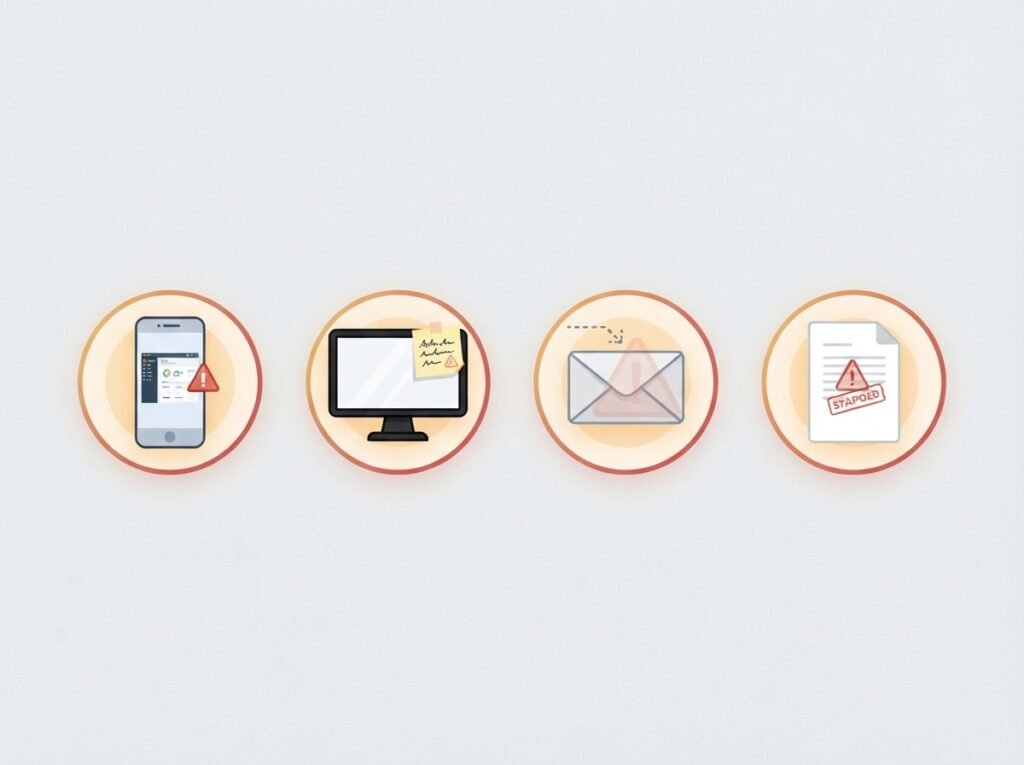
Screenshots on the phone. This is the single most common mistake. A screenshot sitting in a camera roll is backed up to cloud photo storage, appears in shared albums, and is visible to anyone who picks up an unlocked phone. It’s also exactly where a phone thief or malicious app would look first.
A plain text file or note app. Convenient, but unencrypted notes sync to the cloud by default on most platforms and are searchable by anything with access to that account — including malware that specifically hunts for files containing words like “backup codes” or “2FA.”
Email drafts or sent folders. Emailing backup codes to yourself “just in case” means anyone who compromises your email account — often the very account 2FA was meant to protect — gets a free pass around it.
Sticky notes near the computer. Low-tech, but a real risk for anyone in a shared home, office, or coworking space, or when work calls involve screen sharing.
Safer Ways to Store Backup Codes
A password manager’s secure notes feature. Most reputable password managers support encrypted notes or attachments alongside your regular passwords. Since you’re already trusting this tool with your credentials, storing backup codes there keeps everything behind the same strong master password and encryption — and it’s accessible wherever you need it.
A printed copy, stored physically. Printing your backup codes and keeping the paper somewhere secure — a locked drawer, a home safe, or a safe deposit box — removes them entirely from any digital attack surface. This is a genuinely strong option specifically because it can’t be hacked remotely; the tradeoff is protecting against physical loss, theft, or damage (fire, flooding) instead.
An encrypted offline file. For anyone comfortable with the tooling, a text file encrypted with a strong, dedicated password (using something like VeraCrypt or a similar encryption tool) and stored on a USB drive kept somewhere safe is another solid offline option.
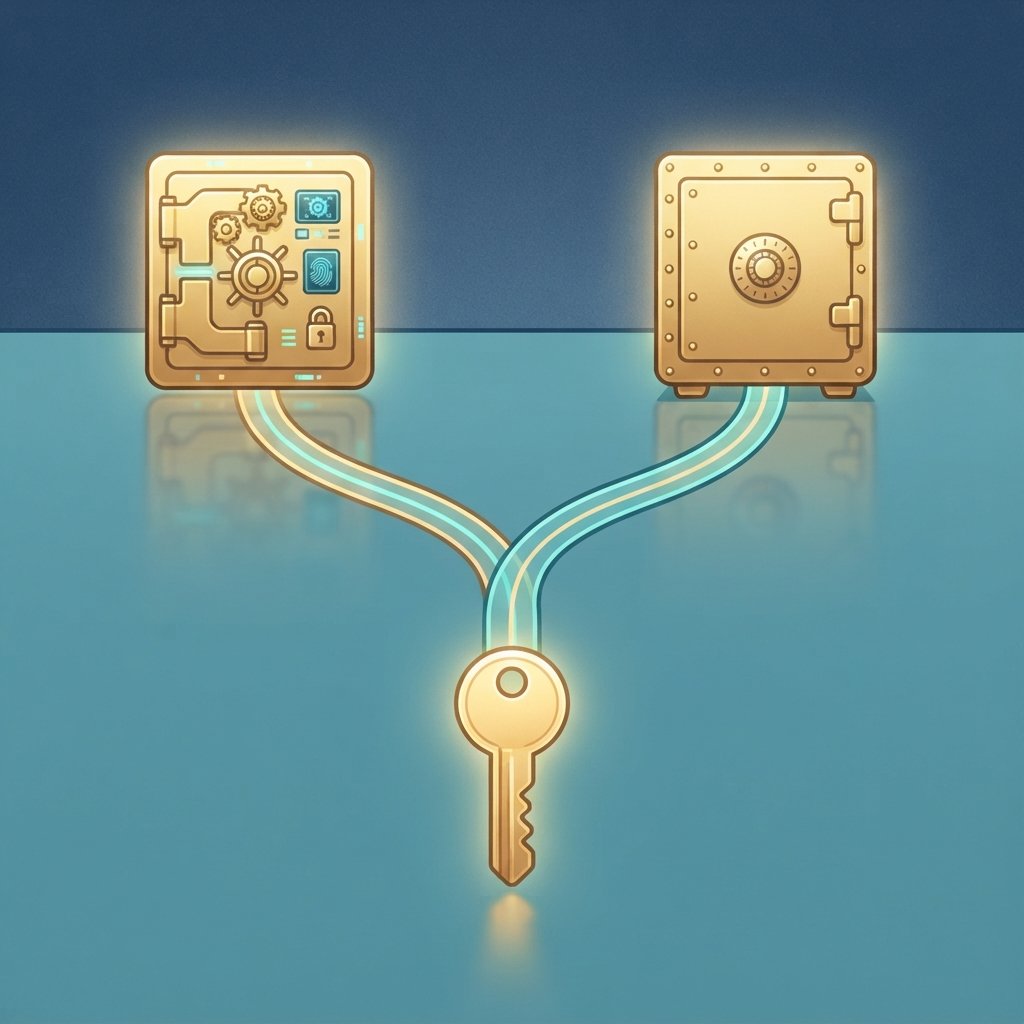
Splitting storage across two safe locations. For especially sensitive accounts, some people keep one copy in a password manager for everyday convenience and a second physical copy in a safe as a true offline fallback in case the digital option is ever unavailable.
A Few Practical Habits Worth Adopting
- Store them the moment they’re generated. It’s easy to click past the “save your backup codes” screen intending to come back to it later — and then forget entirely. Store them immediately, before moving on.
- Label them clearly but not too clearly. A file or note titled exactly “Gmail backup codes” is convenient for you and equally convenient for anyone who finds it. A slightly less obvious label, combined with genuinely secure storage, adds a small extra layer of friction.
- Regenerate codes after any suspected exposure. If you’ve ever stored codes somewhere insecure — even briefly — the safest move is to regenerate a fresh set once you’ve moved to safer storage, invalidating the old ones.
- Check in on them periodically. Backup codes are easy to forget entirely until the moment you desperately need them. A quick periodic check that you still know where they are, and that they’re still stored securely, is worth the two minutes it takes.
- Never store them in the same place as the password to that account. If both live in the exact same unprotected spot, an attacker who finds one likely finds both, defeating the entire point of having a second factor.
The Bottom Line
Backup codes exist to save you in a genuinely stressful moment — locked out of an important account with no other way back in. That’s exactly why they deserve the same seriousness as the account they protect, not an afterthought stored wherever was most convenient in the moment. A password manager’s secure notes or a printed copy in a safe both take the same five minutes as a screenshot — the difference is what happens if your phone, or someone else, ever gets access to that screenshot first.
Leave a Reply