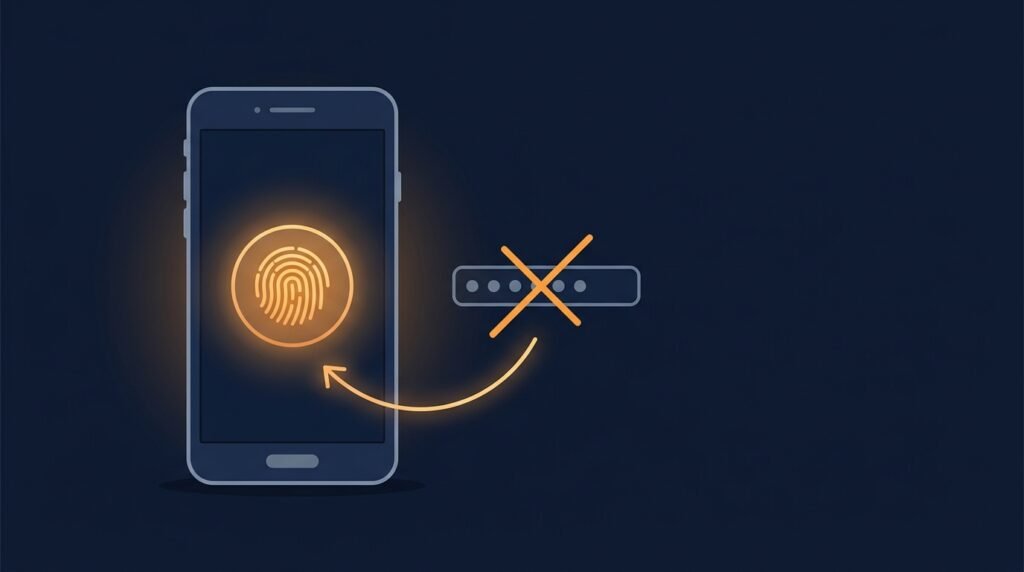
You’ve probably already used a passkey without fully realizing what it was. If you’ve ever unlocked a login screen with your face or fingerprint instead of typing a password, that was likely a passkey doing the work behind the scenes. What used to be an emerging idea is now genuinely mainstream: recent industry research estimates roughly 5 billion passkeys in use worldwide, with the large majority of consumers now aware of them and a growing share using them regularly wherever they’re offered.
Here’s what a passkey actually is, why it’s meaningfully more secure than a password, and whether your small business should start caring about it now.
What a passkey actually is
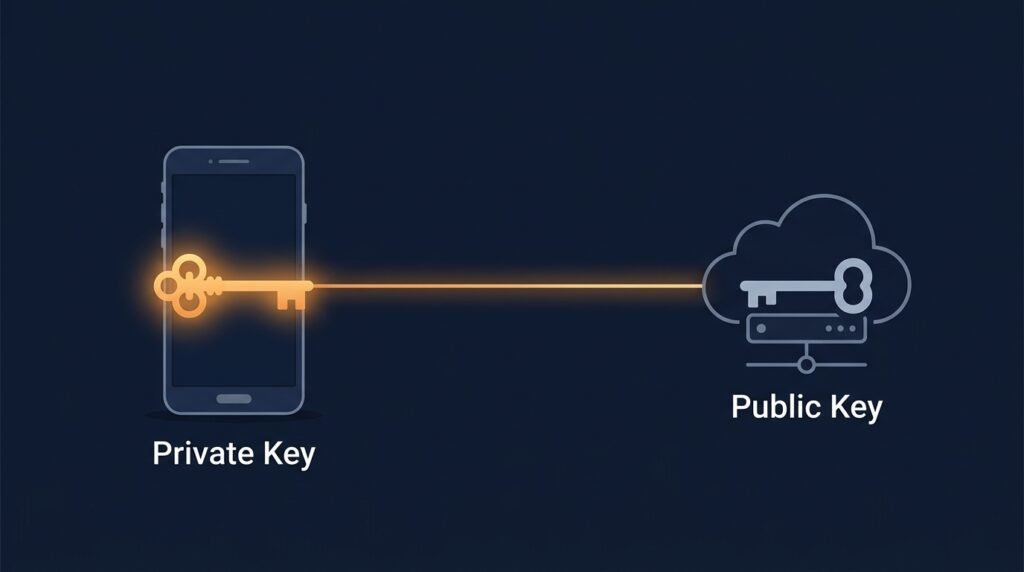
A password is a shared secret: you know it, and the website you’re logging into also stores a version of it. That’s the fundamental weakness — if the website’s database is breached, or you’re tricked into typing your password into a fake login page, that secret is exposed.
A passkey works completely differently. Instead of a shared secret, it’s a pair of cryptographic keys — a private key that never leaves your device, and a public key that the website stores. The website never holds anything a thief could steal and reuse. When you log in, your device proves it holds the matching private key, and you approve that action with the same fingerprint, face scan, or PIN you already use to unlock your phone. The password itself never exists on the website’s end at all.
Why this actually matters, not just as a convenience
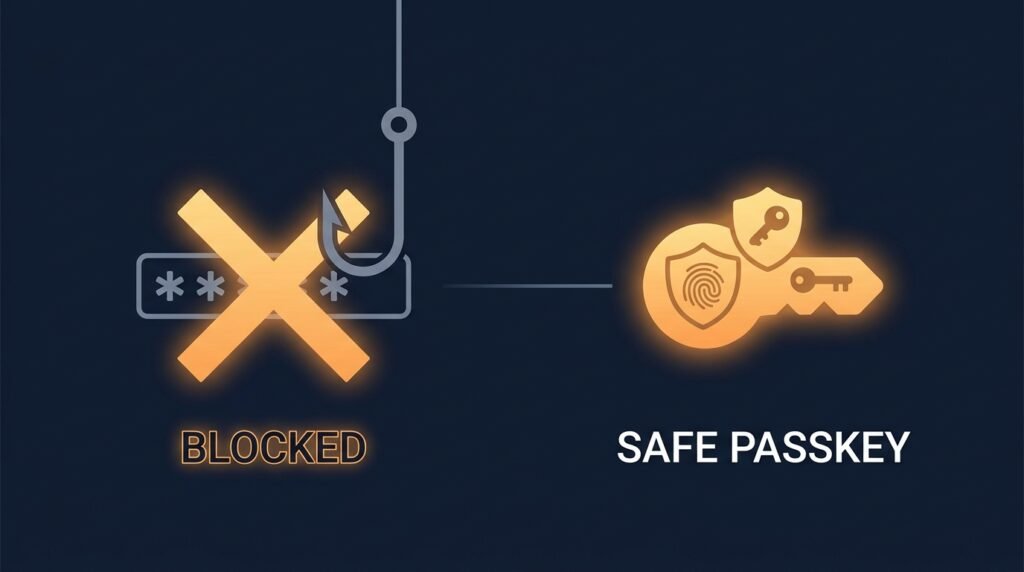
Passkeys are usually marketed on speed and convenience — no more typing, no more forgotten passwords — but the real story is security. Because there’s no shared secret to steal, passkeys are resistant to some of the most common and damaging attacks:
- Phishing doesn’t work the same way. A fake login page can trick you into typing a password, but it can’t trick your device into producing a private key that was never designed to leave it. Security agencies including CISA now classify this passkey standard as the strongest tier of phishing-resistant authentication available.
- Data breaches expose less. If a company’s servers are breached, attackers get a list of public keys — which are useless without the matching private keys sitting safely on individual users’ devices. Compare that to a breached password database, where stolen passwords are often reused successfully on other accounts.
- Credential stuffing stops working. Attacks that try stolen username-and-password combinations across many sites rely on people reusing passwords. There’s no password to reuse or stuff with a passkey.
- No more weak or reused passkeys. Every passkey is a unique, complex cryptographic key generated automatically — there’s no equivalent of “Password123” or reusing the same one across accounts, because a human never creates or types it.
How passkeys actually work day to day
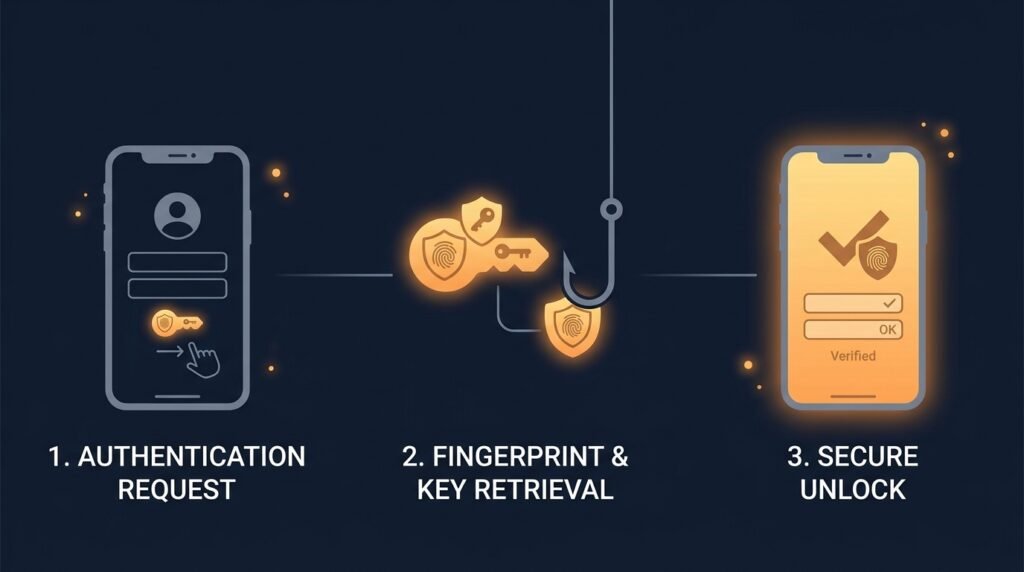
In practice, using a passkey looks like this: you go to sign in, choose “use a passkey” instead of typing a password, and your device asks you to confirm with whatever you already use to unlock it — a fingerprint, face scan, or device PIN. That’s it. There’s no password to remember, type, or reset.
Passkeys are also built to sync. On most modern devices, a passkey created on your phone can be available on your laptop or tablet too, through your device’s built-in cloud account (Apple, Google, or Microsoft, depending on your ecosystem), so losing one device doesn’t mean losing access. This is built on an open standard called FIDO2/WebAuthn, developed by the FIDO Alliance — the same industry body backed by Apple, Google, Microsoft, and hundreds of other companies — which is why passkeys work consistently across most modern browsers and operating systems rather than being locked to one company’s products.
Should your small business start using passkeys?
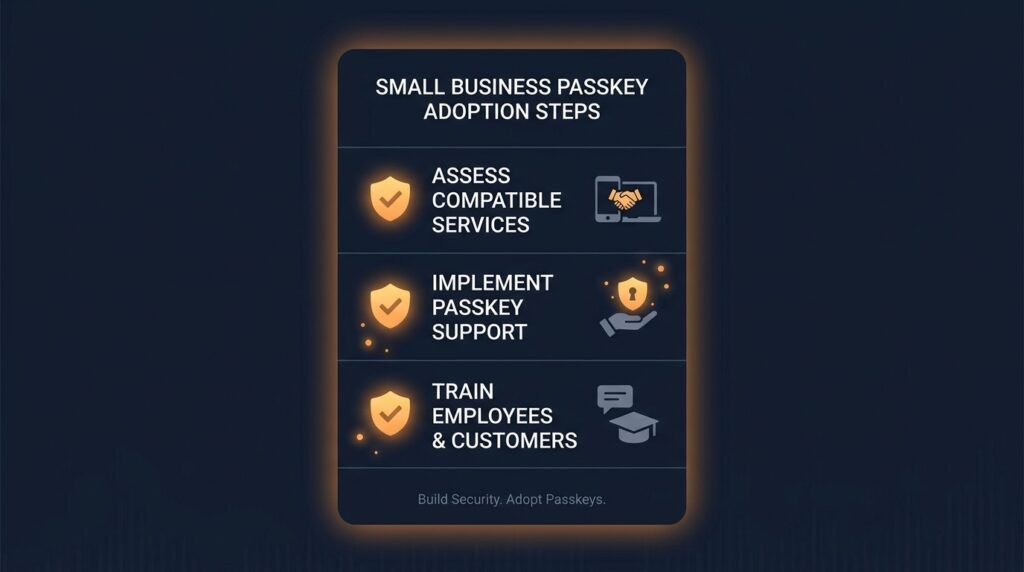
You don’t need to overhaul every system overnight, but this is a good moment to start:
- Turn on passkeys wherever they’re already offered. Most major platforms your business likely already uses — Google Workspace, Microsoft 365, and many banking and financial tools — support passkeys today. Enabling one where it’s offered is usually a five-minute setting change, not a project.
- Prioritize the accounts that matter most. Start with email, financial software, and any admin-level accounts, since those carry the most risk if compromised.
- Don’t abandon multi-factor authentication elsewhere. For the accounts and tools that don’t yet support passkeys, strong unique passwords plus MFA remain the right approach in the meantime.
- Expect this to keep accelerating. Recent industry surveys found a majority of organizations are already deploying or piloting passkeys for employee sign-in, so this isn’t a niche or experimental technology at this point — it’s quickly becoming a default expectation.
The bottom line
Passkeys solve the core problem passwords could never fully fix: a secret that has to be created, remembered, typed, and protected by an imperfect human, and stored somewhere a breach can expose. By replacing that shared secret with a cryptographic key pair unlocked by your own device, passkeys close off phishing, credential stuffing, and reused-password risk in one step — while actually being easier to use than a password ever was.
Passkeys don’t replace the fundamentals covered in the Small Business Cybersecurity Risk Checklist — you’ll still want strong access controls and MFA for anything that doesn’t support them yet — but wherever they’re available, they’re one of the simplest upgrades a business can make right now.
Leave a Reply