Smart cameras, doorbells, thermostats, locks, and speakers have quietly become a normal part of most homes — and for small business owners, sometimes the office too. What doesn’t get talked about nearly as often is that most of these devices ship with security settings tuned for convenience, not protection. A device that’s easy to set up in five minutes is often a device that’s just as easy for someone else to break into.
The good news is that fixing this doesn’t take technical expertise. Here are five settings worth checking today, in order of how much they actually matter.
1. Change the default password
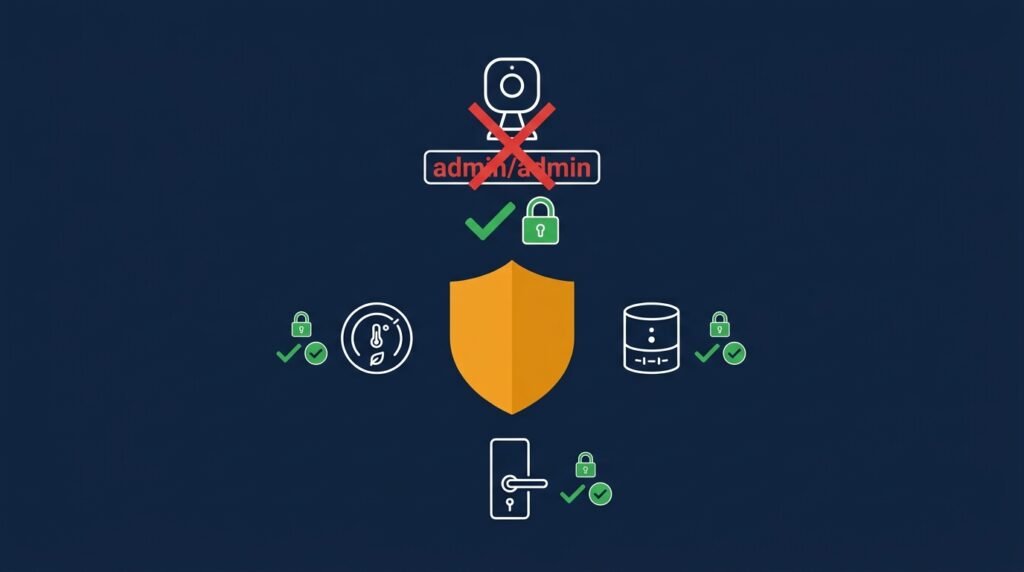
This is the single most important item on this list. Most smart home devices ship with a factory-set username and password — something like “admin” and “admin,” or “admin” and “password” — meant to make initial setup fast. The problem is that these default credentials are publicly documented, and automated tools can scan for devices still using them by the thousands. If your camera, lock, or speaker still has its factory password, it can be compromised in seconds once an attacker’s tools find it.
What to do: Open each device’s app or admin panel and set a unique, strong password — ideally 16+ characters, stored in a password manager rather than memorized or written down. Do this for every device, not just the ones that feel “important.”
2. Turn on two-factor authentication
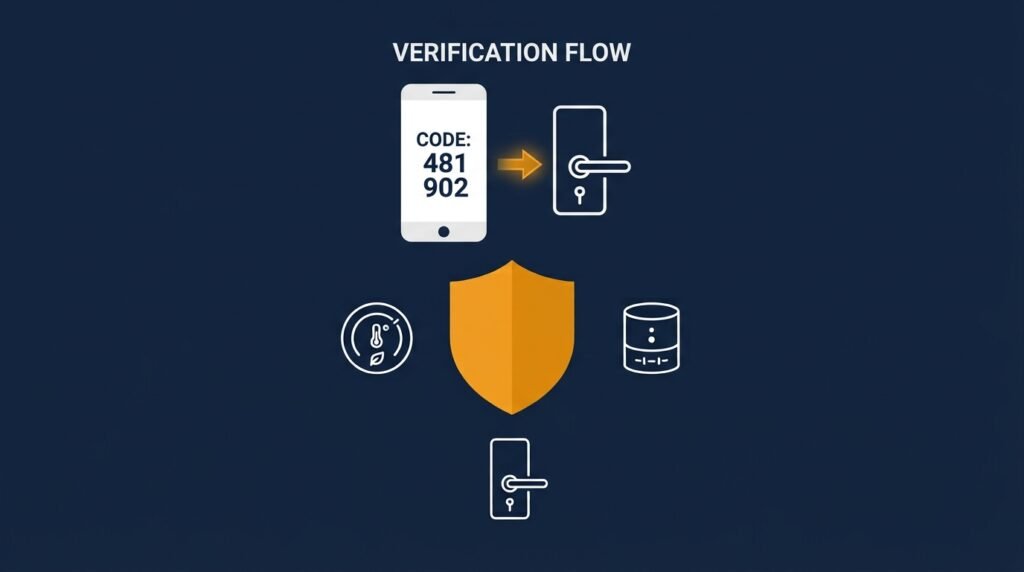
A strong password helps, but it’s still just one layer. Many smart home platforms — camera systems, video doorbells, smart locks — now support two-factor authentication on the manufacturer account tied to the device, and it’s one of the most effective things you can turn on. If someone does get hold of your password through a data breach or phishing attempt, 2FA is often what stops them from actually getting in.
What to do: Check the account settings in each device’s app (not just the device itself) and enable two-factor authentication, preferably through an authenticator app rather than text messages, which can themselves be intercepted.
3. Update the firmware
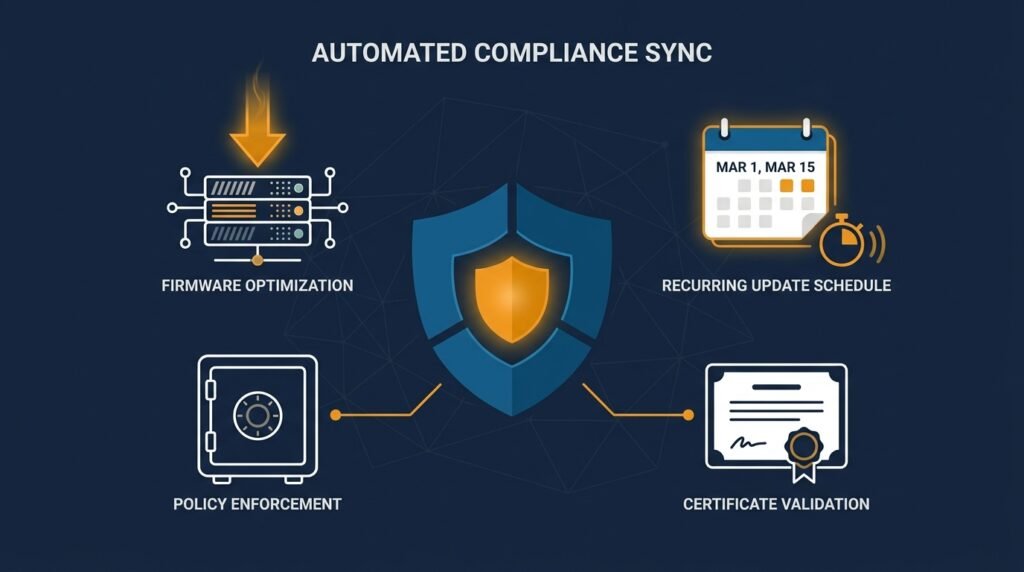
Firmware is the software running inside the device itself, and it’s just as capable of having security vulnerabilities as the apps on your phone. Unlike your phone, though, smart home devices don’t always update themselves — and a lot of people set one up once and never open the app again. Outdated firmware is one of the most common ways these devices get compromised, since known vulnerabilities in old versions are widely documented and easy to exploit.
What to do: Check each device’s app for available firmware updates, enable automatic updates if the option exists, and get in the habit of checking manually every few months for devices that don’t update on their own.
4. Put smart devices on their own network
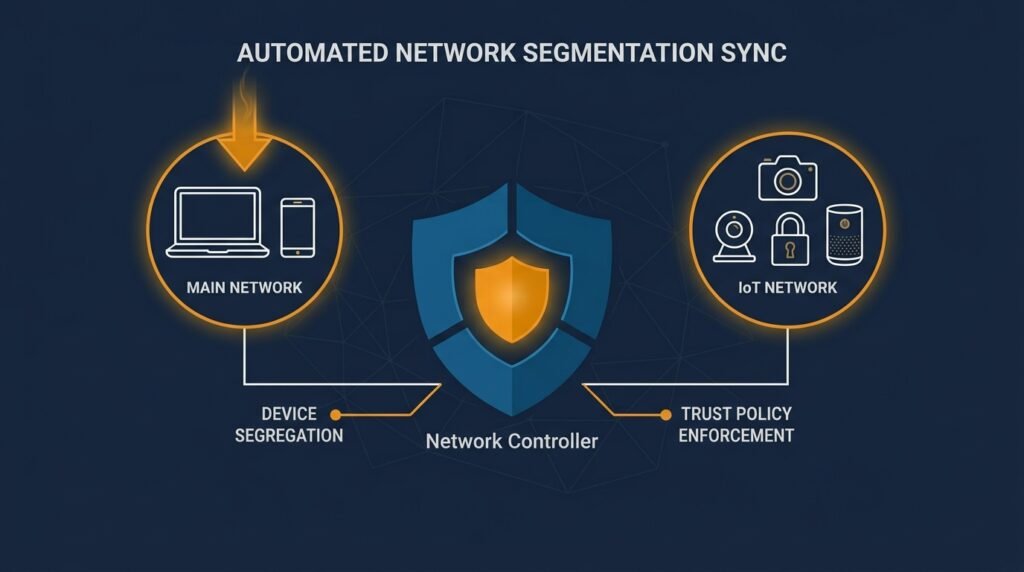
Here’s the risk most people don’t think about: if a smart device does get compromised, what else can the attacker reach from there? On most home networks, the answer is everything — laptops, phones, shared files — because every device sits on the same network by default. Most routers made in the last several years support a guest network or a way to segment devices, and using it means a compromised smart plug or camera doesn’t hand an attacker a path to your computer or phone.
What to do: Set up a guest or secondary network in your router’s settings and connect smart home devices to it, keeping laptops and phones on your main network. It takes a few minutes to configure and meaningfully limits what a compromised device can reach.
5. Review remote access and data-sharing settings
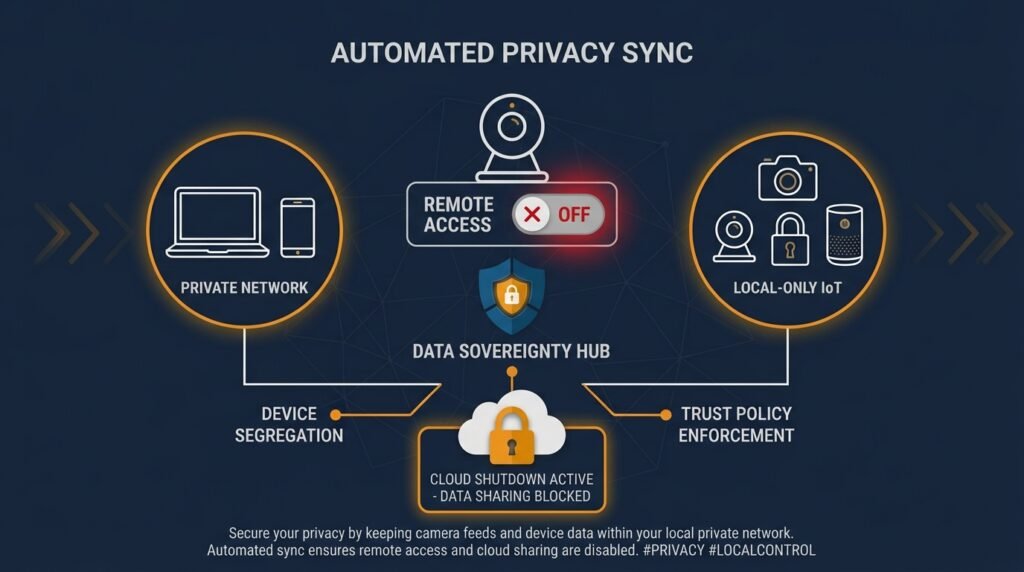
Many smart devices default to features you may not actually need — remote access from anywhere in the world, cloud storage of recordings, or data sharing with third parties for “personalized” features. Every one of these is a setting that widens what’s exposed if your account or the manufacturer’s systems are ever compromised, and most of them can be turned off without losing the core function of the device.
What to do: Go through each device’s privacy and access settings, disable remote access if you don’t specifically need to control the device while away from home, and turn off data sharing or analytics features you don’t use.
Why this matters beyond your living room
A compromised smart home device isn’t just a privacy annoyance. A breached camera can give someone a live view into your home or office. A compromised smart lock can grant actual physical access. And devices with weak security are frequently recruited into large networks of hijacked devices used to launch attacks elsewhere — meaning a hacked smart plug in your break room could quietly be doing damage to someone else’s systems entirely, without you ever noticing.
The bottom line
None of these five checks require technical skill, and most take less than five minutes per device. Changing default passwords and enabling two-factor authentication close the two biggest doors; updating firmware and segmenting your network limit what happens if something still gets through; and reviewing remote access settings cuts down on features you probably don’t need in the first place.
This same logic — strong credentials, limited access, and devices that are actually kept up to date — is exactly what’s covered across the categories in the Small Business Cybersecurity Risk Checklist, if you’d like a broader audit of where your business stands.
Leave a Reply