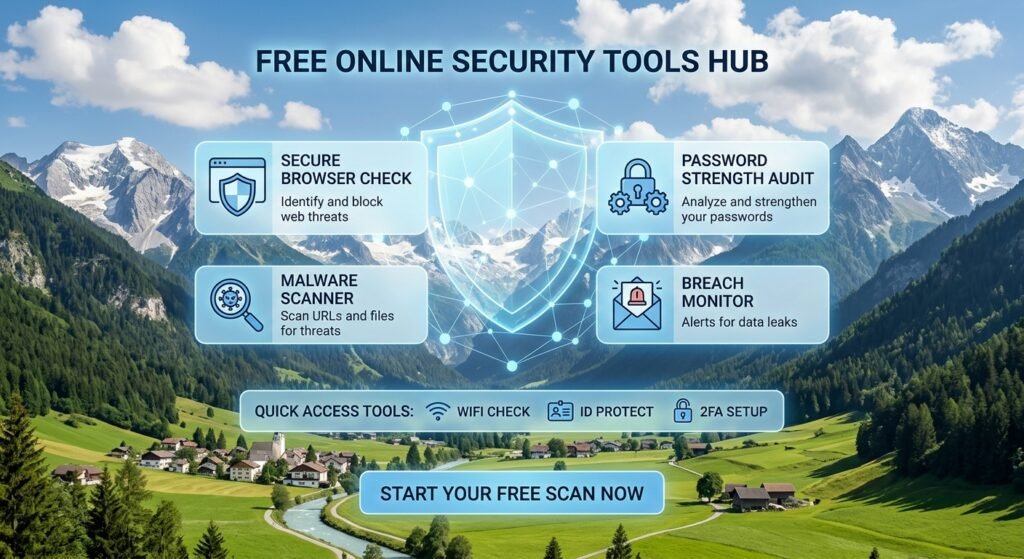
Sentryx offers 17 free online security tools that run in your browser, with no signup. Check a link for phishing, analyze an email header, test a password, decode a JWT and more.
Start here: the three most-used tools
Full guides: Phishing URL Checker · Email Header Analyzer
All 17 tools
What each tool does
About these tools: 17 free browser-based tools: check password strength, check if a password has been breached, generate secure passwords, hash text, decode JWTs and Base64, look up your IP and DNS records, parse user-agent strings, analyze URLs, punycode domains, and email headers for phishing red flags, OSINT tools for your digital footprint, plus a QR code generator. Nothing you type is sent anywhere except the lookup tools, which use public no-key APIs.
Password Strength Checker
Tests any password against length, uppercase/lowercase, number, and symbol rules and gives an instant strength rating from very weak to very strong.
Password Breach Checker
Checks whether a password has appeared in known data breaches, using Have I Been Pwned’s free Pwned Passwords API. Only the first 5 characters of the password’s SHA-1 hash are ever sent — your full password never leaves your browser.
Password Generator
Creates a cryptographically random password of your chosen length, with optional uppercase letters, numbers, and symbols.
Hash Generator
Computes SHA-256, SHA-1, or SHA-512 hashes of any text, entirely in your browser.
Base64 Encoder / Decoder
Converts text to and from Base64 encoding instantly.
JWT Decoder
Decodes a JSON Web Token’s header and payload so you can inspect its claims without sending the token anywhere.
What’s My IP
Shows your current public IP address along with your approximate city, region, country, and internet provider.
DNS Lookup
Looks up A, AAAA, MX, TXT, NS, or CNAME records for any domain using Google’s public DNS-over-HTTPS service.
User-Agent Parser
Identifies the browser and operating system from any user-agent string, or checks your own browser automatically.
Phishing URL Analyzer
Scans a URL for common phishing red flags: raw IP addresses used as hostnames, “@” symbol tricks, excessive subdomains, punycode, link shorteners, risky top-level domains, and lookalike hyphenated domains.
Punycode Decoder
Reveals the ASCII (punycode) form of an internationalized domain name, helping spot domains that visually impersonate trusted brands using non-Latin characters.
Email Header Analyzer
Parses raw email headers to check SPF, DKIM, and DMARC authentication results, flags mismatched From and Reply-To addresses, and counts the number of mail server hops.
Photo Metadata (EXIF) Viewer
Reveals hidden metadata embedded in a photo — camera model, timestamp, and GPS coordinates if present — entirely in your browser. Nothing is uploaded.
Email/Gravatar Exposure Check
Checks whether an email address has a public Gravatar profile photo linked to it — a common way emails get unintentionally exposed.
Username Search
Generates direct profile links for a username across 14 major platforms so you can quickly check where it’s registered.
WHOIS Lookup
Looks up public registration data (registrar, creation date, name servers) for a domain. Also known as a RDAP lookup — the modern replacement for the classic WHOIS protocol.
QR Code Generator
Turns any URL or text into a scannable QR code you can download as a PNG image, free with no watermark.
Frequently Asked Questions
Are these security tools really free?
Yes, all 17 tools on this page are free to use with no signup, no limits, and no data sent to our servers for the password, hash, Base64, and JWT tools.
Is it safe to check my password for breaches here?
Yes. The password breach checker uses a k-anonymity model: only the first 5 characters of your password’s SHA-1 hash are sent to Have I Been Pwned’s free API. Your full password and full hash never leave your browser.
Is my password safe when I use the password checker?
Yes. The password strength checker and generator run entirely in your browser using JavaScript, and nothing you type is transmitted or stored anywhere. For current guidance, see NIST password guidelines.
How does the phishing URL analyzer work?
It checks the structure of a URL against known phishing patterns, such as IP-based hosts, punycode domains, and link shorteners. It’s a heuristic check, not a guarantee — a clean result doesn’t mean a link is definitely safe.
What is a punycode domain and why does it matter for phishing?
Punycode lets domain names include non-Latin characters that can look identical to Latin letters, letting attackers register lookalike domains for phishing. The punycode decoder tool reveals the true underlying characters.
Can I check if an email is a phishing attempt?
Paste the email’s raw headers into the Email Header Analyzer to check SPF, DKIM, and DMARC results and see if the Reply-To address differs from the visible From address, a common phishing tactic.
Want to learn more? Read what phishing is and how to spot it or our strong password creation guide. Need more than a tool? See our cybersecurity services for small business.