
If you’ve read our earlier post on what Zero Trust actually means, you know the core idea: never trust access automatically, verify everything, every time. That principle is simple to say and much harder to put into practice, which is why the U.S. Cybersecurity and Infrastructure Security Agency (CISA) built a structured framework around it — the Zero Trust Maturity Model.
The model organizes Zero Trust into five pillars, plus three supporting capabilities that tie them together. You don’t need to be a federal agency to use this framework as a mental checklist. It’s a genuinely useful way to see where your own business’s security actually stands, pillar by pillar, instead of treating “Zero Trust” as one big, vague goal.
1. Identity
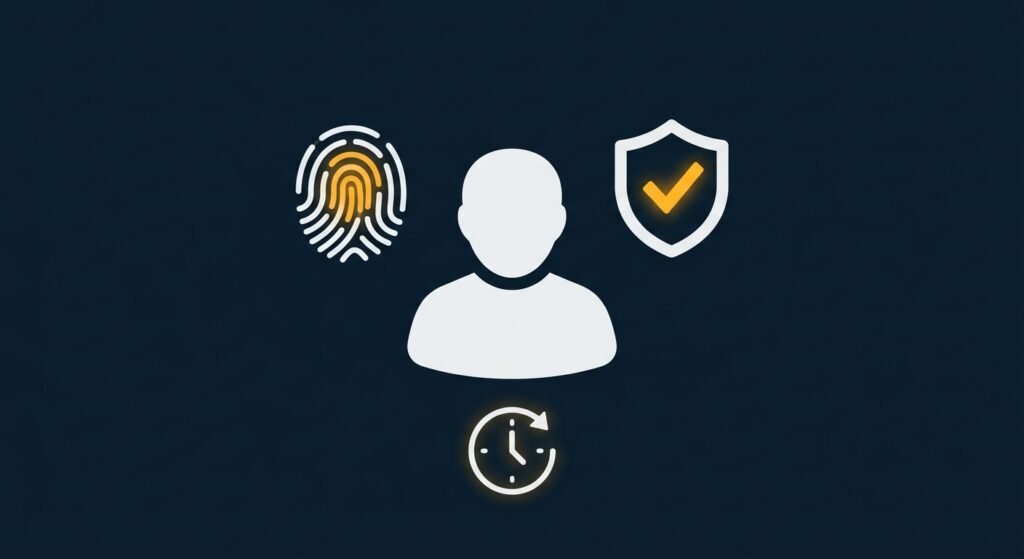
Identity is the foundation everything else builds on. This pillar covers how you verify that a person, device, or system is actually who or what it claims to be — and whether that verification happens once, or continuously.
For a small business, this pillar is mostly about the basics done well: multi-factor authentication on every account that supports it, unique logins for every employee instead of shared credentials, and a process for immediately revoking access when someone leaves the company. More advanced versions of this pillar include continuously scoring risk based on behavior, not just a login event.
2. Devices
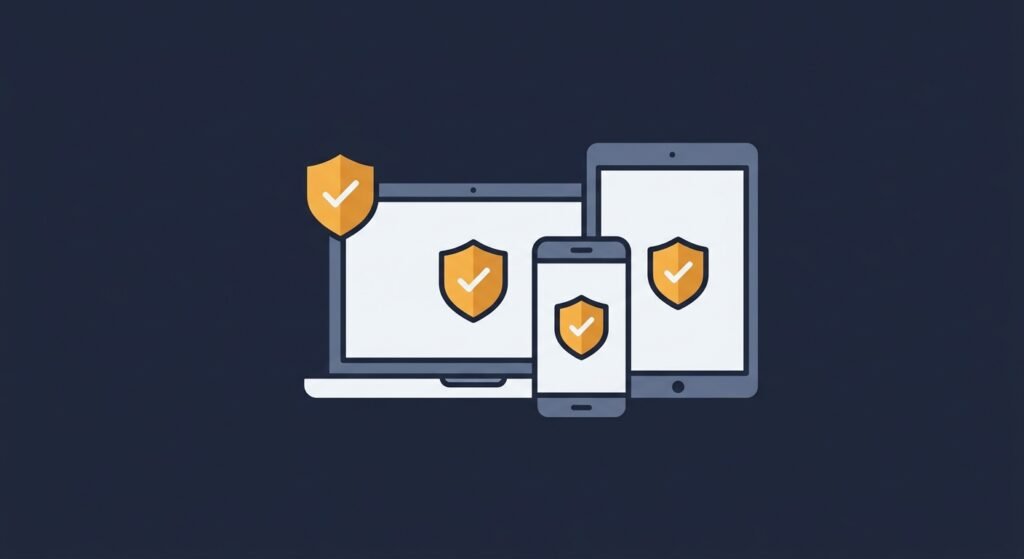
This pillar asks a different question: even if the person is verified, can you trust the device they’re using? A stolen password typed into a secure, company-managed laptop is a very different risk than the same password typed into an unknown personal device with outdated software.
At a basic level, this means keeping an inventory of what devices connect to your systems, requiring security software and updates on any device used for work, and being able to tell the difference between a managed company device and an unmanaged personal one. More mature organizations can block or limit access automatically the moment a device falls out of compliance — for example, if its antivirus software is disabled or its operating system is out of date.
3. Networks
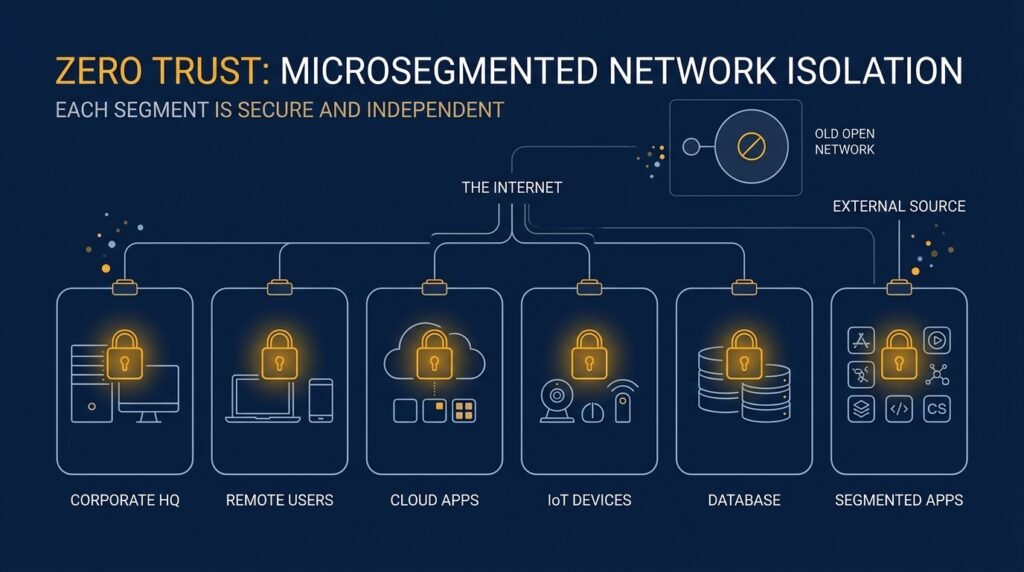
The Networks pillar addresses how traffic moves, both inside your systems and in and out of them. Traditional security treated the network as one trusted space once you were past the front door — the “castle and moat” model. Zero Trust treats the network itself as something to keep subdividing and verifying, not something to trust wholesale.
For a small business, this often starts with simple steps: separating guest Wi-Fi from the network that touches business data, encrypting traffic wherever possible, and using a firewall with rules that are actually reviewed periodically rather than left on default settings. Larger or more mature setups go further with network segmentation, so that even if one part of the network is compromised, an attacker can’t freely move to the rest.
4. Applications and Workloads
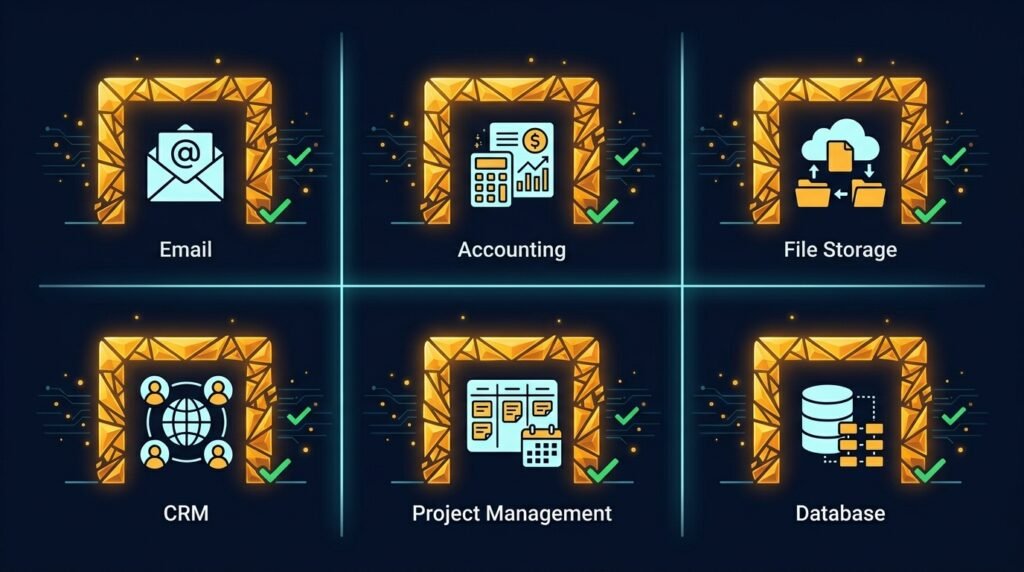
This pillar covers the software your business actually runs on, whether it’s hosted on your own servers or in the cloud — your accounting platform, your email, your customer database, your file storage. The question here is whether access to each application is deliberately controlled, or whether logging into one system quietly grants access to others nearby.
Practical steps at this level include limiting who can access which applications based on their actual role, reviewing app permissions periodically (especially for old contractor or vendor accounts), and applying extra scrutiny to any application that touches sensitive customer or financial data. This is also the pillar where ZTNA (Zero Trust Network Access) tools live, connecting a verified user directly to one specific application instead of the whole network.
5. Data
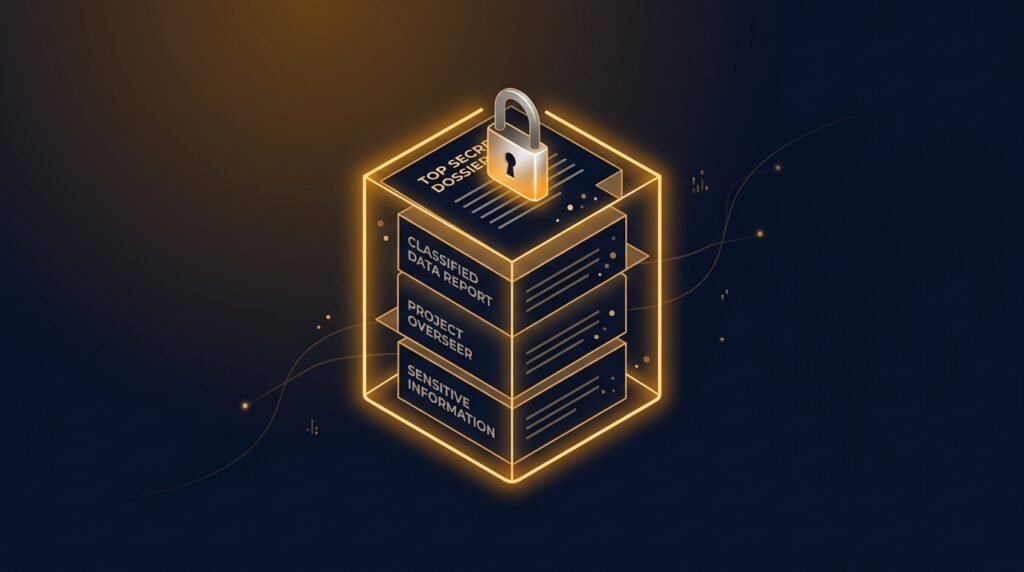
The last pillar is arguably the one all the others exist to protect: your actual data. This covers knowing what data you have, where it lives, who can access it, and how well it’s protected both in storage and while it’s being used or shared.
For most small businesses, this starts with an honest inventory: what customer data, financial records, or business-sensitive files do you actually hold, and where? From there, it’s about encrypting sensitive data, limiting who has access to it based on real need, and having a backup strategy that’s actually been tested. Data is also usually the last pillar organizations mature into, since it requires knowing your own systems well enough to classify what’s sensitive and what isn’t.
The three threads that connect all five pillars
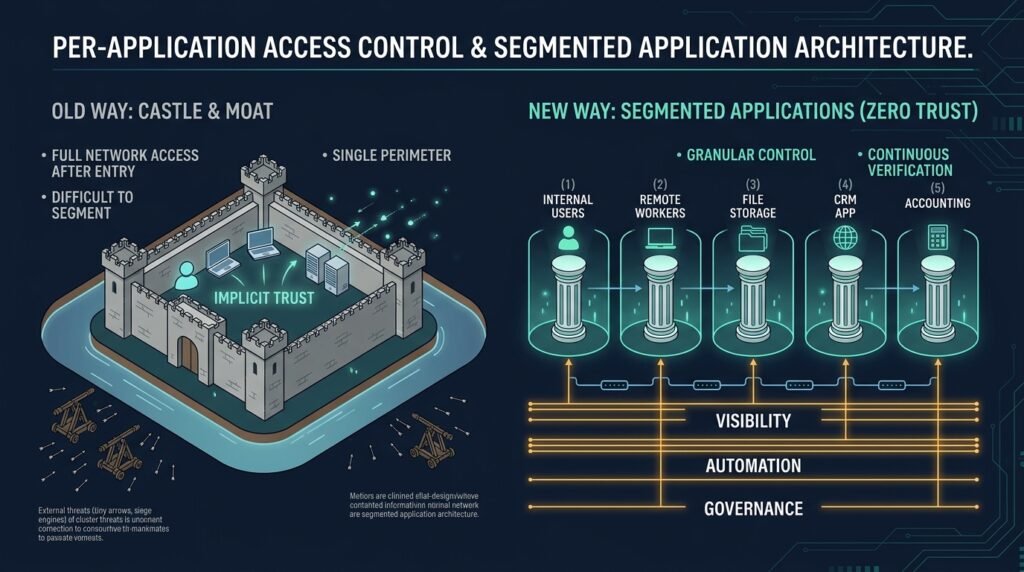
CISA’s model also names three supporting capabilities that run underneath all five pillars, rather than standing alone:
- Visibility and analytics — actually knowing what’s happening across your systems: who accessed what, when, and from where.
- Automation and orchestration — reducing how much of this depends on someone remembering to do it manually.
- Governance — having clear policies for each pillar, instead of ad hoc decisions made differently by whoever happens to be handling it that day.
Small businesses will naturally lean on simpler, more manual versions of these — a shared log, a quarterly review calendar, a written policy document — rather than the automated platforms larger organizations use. That’s fine. The goal isn’t to replicate an enterprise security operations center; it’s to make sure someone, on some schedule, is actually checking.
Where to start
You don’t need to master all five pillars at once, and CISA’s own model doesn’t expect that — it scores each pillar independently, on a scale from “Traditional” (manual, siloed, static) to “Optimal” (automated, continuously verified). Most small businesses are sitting closer to Traditional across the board, and that’s a normal starting point, not a failure.
A reasonable place to begin is Identity, since strong authentication and access controls tend to close off the most common attack path — compromised credentials — before moving on to Devices, Networks, Applications, and Data. If you haven’t assessed where your business currently stands, the Small Business Cybersecurity Risk Checklist covers many of the same fundamentals across these pillars in a simpler, practical format.
Leave a Reply