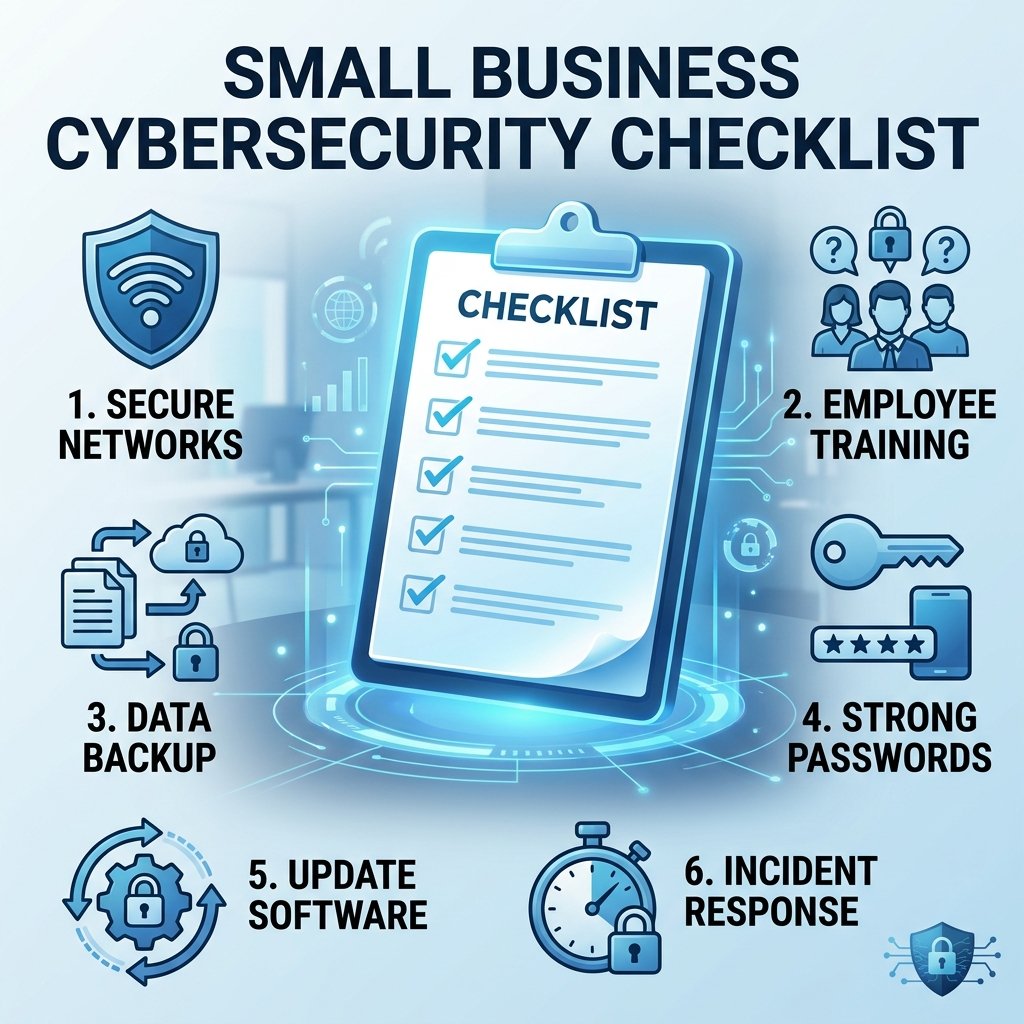
If you run a small business, you’ve probably had the thought: “We’re too small for hackers to care about us.”
That thought is exactly why small businesses get targeted so often. Attackers know that small businesses tend to have weaker defenses than large enterprises, and far less time or budget dedicated to security — which makes them easier targets, not less interesting ones.
The good news: you don’t need an enterprise security budget to close most of the gaps that actually get exploited. Most breaches don’t start with some sophisticated zero-day exploit — they start with a reused password, an unpatched laptop, or an employee clicking a convincing fake invoice email.
This checklist covers the eight areas that matter most, in plain language, with no assumption that you have an IT department.
📥 Download the free Small Business Security Checklist here — a ready-to-use spreadsheet version of everything in this post, with space to track progress, assign priority, and note who’s responsible for each item.
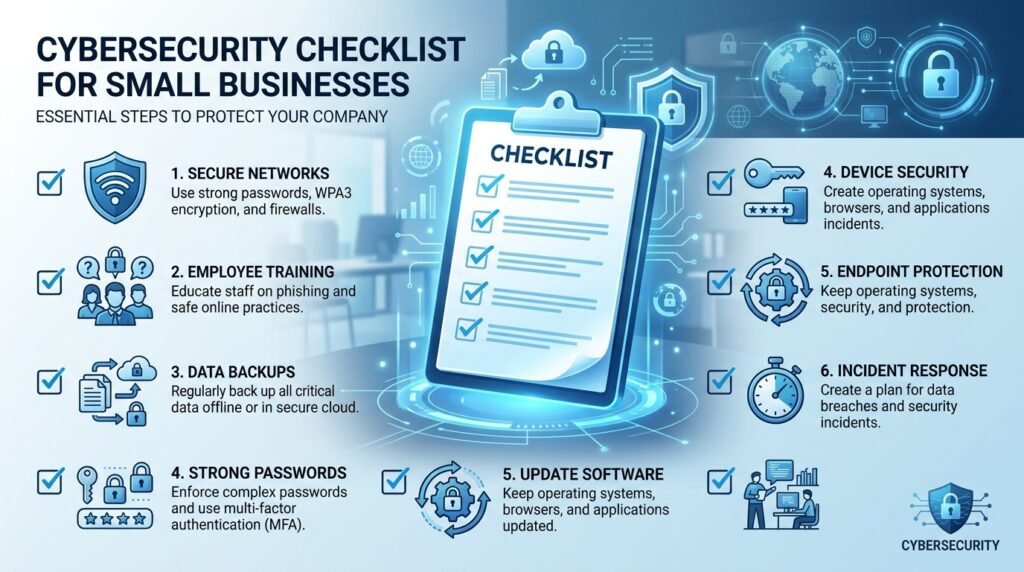
1. Access & Password Security
Weak or reused passwords are still one of the most common ways businesses get breached. Start here:
- Require unique passwords for every business account — no reuse across tools
- Turn on multi-factor authentication (MFA) everywhere it’s offered, especially email, banking, and cloud storage
- Use a business password manager so employees aren’t storing passwords in browsers or sticky notes
- Remove account access immediately when an employee leaves — this gets forgotten more often than you’d think
- Limit admin-level access to only the people who genuinely need it
2. Network & Device Security
Your devices and network are the front door. A few basics go a long way:
- Change default passwords on routers and any network hardware
- Keep operating systems and software updated — most exploited vulnerabilities already had a patch available
- Install reputable antivirus/endpoint protection on every device, including laptops used remotely
- Separate guest Wi-Fi from the network your business devices use
- Encrypt company laptops in case one is lost or stolen
3. Data Backup & Recovery
If ransomware hits, your backup strategy is what determines whether it’s a bad day or a business-ending event.
- Back up critical data automatically, not manually — automated backups don’t get forgotten
- Follow the 3-2-1 rule: 3 copies of your data, on 2 different types of storage, with 1 copy stored offsite or in the cloud
- Test your backups periodically — a backup you’ve never restored from is a backup you can’t fully trust
- Make sure backups are isolated from your main network, so ransomware can’t encrypt them too
4. Email & Phishing Defense
Email is still the number one way attackers get in. Most of this comes down to habits, not tools:
- Turn on spam and phishing filtering at the email provider level
- Train employees to slow down on urgent or unexpected requests, especially ones involving money or credentials
- Verify wire transfer or payment changes by phone, not just by replying to the email that requested it
- Watch for lookalike domains (e.g., “yourcompany-billing.com” instead of your real domain)
- Report suspicious emails to whoever manages your IT, even if you’re not sure — better a false alarm than a missed breach
5. Employee Training & Policy
Your team is either your biggest vulnerability or your best defense, depending on whether they’ve been given the basics.
- Run a short security awareness session at least once a year, more often if you can
- Put a simple Acceptable Use Policy in writing so expectations are clear
- Set expectations for personal device use if employees access business data on their own phones
- Make it easy and non-punitive for employees to report mistakes — a team afraid to admit “I think I clicked something bad” delays your response when it matters most
6. Incident Response Readiness
Hoping nothing goes wrong isn’t a plan. Even a basic plan beats no plan.
- Write down who to call first if you suspect a breach (IT provider, insurance, legal)
- Know your data breach notification obligations for your industry and location
- Keep an offline copy of your incident response plan — if systems are down, you need access to the plan without logging into the systems that are down
- Do a simple tabletop run-through once a year: “if X happened tomorrow, what would we actually do?”
7. Vendor & Third-Party Risk
A breach at one of your vendors can become a breach for you, especially if they have access to your systems or data.
- Keep a list of vendors who have access to your data or network
- Ask new vendors basic security questions before signing — how they store data, whether they use encryption, what happens if they’re breached
- Review vendor access periodically and remove anything no longer needed
8. Physical Security
Digital security often gets all the attention, but physical access matters too.
- Lock devices when unattended, even in the office
- Restrict physical access to servers, network equipment, and sensitive paperwork
- Shred or securely dispose of documents containing sensitive information
- Have a policy for lost or stolen devices, including remote wipe capability where possible
You don’t need to do this all at once
If you’re reading this and feeling behind, that’s normal — most small businesses are behind on at least half of this list. The goal isn’t perfection this week. It’s picking two or three items you can realistically knock out this month, then coming back for more.
Start with multi-factor authentication and backups. Those two alone close a huge percentage of the gaps that actually get exploited.
Want to work through this as a checklist instead of an article? Download the free Small Business Security Checklist → — a spreadsheet version of everything above, with space to track progress, assign priority, and note who’s responsible for each item.
This checklist is for general informational purposes and isn’t a substitute for a tailored security assessment. If your business handles regulated data (health records, payment data, financial information), consider a professional risk assessment on top of these basics.
Leave a Reply