
Phishing is still the most common way attackers get into a company, and it works for a simple reason: it targets people, not software. A firewall can’t tell when a busy employee is about to click a convincing invoice link at 4:45 on a Friday.
The good news is that you don’t need an expensive program or a full-time trainer to make a real difference. Small, consistent habits do more than a once-a-year slideshow ever will. Here’s how to build phishing awareness that actually sticks.
Start With Why It Matters to Them
Most people tune out security training because it feels abstract. Open with a real story instead: a fake invoice that cost a company real money, or a phishing email that nearly fooled someone on your own team. Explain that attackers don’t need to hack anything when they can simply ask someone to hand over access.
Keep the message personal, too. The same tricks used against the company are used against employees’ personal accounts, banking, and families. When people see that the skills protect them outside work as well, they pay more attention.
Teach the Five Red Flags
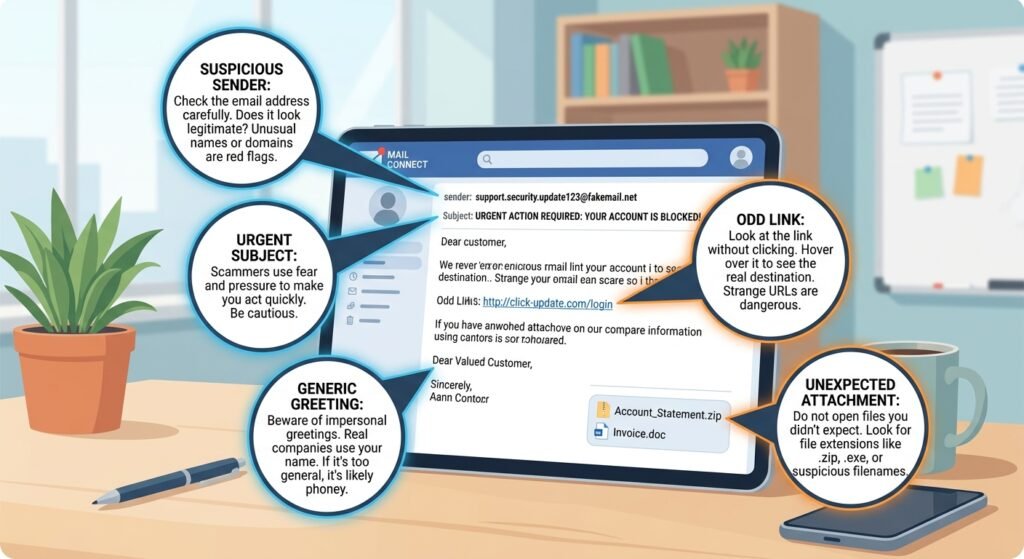
Don’t overload people with a long checklist. Five clear signals are easy to remember and cover most phishing attempts:
- Urgency or pressure. “Act now,” “your account will be closed,” or “pay today” are designed to stop you from thinking.
- An unexpected request. A message asking for money, gift cards, passwords, or sensitive files that you weren’t expecting.
- A mismatched sender. The display name looks right, but the actual email address is slightly off or comes from a free webmail domain.
- Suspicious links or attachments. Hover over a link before clicking to see where it really goes, and be wary of unexpected files, especially Office documents and zip files.
- Generic or odd wording. “Dear customer,” strange phrasing, or a tone that doesn’t match how the real sender normally writes.
Put these five on a one-page reference card or a desktop wallpaper so they’re visible every day.
Run Short, Frequent Sessions Instead of One Long One
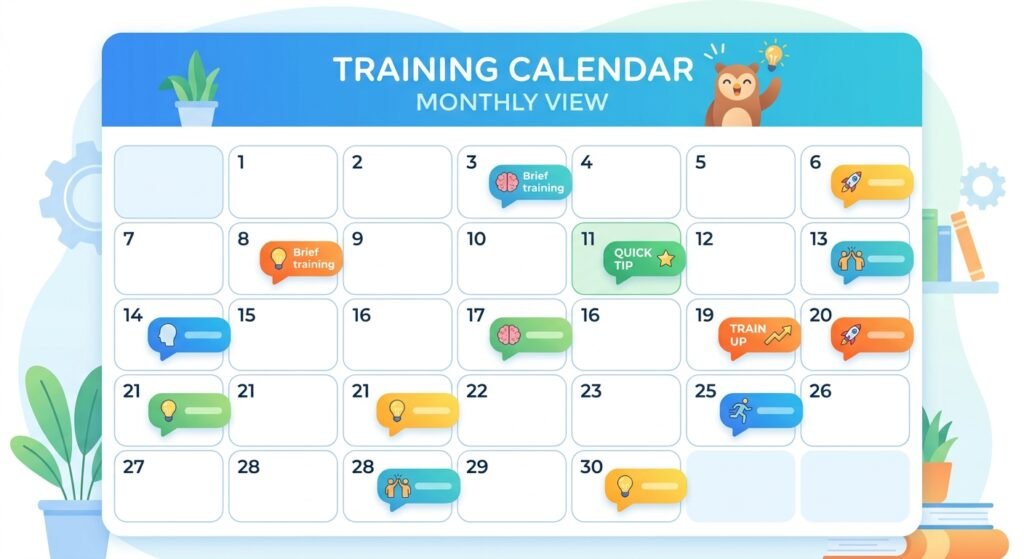
A single annual training session is forgotten within weeks. Short, regular touchpoints work far better:
- A five-minute segment in a regular team meeting.
- A monthly “spot the phish” example shared by email or chat.
- A short quiz or two-minute video that employees can complete whenever they have a spare moment.
Frequent, brief exposure builds instinct, which is what you need when someone is deciding whether to click in a split second.
Use Simulated Phishing Emails, Carefully
Sending realistic practice phishing emails shows you where the real gaps are and gives employees safe practice. A few ground rules keep it constructive rather than punishing:
- Never shame or publicly call out people who click. Treat it as a learning moment, not a failure. People who fear punishment stop reporting real mistakes, which is exactly the opposite of what you want.
- Give instant feedback. When someone clicks a simulated link, show a short explanation right then of what gave it away.
- Start easy and increase difficulty gradually, so people build confidence along the way.
- Track improvement over time, not just who clicked. A falling click rate and a rising report rate are the real signs of progress.
Make Reporting Effortless
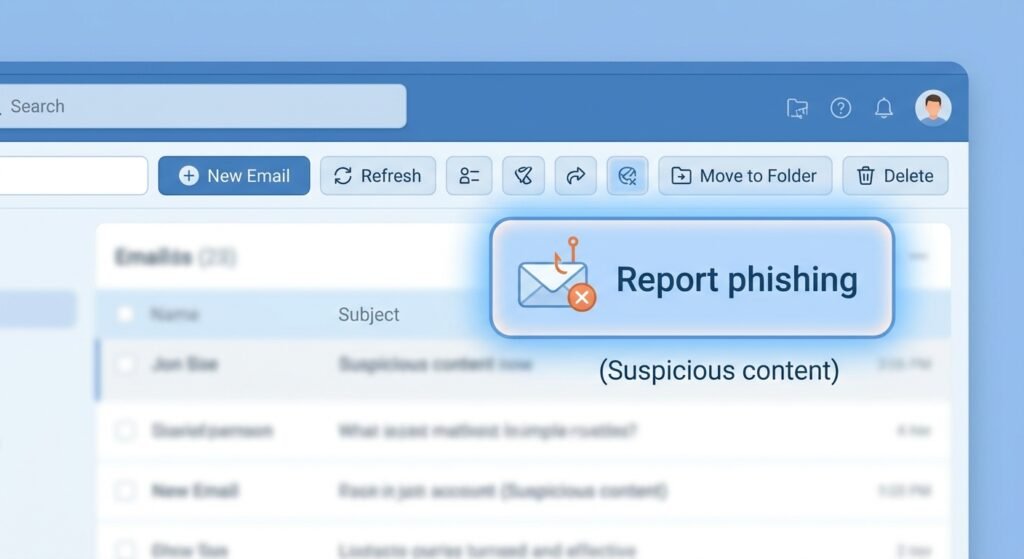
Training only works if people know what to do when they spot something suspicious. Give everyone one simple, obvious way to report: a report-phishing button in the email client, or a single shared address everyone knows.
Then close the loop. When someone reports a message, thank them quickly and let them know whether it was real. Recognition for good catches encourages the whole team to keep watching. A reported phish that turns out to be harmless is still a success, because it means the habit is working.
Cover More Than Email
Phishing doesn’t only arrive in an inbox. Include the other channels attackers use:
- Text messages pretending to be delivery services, banks, or HR.
- Phone calls from someone claiming to be IT support or a senior executive.
- Chat and collaboration apps where a compromised account sends convincing links.
- QR codes placed in emails, posters, or documents that lead to fake login pages.
A short reminder that “any channel can be used” prevents people from relaxing just because a message didn’t come by email.
Set Clear Rules for Sensitive Requests
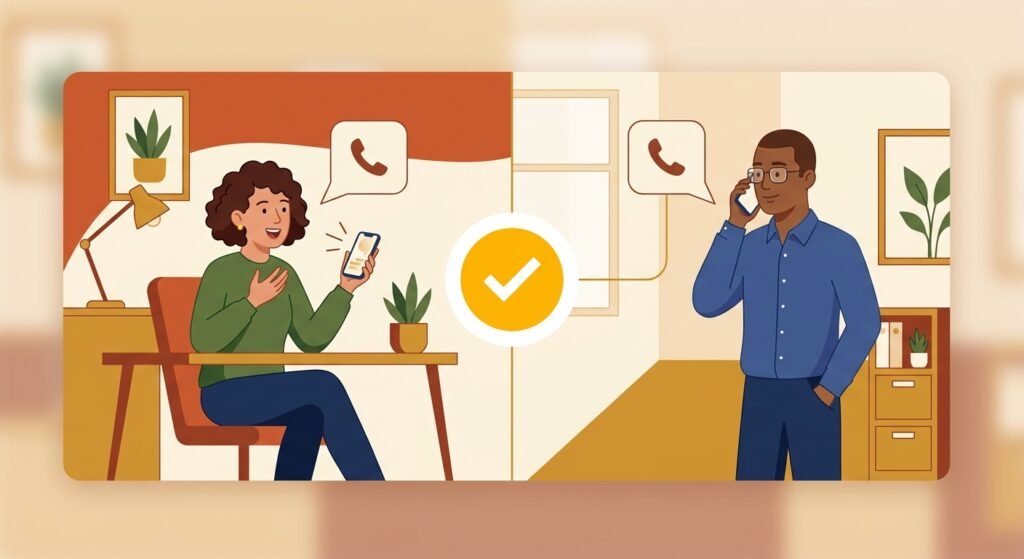
Some of the costliest phishing attacks ask for payments or changes to bank details. Build a few firm, simple rules that don’t depend on anyone’s gut feeling:
- Always verify payment or bank-detail changes through a second channel, such as calling a known number, never one provided in the message.
- Require a second approval for large or unusual transfers.
- Make it clear that no one will be criticized for pausing to double-check a request, even if it appears to come from a senior leader.
These rules turn “use good judgment” into a concrete process that works even when someone is tired or rushed.
Support Training With Basic Protections
Training is one layer, not the whole defense. Pair it with controls that catch what people miss: multi-factor authentication on every account, email filtering, and up-to-date devices. If someone does click, these protections limit the damage, and employees will feel safer knowing a single mistake isn’t catastrophic.
Keep It Positive and Ongoing
The most effective phishing awareness cultures are not built on fear. They’re built on curiosity, quick reporting, and a shared sense that spotting a scam is something to be proud of. Celebrate catches, share new real-world examples as they appear, and keep the conversation going throughout the year.
Phishing tactics keep evolving, so your training should too. A team that talks about phishing regularly, reports without hesitation, and double-checks before acting is far harder to trick than one that sat through a single presentation once a year.
Leave a Reply