
Every family ends up sharing passwords eventually — the Wi-Fi, the streaming accounts, the shared bank login for household bills, or your kid’s school portal. The problem is how most families actually do it: a sticky note on the fridge, a shared notes app, or a group text that never gets deleted. All three are one lost phone or leaked chat away from a real problem.
Here’s how to share passwords with your family in a way that’s actually secure, without making it a hassle anyone will abandon after a week.
Why “Just Texting It” Is the Real Risk
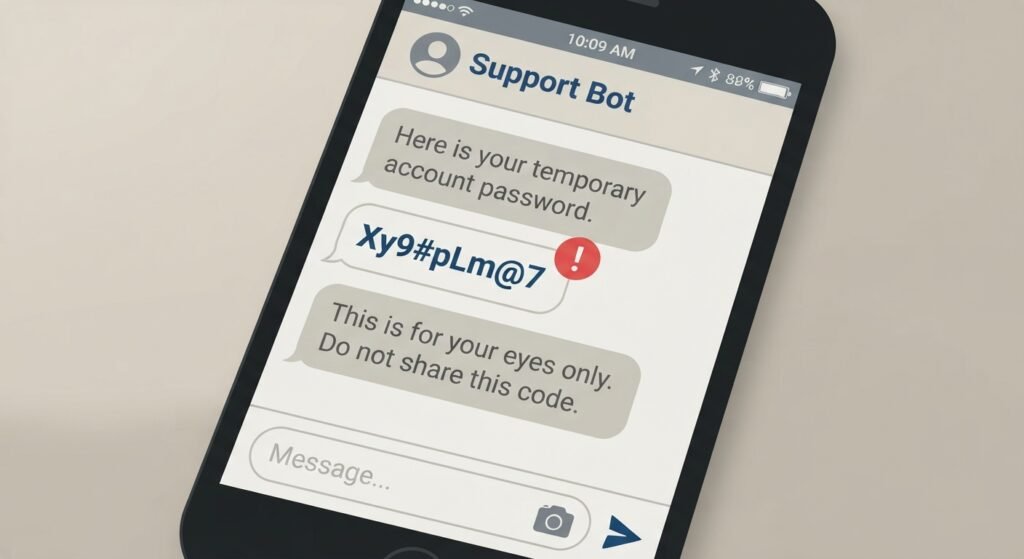
Sending a password over text, email, or a notes app feels harmless because it’s familiar. But each of those leaves a permanent, searchable copy sitting on multiple devices, often backed up to a cloud account you don’t control. If any one device in that chain is lost, stolen, or compromised, every password you’ve ever shared that way goes with it.
The fix isn’t “be more careful” — it’s using a tool built to share credentials without ever exposing the plain text version to begin with.
Use a Password Manager With Family Sharing Built In
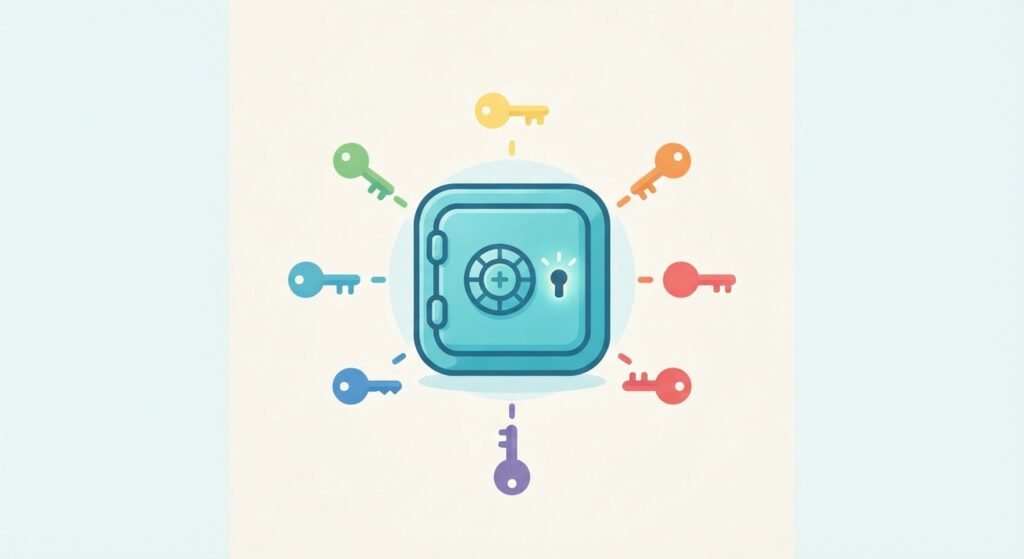
Most major password managers now offer a family plan designed exactly for this. The core idea is the same across all of them: each family member gets their own private vault, plus the ability to share specific logins into a shared vault or folder that only approved family members can see.
What to look for when choosing one:
- End-to-end encryption, so the provider itself can’t read your stored passwords.
- Per-item sharing, so you can share just the Netflix login without exposing your bank password to the same group.
- Individual vaults for each person, not one shared master vault everyone logs into — this keeps personal accounts private while still allowing shared ones.
- Emergency access, which lets a trusted family member request access to your vault if something happens to you, after a waiting period you control.
- Cross-platform support, since your family is almost certainly a mix of phones, laptops, and browsers.
Setting It Up: A Practical Walkthrough
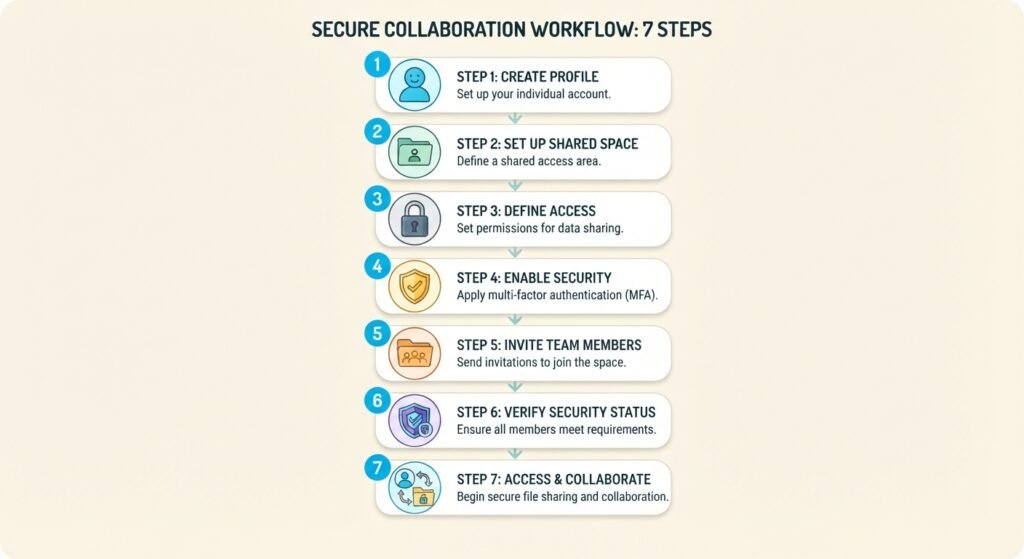
- Pick one password manager for the whole family and set up the family/household plan rather than everyone using different tools.
- Give each family member their own individual account, even young kids old enough to have their own devices. Shared logins to the password manager itself defeat the purpose.
- Create a shared vault or folder specifically for household items: Wi-Fi, streaming, utilities, shared subscriptions.
- Move shared passwords into it one at a time, updating any weak or reused ones as you go rather than copying them over as-is.
- Keep personal accounts — email, banking, social media — out of the shared vault entirely. Only put something there if more than one person genuinely needs regular access to it.
- Set up emergency access for at least one trusted adult in the household, with a waiting period long enough that it can’t be triggered by accident or misuse.
- Turn on multi-factor authentication on the password manager account itself — this is the single most important step, since it’s now the key to everything else.
Handling Kids’ Accounts Differently

For younger children, most families end up managing accounts on their behalf rather than sharing credentials with them directly. A few things worth doing differently here:
- Keep a parent as the recovery contact on any account a child has, so you’re not locked out if they forget a password.
- As kids get older, transition them to managing their own entries in their own vault, with visibility rather than full control kept on the parent side for a while.
- Avoid reusing the same password across a child’s accounts and your own — a breach on a gaming site shouldn’t be able to reach your email.
What to Do When Someone Leaves the Household
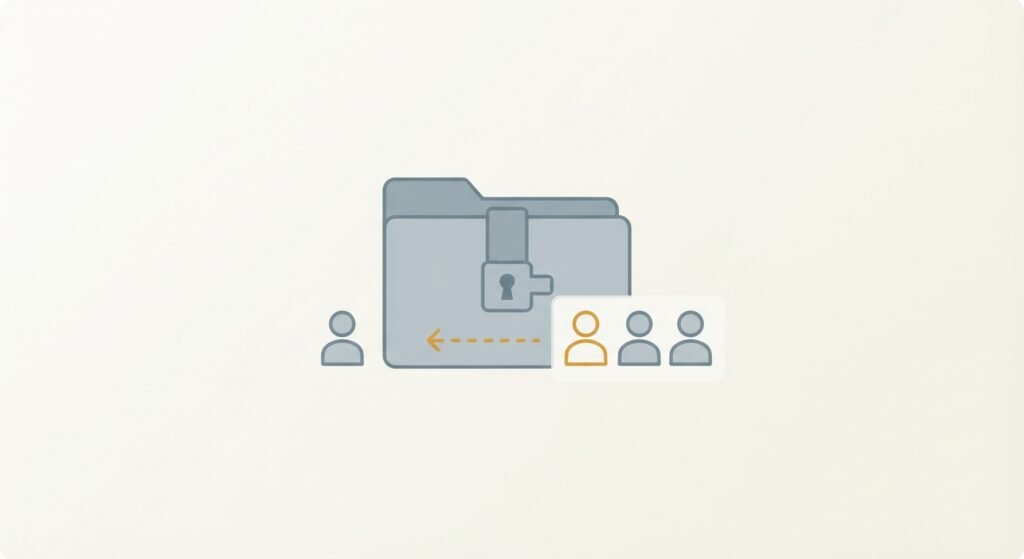
Whether it’s a kid moving out, a divorce, or a family member passing away, shared access needs an actual offboarding step — most families never think about this until it’s urgent.
- Remove the person from the shared vault immediately.
- Change any passwords they had access to that they shouldn’t retain going forward (shared streaming, banking, smart home devices).
- Review emergency access permissions and update who’s listed.
The One Habit That Matters Most
If you take away a single change from this, make it this one: stop sending passwords as plain text through any channel, ever. Everything else — which password manager, how you organize folders, whether kids get their own vaults — is a detail you can adjust later. The habit of never sending a password in the clear is the one that actually prevents the leaks that matter.
Leave a Reply