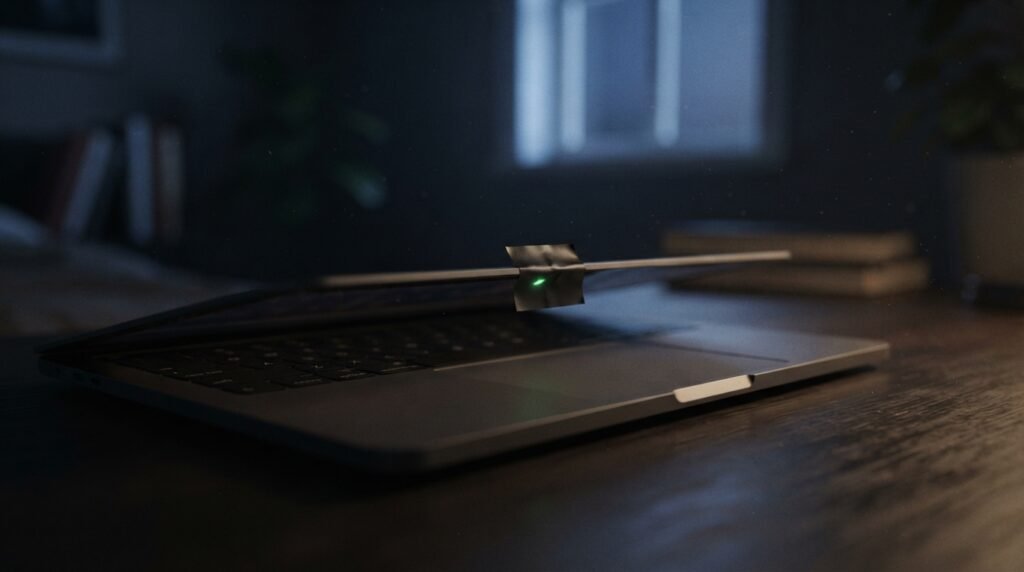
Every few months, a story resurfaces: a stranger accessed someone’s webcam and watched them without their knowledge. It’s a genuinely unsettling idea, and it’s part of why so many laptops these days have a little sliding cover or a strip of tape over the camera.
But how real is the actual risk, and — more usefully — what specifically makes a webcam vulnerable in the first place? Let’s separate the genuine threat from the fear.
How Webcam Hacking Actually Happens
Contrary to the popular image of a hacker “breaking into” your camera directly over the internet, webcam compromise almost always follows one of a few well-understood paths.
1. Remote Access Trojans (RATs)
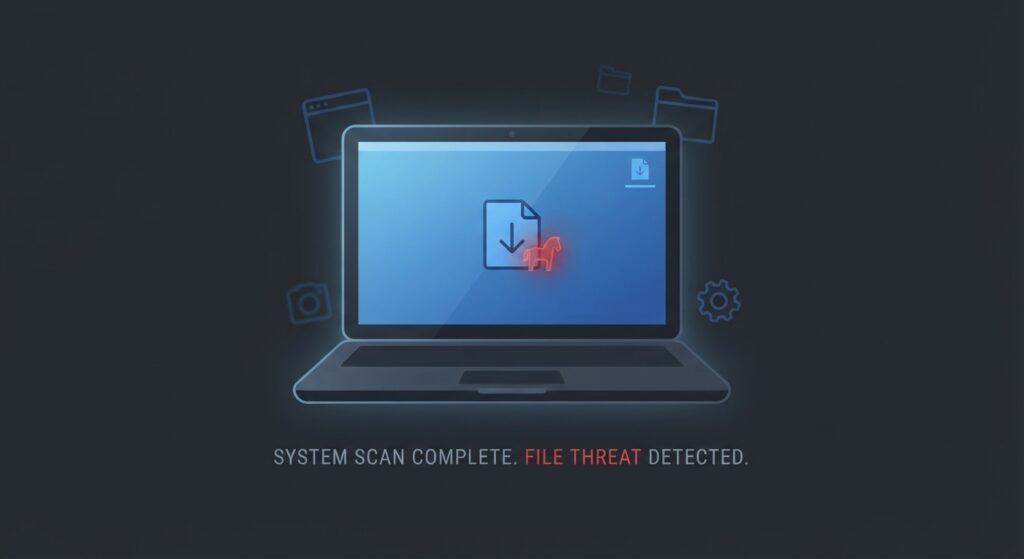
This is the primary real-world method. A RAT is malware that, once installed, gives an attacker remote control over parts of your device — including camera and microphone access. It doesn’t “hack the webcam” specifically; it hacks the computer, and the webcam is just one of many things it can then access.
How it gets installed: the same way most malware does — a malicious email attachment, a cracked software download, or a fake update prompt that the user runs themselves.
2. Malicious or Over-Permissioned Apps
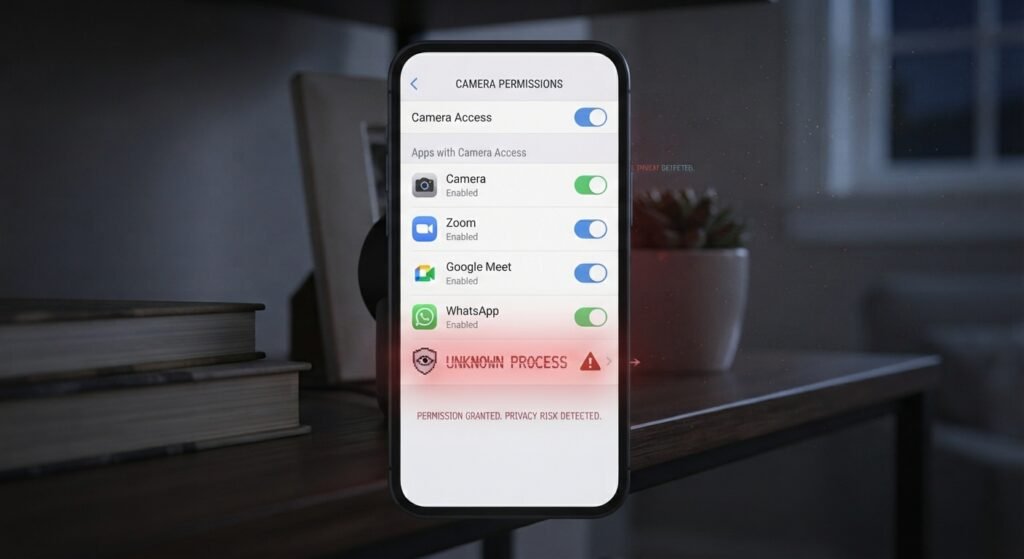
Mobile apps and browser extensions sometimes request camera permissions far beyond what they need to function, and a surprising number of users grant that access without a second thought.
How it gets installed: through legitimate app stores, using camera access as an unnecessary “nice to have” permission that gets silently approved during setup.
3. Compromised IoT and Smart Home Cameras
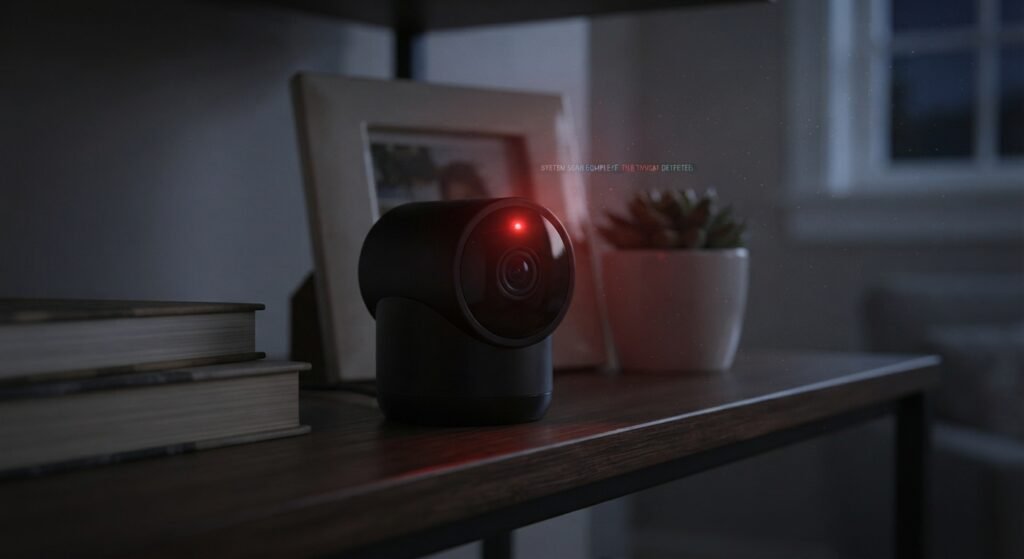
This is actually the more common real-world category — not laptop webcams, but internet-connected security cameras and baby monitors, many of which ship with weak or default credentials that owners never change.
How it gets accessed: credential stuffing against the camera’s default login, or the manufacturer’s cloud service itself being breached, exposing every connected camera’s access credentials at once.
The Warning Signs Worth Actually Watching For
- The camera’s indicator light turns on when you haven’t opened any camera app. This is the single most reliable signal, and on most modern laptops the light is hardware-tied to the camera sensor itself, making it very difficult for malware to disable while still using the camera.
- Unusually high CPU or network usage when no video app is running. RATs streaming video or audio consume noticeable bandwidth and processing power.
- Unfamiliar apps in your camera permission settings. Both Windows, macOS, iOS, and Android show a list of which apps have requested camera access — worth a periodic glance.
- Files or images on your device you don’t recognize. Some malware saves captured footage locally before exfiltrating it, leaving a trace if you know where to look.
What Actually Reduces the Risk
None of these require special technical skill — they’re the same basic hygiene that prevents most malware in general, because webcam access is rarely the goal on its own; it’s a side effect of a broader compromise.
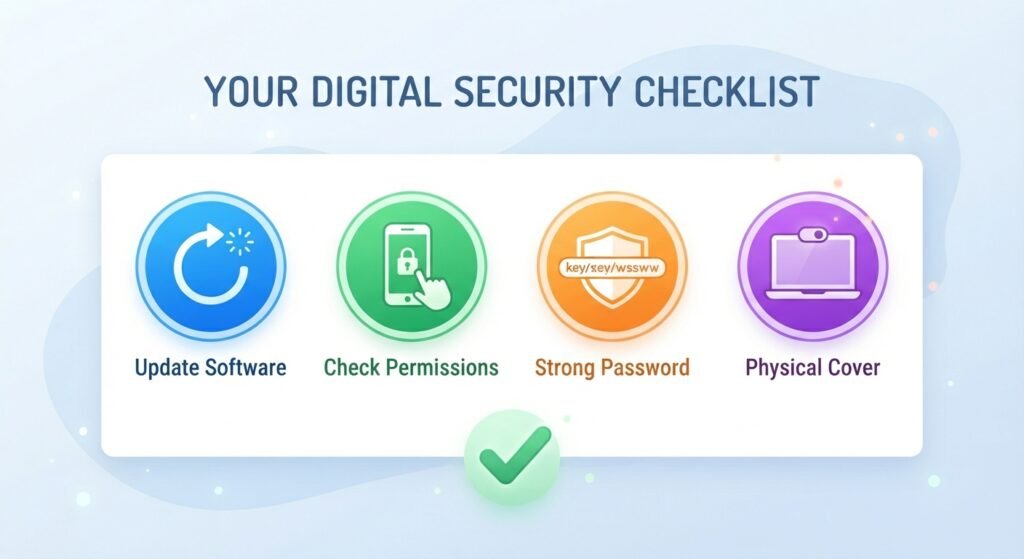
- Keep your operating system and camera-adjacent software updated. Most webcam-related malware exploits known, already-patched vulnerabilities.
- Only install software from official sources, and be skeptical of “free” versions of paid software — a classic RAT delivery method.
- Review app permissions periodically and revoke camera access from anything that doesn’t clearly need it.
- Change default credentials on any internet-connected camera the moment you set it up, and enable two-factor authentication if the manufacturer offers it.
- Use a physical cover or a piece of tape as a genuinely effective, zero-cost backstop. It won’t stop malware from listening through your microphone, but it neutralizes the camera specifically, which is exactly why the habit has stuck around.
So, Is Yours at Risk?
For most people, the realistic risk isn’t a stranger specifically targeting your webcam — it’s downloading the wrong file, reusing a weak password on a connected camera, or ignoring an app permission prompt. The webcam itself is rarely the target; it’s just what gets swept up once something else on your device is already compromised.
The good news is that the fixes are mundane rather than dramatic: patch your software, watch your permissions, and use strong, unique credentials on anything with a camera and an internet connection. The tape over the lens is a fine extra layer, but it’s the last line of defense, not the first.

Want the full device-security checklist? Download our free Personal Device Security Checklist, covering webcams, microphones, and the permission settings most people never check. [Download it here →]
Related reading: How to Spot a Fake Online Store Before You Buy — the same “download something you shouldn’t” pattern behind most webcam compromises also drives a lot of online shopping scams.
Leave a Reply