The old advice for spotting a phishing email — bad grammar, a generic greeting, an obviously fake domain — doesn’t work anymore, and pretending it still does is actively dangerous. Current industry tracking puts the majority of detected phishing emails as AI-generated in 2026, and the defining trait of these messages isn’t a mistake anymore. It’s fluency. A well-crafted AI-generated phish now reads like it was written by someone who actually works at your company, references a project only a few people would know about, and arrives at exactly the moment you’d expect it.
Here’s what phishing emails actually look like right now, organized by the patterns that keep showing up, and what still gives them away even when the writing is flawless.
Why the old advice stopped working
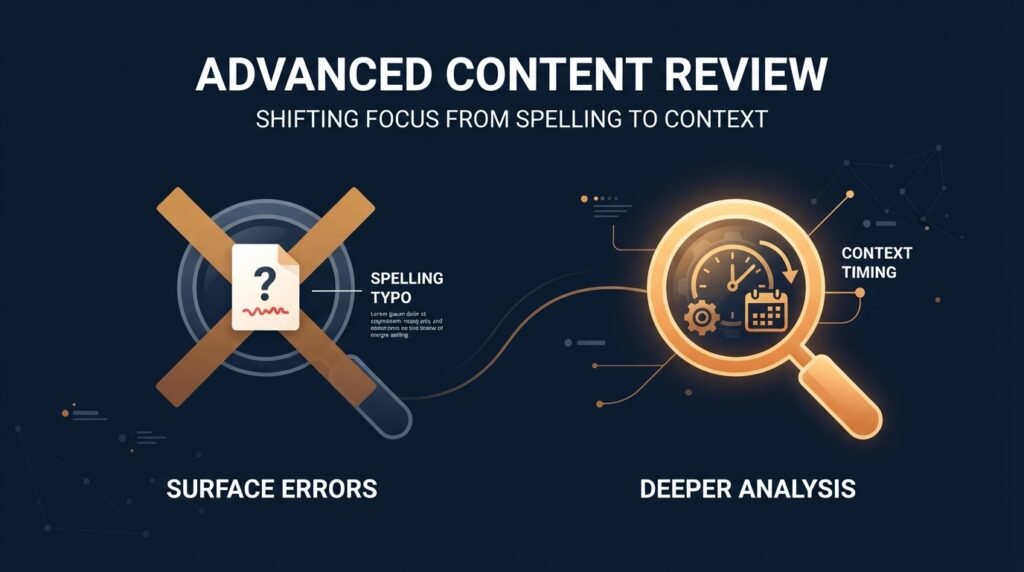
The security awareness playbook most people learned trained them to look for surface-level errors — misspellings, awkward phrasing, a greeting that doesn’t use their name. Generative AI has effectively eliminated those tells. Research comparing AI-personalized phishing against generic phishing found AI-generated messages achieved roughly three times the click-through rate of traditional phishing, and separate research found AI-crafted spear phishing now matches the effectiveness of a skilled human attacker at a small fraction of the cost and time. The median time it takes someone to click a phishing link, once it lands in their inbox, is now around 21 seconds — barely enough time to think, let alone scrutinize.
Pattern 1: The fake account security alert
This remains one of the most-clicked templates going into 2026. The email impersonates a major platform — commonly Microsoft, Google, or a similar widely used service — warning of unusual sign-in activity or a security issue with your account, and pushes you toward a link that leads to a credential-harvesting page built to mirror the real login screen almost exactly. What makes this version harder to catch: the fake login page increasingly looks pixel-accurate to the real one, and the surrounding email no longer contains the broken formatting or stiff phrasing that used to be a giveaway.
Pattern 2: Invoice, payroll, and vendor-change fraud
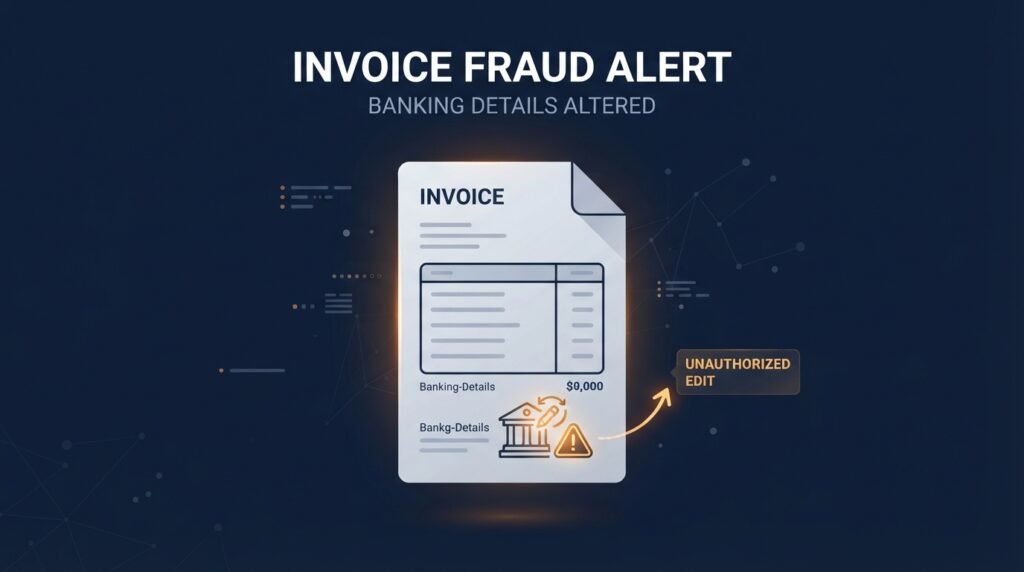
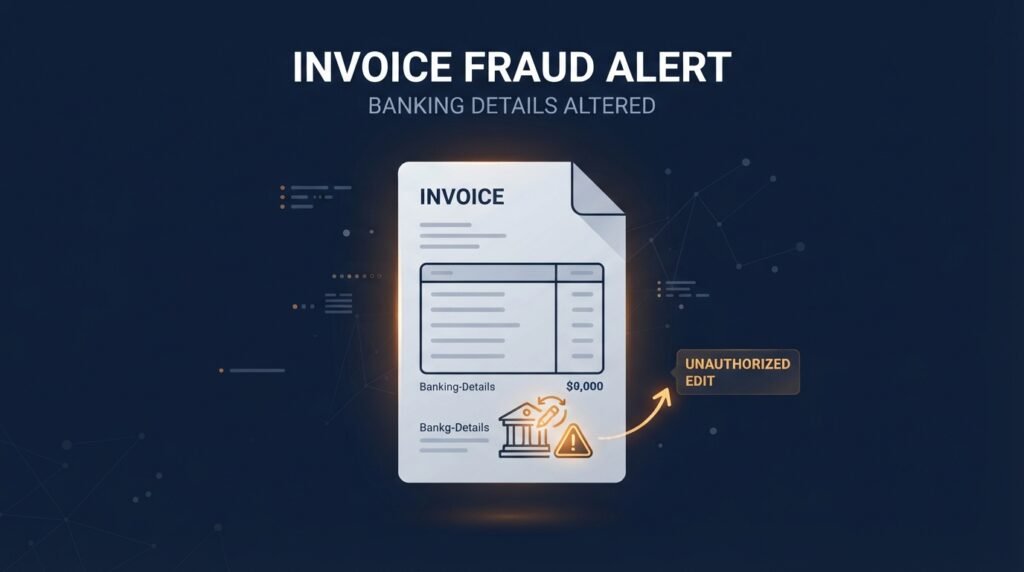
An email claims to be from a vendor you already work with, or from payroll, informing you that banking details have changed and asking you to update your records before the next payment. As covered in our post on business email compromise, this remains devastatingly effective because it exploits a routine process rather than a technical weakness — there’s nothing inherently suspicious about a vendor updating payment details, which is exactly why it works.
Pattern 3: The “legitimate service” lure
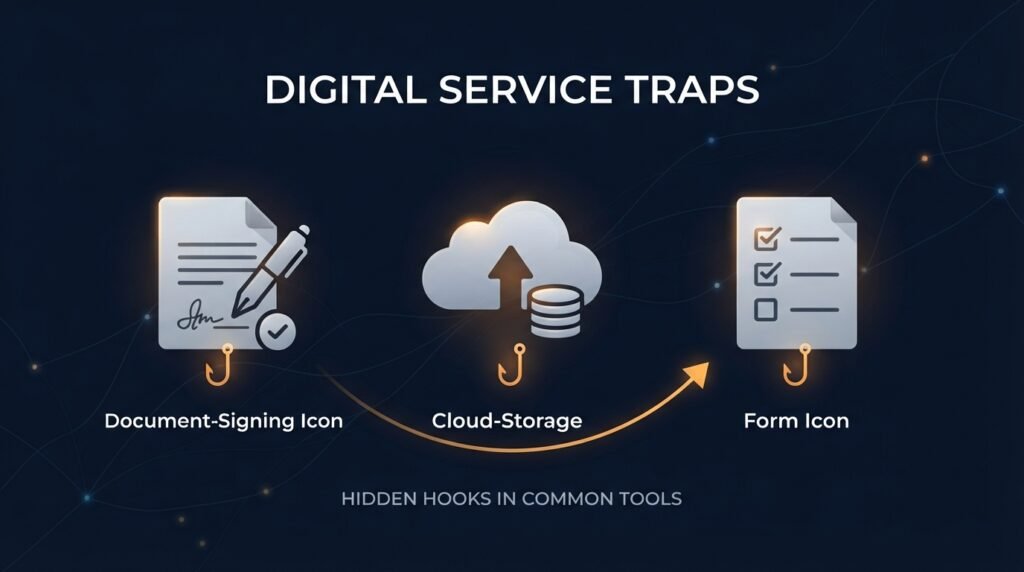
This is one of the more consequential shifts in how phishing works now: instead of sending email from a spoofed or fake domain, attackers increasingly send it through real, legitimate platforms — an actual DocuSign envelope, a genuine Dropbox share link, a real Microsoft Forms submission. These pass technical email filters because they genuinely are authentic messages from those services; the deception isn’t in the infrastructure, it’s in what the attacker put inside the legitimate envelope. This is part of why relying on technical filtering alone is no longer enough — the message can be “real” by every automated check and still be malicious.
Pattern 4: CEO fraud and executive impersonation
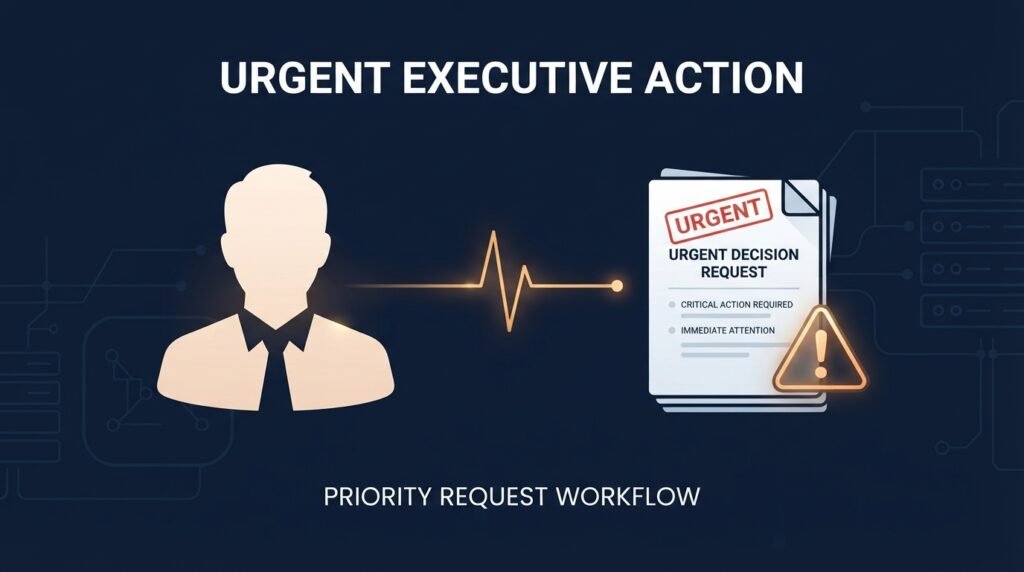
An email appears to come from a senior leader, often marked urgent, requesting a payment, a gift card purchase, or sensitive information — sometimes reinforced afterward by a cloned voice call or even a deepfake video appearance to add a second layer of false confirmation. A well-documented 2024 case saw a finance employee at an engineering firm’s Hong Kong office initially suspicious of exactly this kind of email, only to be convinced after being invited onto a video call where every other “participant” was an AI-generated deepfake of real executives — a reminder that a single email is often just the opening move in a longer, multi-channel deception rather than the whole attack.
Pattern 5: MFA fatigue and callback phishing
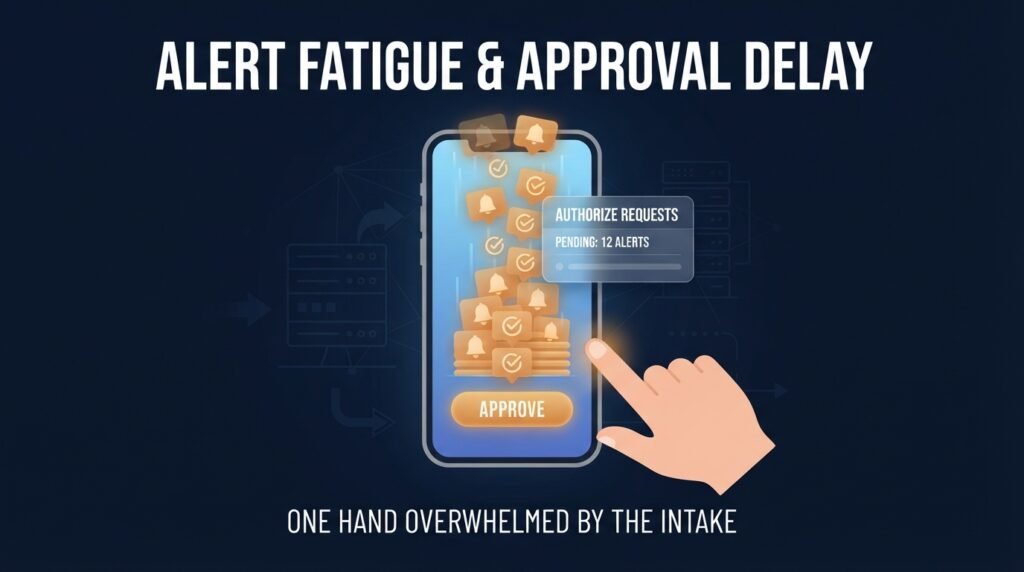
An email or text claims a payment failed, a subscription needs confirming, or a purchase needs review, and directs you to call a phone number to resolve it — leading to a fake support line designed to walk you through providing credentials or remote access “to fix the problem.” A related pattern involves repeatedly triggering real login approval prompts on your phone, hoping you’ll eventually approve one out of habit or irritation just to make the notifications stop.
What still gives phishing away, even now
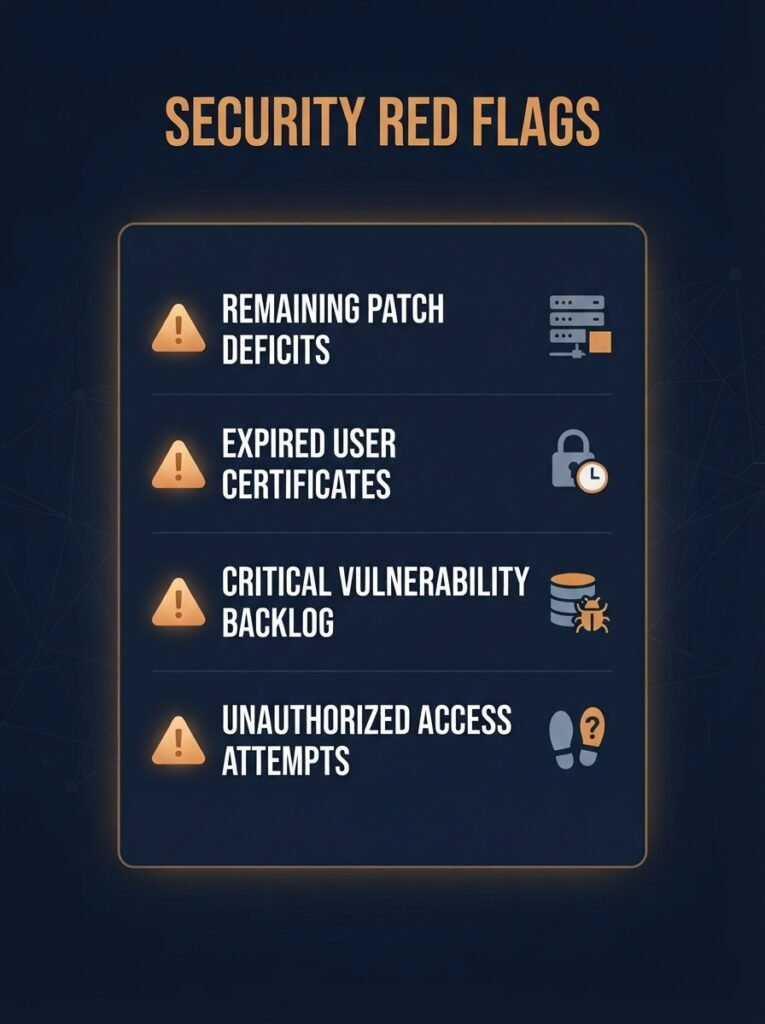
Grammar and spelling are no longer reliable signals, but a few things still consistently separate a phishing attempt from a genuine message:
- A mismatch between the request and the normal process. A vendor asking to change payment details outside your usual approval workflow, or an executive requesting something they’d never normally handle personally, is a process red flag no amount of AI polish can fix.
- Urgency paired with a request to bypass verification. Legitimate requests can withstand a phone call to confirm. Pressure specifically designed to prevent that call is itself the signal.
- A link or attachment that doesn’t match the claimed sender, even when the surrounding email looks perfect — checking the actual destination before clicking still matters.
- A request arriving through an unusual channel for that type of ask — a financial request over chat instead of the system you normally use for approvals, for example.
- Any request for a one-time code or MFA approval you didn’t initiate. As covered in our post on account compromise, this is one of the clearest remaining signals available, regardless of how convincing everything else looks.
What actually reduces the risk now
Since text-based detection is increasingly unreliable, the controls that matter most have shifted toward process and verification rather than spotting a “tell” in the message itself:
- Verification through a separate channel for any request involving money, credentials, or account changes — a phone call to a known number, not a reply to the email itself.
- Regular, realistic training and simulation, which industry data shows meaningfully reduces click rates even against sophisticated lures — organizations running consistent simulations report significant improvement within months.
- Multi-factor authentication on every account that supports it, since it remains one of the few controls that still stops a successful phish from becoming a successful account takeover.
- DMARC and related email authentication on your own domain, which won’t stop phishing aimed at you, but does prevent attackers from using your company’s name to phish your customers and partners.
The bottom line
Phishing in 2026 doesn’t look like phishing used to. The emails are fluent, contextually aware, and increasingly delivered through genuinely legitimate services rather than obviously fake ones — which means the old habit of scanning for typos and broken English no longer protects you. What still works is process discipline: verifying unusual requests through a separate channel, treating urgency as a reason to slow down rather than speed up, and leaning on multi-factor authentication as the backstop for the moments a well-crafted message gets through anyway.
This builds directly on our earlier posts on business email compromise and signs someone else is using your account — both worth revisiting as these patterns keep evolving.
Leave a Reply